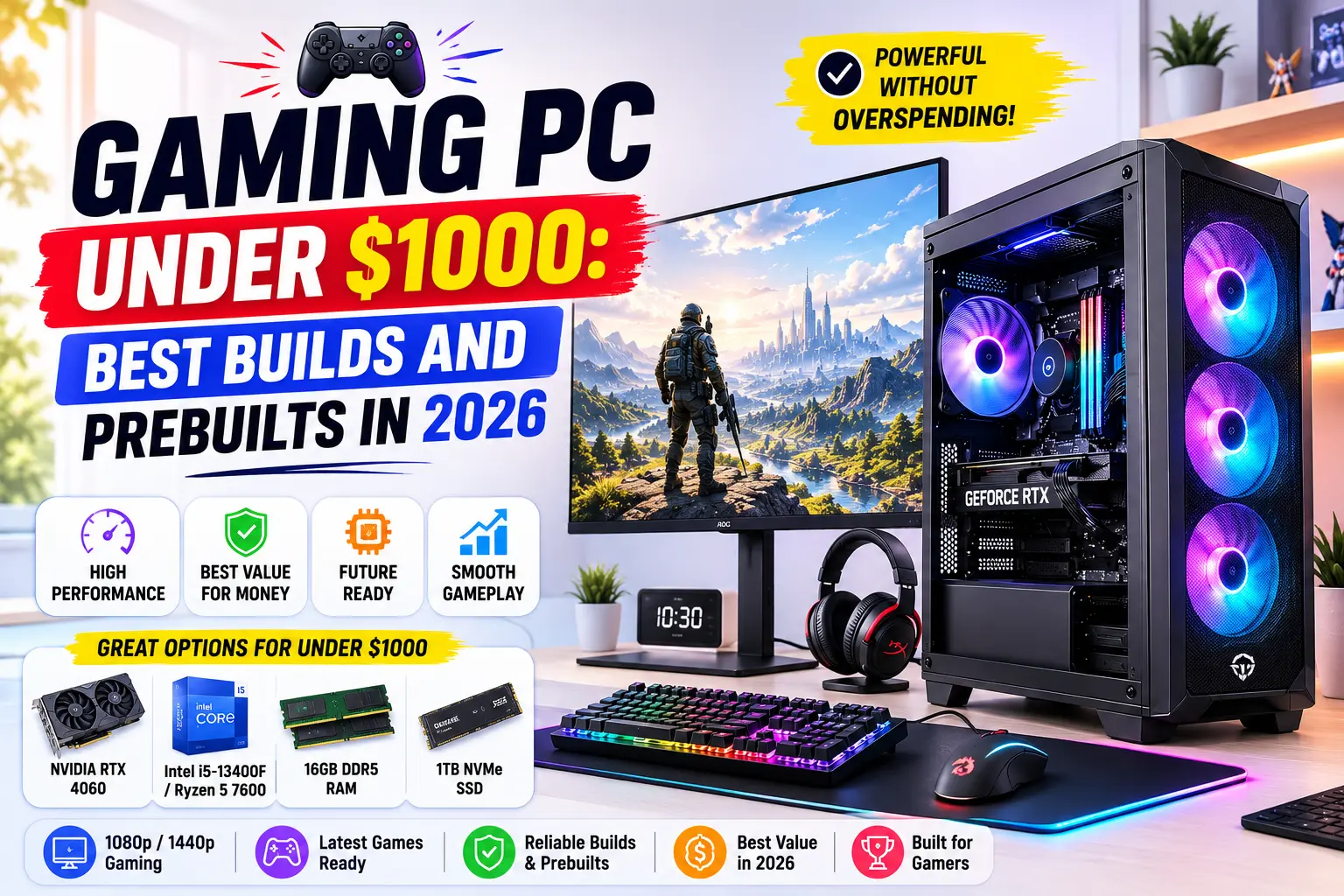
Gaming PC Under $1000: Best Builds and Prebuilts in 2026
The best gaming PC under $1000 in 2026 pairs a Ryzen 5 7600 with an RTX 4070. This combo hits 1440p at 95–110 FPS in most modern titles. Want pure 1080p competitive frame rates instead? Swap in an RTX 4070 Super for 140+ FPS. Prefer zero assembly? A prebuilt like the ASUS Vivobook Gaming desktop hits the same price with a newer CPU already installed.
📢 Key Takeaways
- A $1000 budget now buys 1440p gaming at 95-plus FPS, not just 1080p.
- Ryzen 5 7600 paired with an RTX 4070 is the most balanced build for the money.
- Rising RAM prices in 2026 are squeezing this exact budget tier, so plan for it.
- Prebuilts now cost only a small premium over DIY at this price point.
- 32GB of RAM is becoming the real standard, not just a nice-to-have.
- Your GPU will need replacing before your CPU or motherboard do.
- Skipping a proper power supply is the most common budget-build mistake.
A gaming PC under $1000 is a full desktop build, prebuilt or DIY, priced at or below that mark while still handling modern AAA titles. It used to mean compromise: a decent GPU or enough RAM, rarely both. That trade-off has eased in 2026.
Component prices shifted this year. GPUs like the RTX 4070 dropped into more builds at this price point than they did twelve months ago. The catch: DDR5 RAM prices have climbed, which changes how far your budget stretches on memory. That shift matters right now, and most guides haven’t caught up to it yet.
This guide is for anyone replacing an aging PC, building their first rig, or upgrading from console. Whether you care most about 1440p visuals, 1080p competitive frame rates, or streaming while you play, there’s a build below matched to that priority.
Best Gaming PC Under $1000 at a Glance
| Build Type | CPU | GPU | RAM | Storage | Est. Performance |
| Best Value | Ryzen 5 7600 | RTX 4070 | 32GB DDR5 | 512GB NVMe | 1440p, 95-110 FPS |
| Best 1080p Competitive | Ryzen 5 7600 | RTX 4070 Super | 16GB DDR5 | 512GB NVMe | 1080p, 140+ FPS |
| Best Prebuilt | Ryzen 5 9600X | RTX 4070 | 32GB DDR5 | 512GB NVMe | 1440p, 100-120 FPS |
| Best for Streaming | Ryzen 7 7700 | RTX 4070 | 32GB DDR5 | 512GB NVMe | 1440p, 85-100 FPS + stream |
| Best Budget Alternative | Ryzen 5 7500F | RTX 4070 | 16GB DDR5 | 512GB NVMe | 1440p, 90-105 FPS |
What Are the 5 Best Gaming PC Builds Under $1000?
1. Best Overall Value: Ryzen 5 7600 + RTX 4070
This is the build most people should buy. The Ryzen 5 7600 handles gaming workloads well, and the RTX 4070 is the current sweet spot for 1440p.
Typical component breakdown:
- CPU: Ryzen 5 7600 (6-core, 12-thread, stock cooler included)
- GPU: RTX 4070, 12GB VRAM
- RAM: 32GB DDR5
- Storage: 512GB NVMe SSD
- PSU: 650W, 80+ Gold certified
Real-world performance: Expect 95-110 FPS at 1440p ultra settings in demanding titles, and 250+ FPS at 1440p in lighter esports games. Ray tracing off keeps frame rates in this range; turning it on will cost you 20-30% of your FPS.
Who it’s for: Anyone who wants sharp 1440p visuals without spending above $1000.
Pros:
- Fits the full $1000 budget with room to spare
- 32GB RAM is future-proofed for the next few years
- Beginner-friendly assembly if you build it yourself
Cons:
- The 7600 has no upgrade path past its current CPU generation
- 512GB storage fills up fast with modern game sizes
2. Best for 1080p Competitive Play: Ryzen 5 7600 + RTX 4070 Super
If you play competitive shooters like Counter-Strike or Valorant, resolution matters less than frame rate. This build pushes 1080p performance instead of 1440p visuals.
- CPU: Ryzen 5 7600
- GPU: RTX 4070 Super
- RAM: 16GB DDR5
- Storage: 512GB NVMe SSD
Real-world performance: 140-160 FPS at 1080p ultra in competitive titles. That’s well above what a standard 144Hz monitor can display, so the panel becomes your limiting factor, not the PC.
Who it’s for: Competitive gamers who care about a 144Hz monitor, not 1440p detail.
Pros:
- Guaranteed high refresh rate performance in esports titles
- Easy upgrade path to a 1440p monitor later
Cons:
- 16GB RAM gets tight if you’re also streaming or running Discord and a browser
- Less headroom for future AAA titles at max settings
3. Best Prebuilt: A Ryzen 5 9600X System
If you’d rather skip assembly entirely, prebuilts in this price range now include a newer CPU generation than most DIY builds at the same cost. The ASUS Vivobook Gaming desktop is a common example, pairing a current-generation Ryzen 5 9600X with an RTX 4070.
Why prebuilt wins here: Buying the 9600X separately costs more than a full DIY 7600 build. Getting it inside a tested, warrantied prebuilt at the same price closes that gap.
Trade-off: Prebuilts often use lower-tier RAM brands and semi-modular power supplies. Both are minor and rarely affect day-to-day performance.
Pros:
- Current-generation CPU already installed
- Comes with a manufacturer warranty
- No assembly time or risk
Cons:
- Less control over individual component brands
- Support goes through the manufacturer, not a local builder
4. Best for Streaming: Ryzen 7 7700 + RTX 4070
Streaming while gaming needs CPU cores more than raw GPU power. An 8-core chip like the Ryzen 7 7700 handles encoding without dragging your frame rate down.
- CPU: Ryzen 7 7700 (8-core, 16-thread)
- GPU: RTX 4070
- RAM: 32GB DDR5
Real-world performance: Software encoding at 1080p60 while gaming at 1440p, holding 85-100 FPS. That’s professional-quality stream output without a dedicated capture card.
Who it’s for: Anyone planning to stream to Twitch or YouTube from the same machine they game on.
Pros:
- Handles gaming and encoding at the same time without stutter
- 32GB RAM covers OBS, Discord, and your game simultaneously
Cons:
- Streaming setups still need a decent microphone and webcam separately
- Slightly lower GPU headroom than the pure-gaming builds above
5. Best Budget Alternative: Ryzen 5 7500F + RTX 4070
Want to spend less than $1000 and still get the same GPU? The Ryzen 5 7500F skips integrated graphics, which you don’t need anyway since you’re running a discrete GPU.
- CPU: Ryzen 5 7500F (no integrated graphics)
- GPU: RTX 4070
- RAM: 16GB DDR5
Real-world performance: 90-105 FPS at 1440p, 140+ FPS at 1080p. Nearly identical to the flagship build above, just with less RAM.
Who it’s for: Buyers who want to leave $100-150 in the budget for a monitor or peripherals.
Pros:
- Frees up cash for a monitor, keyboard, or mouse
- Same GPU performance as pricier builds on this list
Cons:
- 16GB RAM is the minimum, not the ideal, for multitasking
- No integrated graphics means you can’t troubleshoot without a GPU installed
If your budget isn’t quite $1000 yet, our Gaming PC Under $500 guide compares the best budget prebuilt and DIY systems that still deliver solid 1080p gaming.
Should You Buy a Prebuilt or Build Your Own Gaming PC?
This is usually a simple question. In 2026, it’s gotten more complicated.
DDR5 RAM prices have risen sharply this year, and that’s squeezed budget builds specifically. When you buy components separately, you’re exposed to that price swing directly. Prebuilt manufacturers buy RAM in bulk ahead of price spikes, which sometimes makes a prebuilt cheaper than sourcing the same specs yourself.
Here’s how to decide:
- Build it yourself if: you want full control over every part and don’t mind spending 2-3 hours on assembly.
- Buy prebuilt if: RAM or GPU prices have spiked since you last checked, or you want a warranty covering the whole system.
- Check both before buying. The price gap between DIY and prebuilt has narrowed to roughly 5-10% at this budget, down from a much wider gap in previous years.
Community forums for PC building are full of people asking this exact question with budgets between $850 and $1100. The consistent advice: check current prebuilt deals before assuming DIY is automatically cheaper this year.
How to Choose Your Build
FPS or Visual Fidelity?
Decide this first, because it changes your GPU pick.
- Chasing FPS: Get the RTX 4070 Super and a 1080p 144Hz monitor.
- Chasing visuals: Get the RTX 4070 and a 1440p 100Hz monitor.
- Can’t decide: The standard RTX 4070 build handles both reasonably well.
CPU Selection
- Ryzen 5 7600: Budget-friendly, no unnecessary features, great for gaming alone.
- Ryzen 5 9600X: Worth it if you’re getting it through a prebuilt at the same price.
- Ryzen 7 7700: Only pay extra for this if you’re streaming.
Want to compare more processors before you buy? Check out our guide to the Best AM5 CPUs to see how the Ryzen 5 7600 compares with other AMD Ryzen 7000-series options.
GPU Selection
- RTX 4070: The cost-effective sweet spot for 1440p at this budget.
- RTX 4070 Super: Worth the extra cost if 1080p competitive FPS is your priority.
- RTX 4060 Ti: Avoid pairing this with a strong CPU. It will bottleneck your build.
RAM: Why 32GB Matters More in 2026
16GB used to be plenty for gaming alone. It still is, technically. But most people now run a browser, Discord, and background apps alongside their game.
32GB gives you headroom without paying for RAM you’ll never touch. With prices rising, buying 32GB now can be cheaper than buying 16GB today and upgrading to 32GB later.
Common Mistakes to Avoid
- Skimping on the power supply. A cheap, uncertified PSU risks your entire build. Stick to 80+ Gold rated units from known brands.
- Ignoring storage speed. A slow SATA SSD instead of NVMe adds real load-time delays in modern games.
- Forgetting peripherals in your budget. A $1000 PC with no monitor, keyboard, or mouse isn’t a complete setup. Plan for these separately.
- Chasing the newest GPU generation over value. The newest card isn’t always the best value pick at a fixed budget.
- Buying 16GB RAM to save $50. This is the single easiest place buyers regret cutting corners.
If You’re $50-100 Over Budget, Cut This First
Going over budget happens. Here’s the order that hurts your performance the least:
- Drop from 32GB to 16GB RAM. You’ll still game fine; you’ll just have less multitasking headroom.
- Drop storage from 1TB to 512GB. You can always add a second drive later.
- Switch from RTX 4070 Super to the standard RTX 4070. Only do this if 1440p visuals matter more to you than 1080p frame rate.
- Never cut the power supply. This is the one component where a downgrade risks the whole system.
Frequently Asked Questions
Conclusion
For most buyers, the Ryzen 5 7600 plus RTX 4070 build is the best gaming PC under $1000 in 2026. It delivers 1440p gaming at 95-plus FPS with enough RAM to last years, not months.
If competitive frame rate matters more than resolution, go with the RTX 4070 Super build instead. If you’d rather skip assembly, a prebuilt with a Ryzen 5 9600X gets you a newer CPU at the same price point.