Cheap Gaming PC Under $300: Is It Possible in 2026?
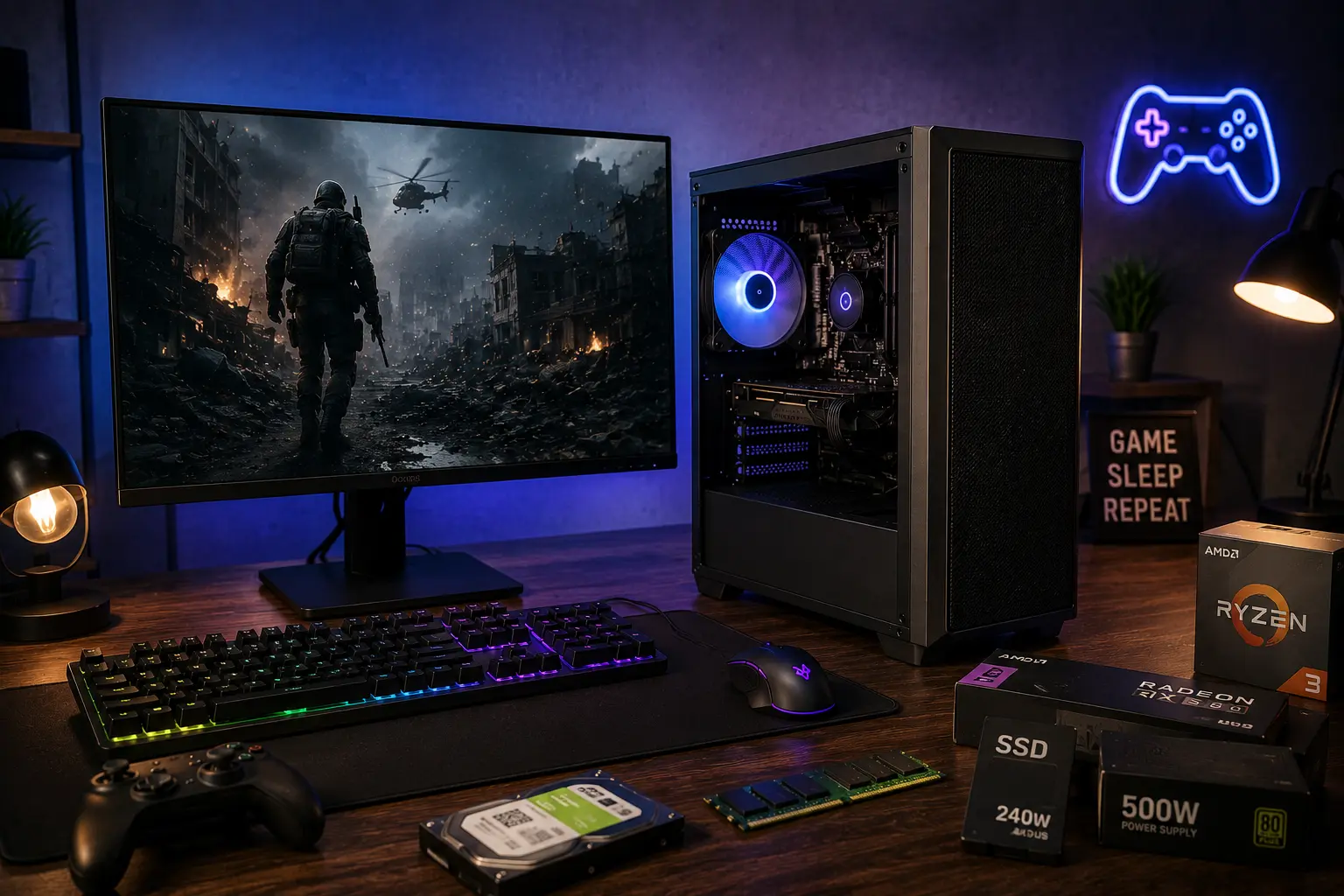
Yes, a cheap gaming pc under $300 is possible in 2026, but only with realistic expectations. You will need a used or refurbished desktop, or a DIY build using an APU like the Ryzen 5 5600G, or an older GPU like the RX 580 or GTX 1650. This setup handles esports titles like Valorant, CS2, and Fortnite well. It struggles with newer AAA games at high settings.
📢 Key Takeaways
- A budget gaming pc under 300 dollars works best for esports titles, not modern AAA games.
- New dedicated GPUs rarely fit this budget. Used or refurbished parts are usually required.
- An APU like the Ryzen 5 5600G removes the need for a separate GPU entirely.
- Used OEM desktops, like Dell OptiPlex or HP EliteDesk, are strong starting points.
- 16GB of RAM is achievable even at this budget and makes a real difference.
- Storage should still include an SSD, even a small one, for faster load times.
- Set your expectations around 1080p low to medium settings, not high or ultra.
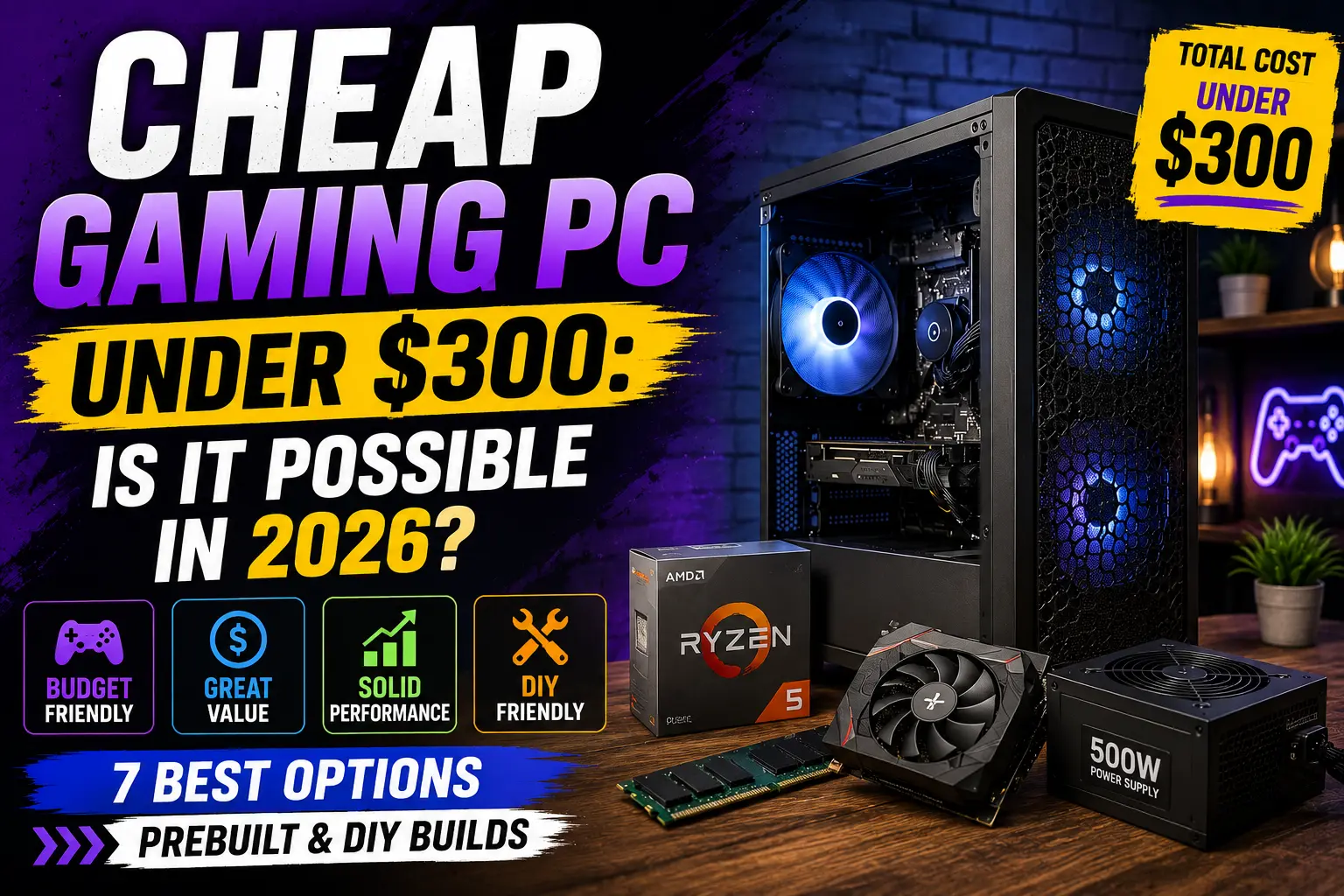
A cheap gaming pc under $300 sounds like a stretch. In many ways, it is. But 2026 makes this budget more realistic than it has been in years. Older GPUs are more available on the secondary market. APUs have gotten strong enough to handle real gaming without a dedicated graphics card.
This guide breaks down what a budget gaming pc under 300 dollars can actually do in 2026. It covers used prebuilt options, APU-based DIY builds, and the compromises you need to accept at this price. You will also learn which mistakes waste money at this budget and how to avoid them.
If your goal is casual and esports gaming without spending much money, this guide shows you exactly how to get there.
Is a Gaming PC Under $300 Realistic in 2026?
Yes, but only with the right approach. A brand-new prebuilt with a dedicated GPU rarely fits under $300. Most systems at this price rely on one of two paths: used or refurbished hardware, or an APU-based build that skips a separate graphics card entirely.
Component availability has improved in 2026. Older discrete GPUs like the RX 580 and GTX 1650 are easier to find on the secondary market. This makes a functional, if modest, cheap gaming pc under $300 achievable for most buyers.
Set your expectations early. This budget is built for esports titles and light gaming, not the newest AAA releases at high settings. A little research goes a long way toward finding a cheap gaming pc under $300 that actually holds up over time.
What Are the Best Used and Refurbished Gaming PCs?
Used office desktops are one of the most reliable paths to a cheap gaming pc under $300. Brands like Dell OptiPlex and HP EliteDesk often sell for very little once refurbished, and their cases support standard power supplies and expansion slots.
Why Used OEM Desktops Work Well
These systems usually include a solid CPU, a real case, and a working power supply. You add a used or budget GPU afterward. This spreads your budget across fewer new purchases and gets you a stable base system.
What to Look For
- A CPU from the last 6 to 8 years, such as a Core i5 or Ryzen 5 equivalent
- A power supply rated for at least 400W if you plan to add a GPU
- Free PCIe slots for a graphics card
- At least 8GB of RAM, ideally upgradable to 16GB
What Is the Best DIY Gaming PC Build Using an APU?
An APU combines the CPU and GPU on a single chip. This removes the cost of a separate graphics card, which is usually the most expensive part of any gaming build.
The AMD Ryzen 5 5600G is one of the strongest APU choices at this budget. It handles esports titles like CS2, Fortnite, and Overwatch at 60 or more frames per second on low to medium settings.
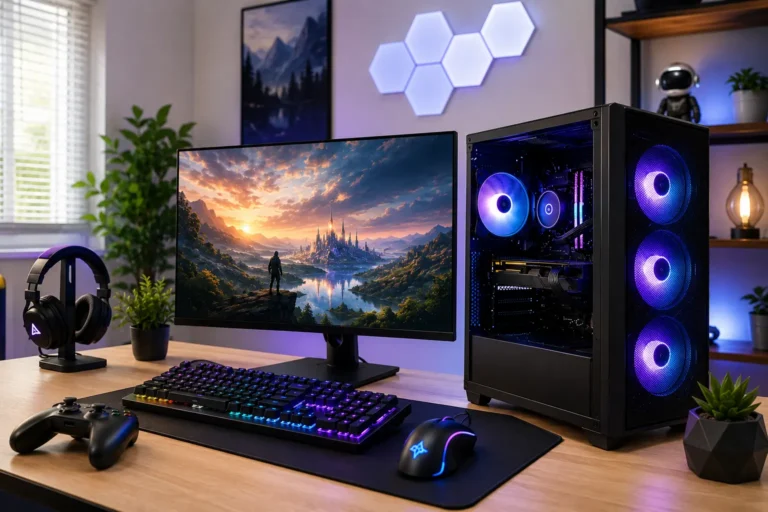
A typical APU-based build under $300 includes:
- CPU/GPU: AMD Ryzen 5 5600G (APU)
- RAM: 16GB DDR4
- Storage: 256GB to 500GB SSD
- Power Supply: 400W to 450W
- Case: A basic case with decent airflow
This setup skips a dedicated GPU entirely. It works best for esports games and light gaming, not demanding AAA titles.
What Games Can You Actually Play?
Esports titles are the strongest fit for this budget. Games like Valorant, CS2, Fortnite, League of Legends, and Overwatch run smoothly on both the used-GPU and APU approaches.
Older or less demanding AAA games are also playable at low to medium settings. Titles like GTA V can run at 1080p with 45 to 60 fps on the right combination of parts.
Newer, graphically intensive AAA games will need lower settings and lower resolutions. Expect to compromise on visual quality to keep frame rates smooth.
If you want smoother performance in newer AAA games, consider increasing your budget. Our guide to the Gaming PC Under $500 shows the best prebuilt and DIY options that deliver noticeably better 1080p gaming.
Should You Build a New or Used Gaming PC?
| Factor | New Parts | Used or Refurbished |
| Availability at $300 | Very limited | Wide range of options |
| Warranty | Full manufacturer warranty | Limited or none |
| Performance per dollar | Lower | Higher |
| Risk | Low | Moderate, depends on seller |
| Best for | Buyers who want peace of mind | Buyers comfortable with some risk |
Quick tip: At this budget, used and refurbished parts almost always deliver better performance per dollar than new parts.
What Are the Benefits of a $300 Gaming PC?
- Very low entry cost. You can start PC gaming without a large upfront investment.
- Strong esports performance. Competitive titles run smoothly even on this budget.
- Upgrade path exists. You can add a better GPU or more RAM once your budget grows.
- No subscription fees. Unlike consoles, PC gaming has no required online play fees.
- Dual-purpose machine. The same PC handles schoolwork, browsing, and light gaming.
What Are the Drawbacks of a $300 Gaming PC?
- Limited AAA performance. Newer graphically demanding games need lower settings.
- Used parts carry some risk. Refurbished or secondhand components may have shorter remaining lifespans.
- Fewer warranty protections. Used GPUs and desktops often come with limited or no warranty.
- Upgrade ceiling. Some used OEM cases and power supplies limit future GPU options.
Common Mistakes to Avoid
- Buying a new GPU instead of considering an APU. At this budget, an APU almost always gives better overall value.
- Ignoring the power supply rating. A weak power supply blocks any future GPU upgrade.
- Skipping RAM upgrades. 8GB is workable short term, but 16GB gives a noticeably smoother experience.
- Choosing storage without an SSD. Even a small SSD improves load times significantly over a hard drive alone.
- Expecting AAA performance at high settings. This budget is built for esports and light gaming, not maxed-out visuals.
Expert Tips for Buying at This Budget
- Start with a used OEM desktop if you want a stable base system with minimal setup work.
- Consider an APU build if you prefer buying new parts and want to avoid used GPU risk.
- Check seller return policies before buying any used GPU or prebuilt system.
- Prioritize RAM and an SSD over squeezing out extra GPU performance at this price point.
- Plan your first upgrade in advance, whether that means a better GPU or more RAM.
Where to Find the Best Deals
Finding a reliable cheap gaming pc under $300 takes a bit of patience. Local marketplaces, refurbished electronics retailers, and certified used-hardware sellers are usually safer than random online auctions.
Look for sellers who offer at least a short return window or a basic warranty on used parts. This protects you if a GPU or desktop arrives faulty. Certified refurbished listings, in particular, often include a 90-day warranty, which is worth the small price premium over uncertified used parts.
Timing also matters. Component prices shift throughout the year, and a cheap gaming pc under $300 today might cost slightly more or less next month depending on GPU availability and seasonal sales. If you decide to save for a larger budget instead, our Gaming PC Under $1000 guide covers systems capable of high-refresh-rate 1080p and even entry-level 1440p gaming.
Frequently Asked Questions
Conclusion
A cheap gaming pc under $300 is realistic in 2026, as long as you accept the right trade-offs. A used OEM desktop paired with a budget GPU, or a new APU build using the Ryzen 5 5600G, both deliver smooth esports performance. Newer AAA games need lower settings, and that is the honest limitation of this budget.
Choose a used desktop if you want a stable base system to build around. Choose an APU build if you prefer new parts and want to skip the risk of a used GPU. Either path gets you into real PC gaming without spending much money.