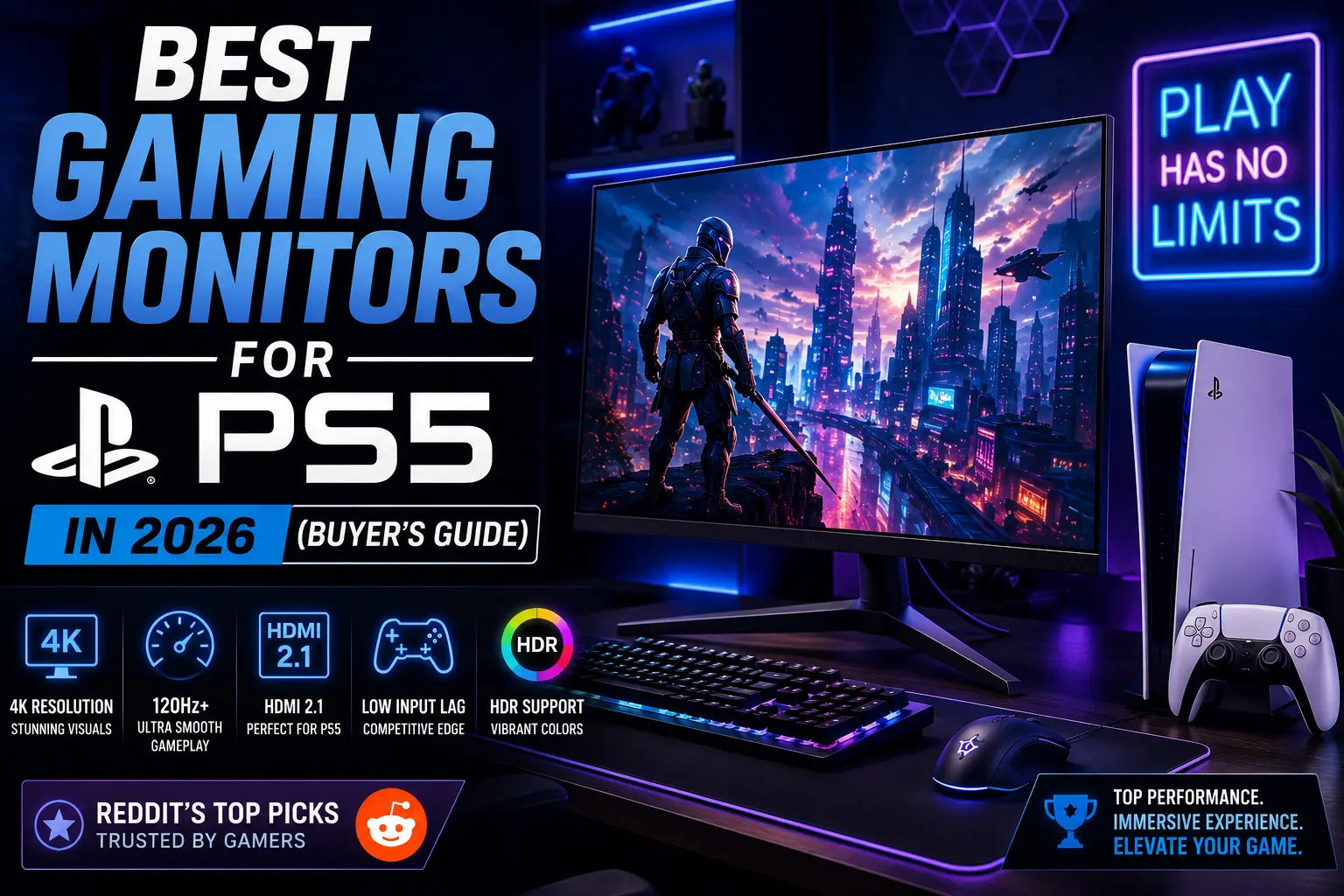
Best Gaming Monitors for PS5 in 2026 (Buyer’s Guide)
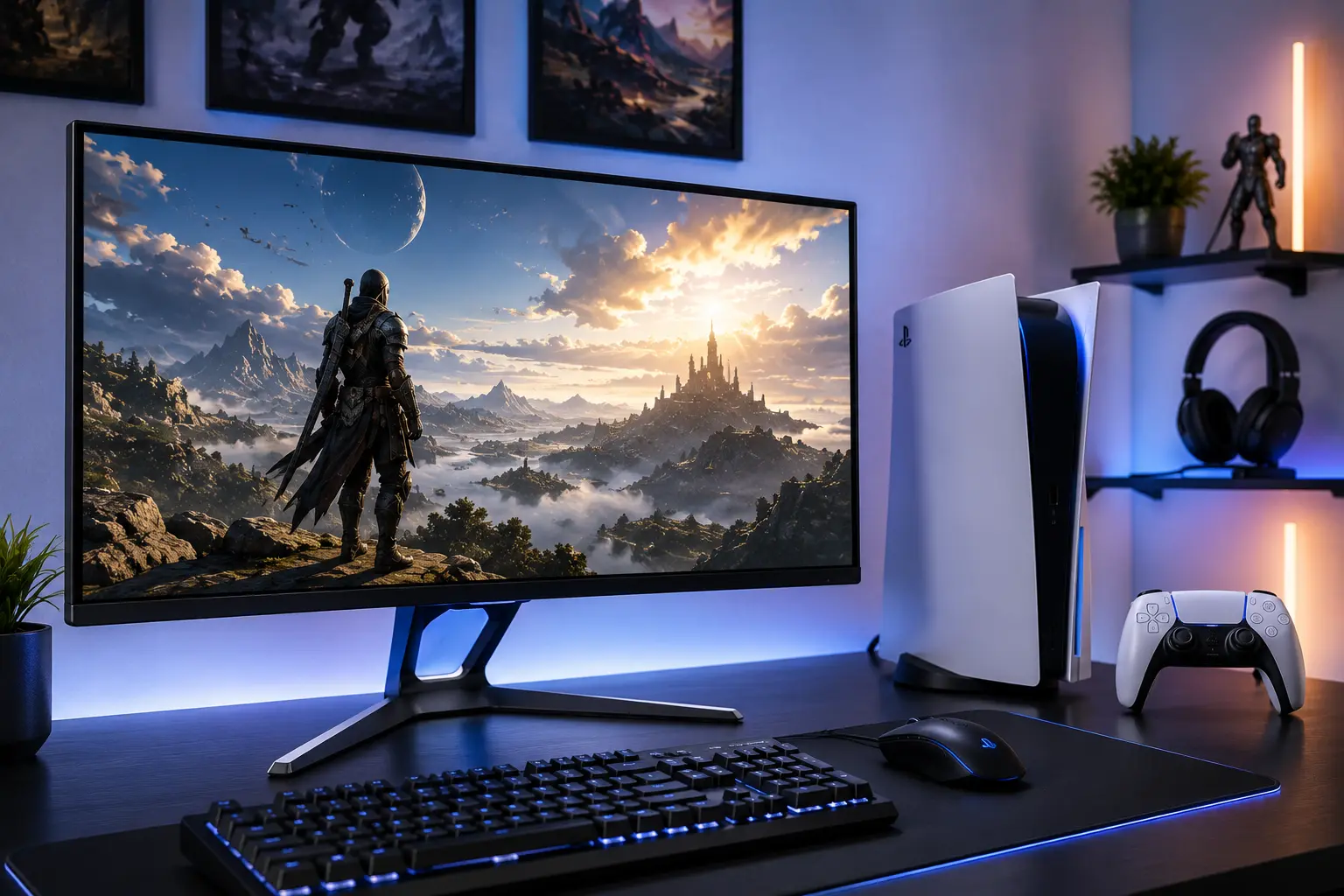
The best gaming monitors for PS5 are not just about a big screen and good colors. The PS5 outputs 4K at 120Hz and supports Variable Refresh Rate over HDMI 2.1. If your monitor does not have a true HDMI 2.1 port with 48Gbps bandwidth, you are capping the console before it even gets started.
That is the first trap most buyers fall into. The second is paying for refresh rates the PS5 cannot use. The console tops out at 120Hz. A 240Hz or 360Hz monitor gives you nothing extra over a quality 120Hz or 144Hz panel when connected to PS5. That money goes further toward resolution, panel type, or HDR performance instead.
This guide covers six picks across different budgets and play styles. Every monitor on this list has been verified for real PS5 compatibility, not just spec sheet claims.
What the PS5 Actually Needs From a Monitor
| Feature | Why It Matters for PS5 |
|---|---|
| HDMI 2.1 (48Gbps) | Required for 4K at 120Hz with HDR and VRR active simultaneously |
| VRR support | Syncs the monitor refresh rate with PS5 output to eliminate tearing |
| 4K resolution | Matches the PS5’s maximum output for the sharpest image |
| Low input lag | Determines how fast your controller inputs appear on screen |
| HDR performance | PS5 outputs HDR in most major titles |
| 120Hz refresh rate | The PS5 ceiling. Higher rates add nothing for console play |
One important note on HDMI 2.1: some manufacturers label ports as HDMI 2.1 when they only deliver 24Gbps instead of the full 48Gbps. At 24Gbps, the monitor still runs 4K at 120Hz, but uses chroma subsampling that slightly reduces color detail. Every pick in this list uses full-bandwidth HDMI 2.1 unless noted.
Why Choose the Sony InZone M9 II?
The Sony InZone M9 II is the most purpose-built monitor for PS5 on the market. Sony designed it specifically for PlayStation integration, and that shows in features you will not find anywhere else at this price.
It runs a 27-inch 4K IPS panel at 144Hz with full-array local dimming. The auto HDR tone mapping reads your PS5’s HDR signal and adjusts automatically without manual calibration. Input lag sits below 1ms. It supports VRR and ALLM over HDMI 2.1.
The feature that separates it from everything else is deep PS5 integration through the InZone Hub app. You can adjust brightness, color, and game mode settings from your PlayStation without touching the monitor. For players who live in the PlayStation ecosystem, this removes friction from every session.
Where it falls short: native contrast is typical of IPS panels, so dark scenes in a bright room will show some gray wash. OLED alternatives produce deeper blacks. But for a player who wants a monitor that works seamlessly with PS5 out of the box, this is the pick.
Specs at a glance: 27-inch 4K IPS, 144Hz, HDMI 2.1, full-array local dimming, VRR, auto HDR tone mapping.
Why Choose the ASUS ROG Swift OLED PG27UCDM?
If picture quality is the priority, nothing at 27 inches beats OLED. The ASUS ROG Swift PG27UCDM runs a 4K QD-OLED panel at 240Hz with 0.03ms response time and infinite contrast.
On PS5, you will not use the 240Hz ceiling. But the panel underneath it is what matters here. QD-OLED combines quantum dot color science with OLED per-pixel lighting. The result is a display that produces deep blacks, color volume far above standard OLED, and highlights that hold up in brighter scenes. Dolby Vision support means PS5 HDR content renders with full tone mapping applied.
RTINGS rates the ASUS ROG Swift OLED PG27UCDM as the best monitor for PS5 and PS5 Pro tested in 2026, citing its superb gaming performance and exceptional image quality for a 27-inch panel.
The trade-off with OLED is burn-in risk. Static HUD elements in games like Destiny 2 or Call of Duty that sit in the same position for hours can leave image retention over time. ASUS includes pixel cleaning cycles and logo brightness reduction to manage this, and their three-year warranty covers burn-in. For most gaming use cases the risk is manageable, but it exists.
Specs at a glance: 27-inch 4K QD-OLED, 240Hz, 0.03ms, Dolby Vision HDR, HDMI 2.1, VRR.
Why Choose the Sony InZone M10S?
Competitive players have a different set of priorities. You need the fastest response time, the lowest input lag, and a monitor that keeps up in fast shooters like Call of Duty, Apex Legends, and Fortnite.
The Sony InZone M10S runs a 1440p OLED panel with HDMI 2.1 and VRR for clean 120Hz play on PS5. The near-instant 0.03ms response keeps flick shots and fast camera movements sharp. Sony also built in dedicated FPS Pro and FPS Pro+ picture modes, tuned with Fnatic to highlight target edges and enemy outlines in dark maps.
The 1440p resolution sits below 4K, but at 27 inches the difference in sharpness is subtle. What you gain is a lighter GPU load that helps PS5 hit 120Hz more consistently in demanding titles. The OLED panel also provides per-pixel contrast that makes targets in dark environments more visible than any LCD alternative.
Sony covers this monitor with a three-year warranty that explicitly includes OLED burn-in. That is a meaningful commitment.
Specs at a glance: 27-inch 1440p OLED, 480Hz ceiling (PS5 uses 120Hz), HDMI 2.1, VRR, FPS Pro modes, 0.03ms.
Why Choose the Gigabyte M27U or M28U?
Not every buyer needs OLED or Sony branding. The Gigabyte M27U checks every PS5 compatibility box including HDMI 2.1, VRR, and HDR at a price point that does not sting. You sacrifice local dimming quality, but the core gaming experience holds up.
The M27U and M28U both run IPS panels at 4K 144Hz with full HDMI 2.1 support. Colors are accurate out of the box. VRR works correctly with PS5. Input lag stays competitive. The HDR experience is honest rather than spectacular since there is no local dimming, but it is far better than nothing.
For a player upgrading from a 1080p or 1440p TV who wants to unlock 4K at 120Hz without a premium price, Gigabyte’s M-series represents the clearest value in this category in 2026.
Specs at a glance: 27 to 28-inch 4K IPS, 144Hz, HDMI 2.1, VRR, no local dimming.
Why Choose the LG 27GP850-B?
The LG 27GP850-B offers a sweet spot between performance and price with its 1440p resolution and 165Hz refresh rate. It provides excellent motion clarity and good color reproduction without the premium cost of 4K displays.
At 1440p, the PS5 can hit 120Hz more consistently across a wider range of titles than at 4K. The LG 27GP850-B uses a Nano IPS panel with fast response times and wide viewing angles. The 165Hz ceiling means you are covered if you ever connect this to a PC alongside your PS5. G-Sync compatible certification covers adaptive sync on both platforms.
This monitor uses HDMI 2.0, which means it caps PS5 at 1440p 60Hz or 1080p 120Hz over HDMI. To get 1440p at 120Hz, you need DisplayPort, which PS5 does not support. This is the one limitation worth noting. For pure PS5 use, you get 1080p 120Hz or 1440p 60Hz. For players who also own a gaming PC, the DisplayPort unlocks the full 1440p 165Hz experience there.
Specs at a glance: 27-inch 1440p Nano IPS, 165Hz, HDMI 2.0, G-Sync compatible.
Why Choose the AOC Q27G3XMN?
The AOC Q27G3XMN delivers extraordinary value for budget-conscious PS5 players. It ships with HDMI 2.0, which caps PS5 output at 1440p 60Hz or 1080p 120Hz over HDMI, but at 27 inches with a 1440p mini LED VA panel and 336 local dimming zones, the HDR performance is genuinely impressive for the price.
The 1000 nits peak brightness and 336-zone local dimming punch well above the monitor’s price bracket. If your PS5 gaming consists mostly of single-player titles where HDR and contrast matter more than maximum frame rate, the AOC Q27G3XMN gives you a cinematic experience without the OLED price tag.
Know the limitation before buying: this monitor will not give you 4K or 1440p at 120Hz on PS5 over HDMI. If that combination is your goal, the Gigabyte M27U above is the right step up.
Specs at a glance: 27-inch 1440p VA mini LED, 180Hz, 1000 nits, 336 local dimming zones, HDMI 2.0.
PS5 Monitor Comparison Table
| Monitor | Panel | Resolution | Refresh | HDMI Version | Best For |
|---|---|---|---|---|---|
| Sony InZone M9 II | IPS | 4K | 144Hz | 2.1 | Best overall PS5 experience |
| ASUS ROG PG27UCDM | QD-OLED | 4K | 240Hz | 2.1 | Best picture quality |
| Sony InZone M10S | OLED | 1440p | 480Hz | 2.1 | Competitive shooters |
| Gigabyte M27U/M28U | IPS | 4K | 144Hz | 2.1 | Best 4K value |
| LG 27GP850-B | Nano IPS | 1440p | 165Hz | 2.0 | PC and PS5 dual use |
| AOC Q27G3XMN | VA Mini LED | 1440p | 180Hz | 2.0 | Budget HDR single-player |
Which PS5 Monitor Is Right for You?
What do you mainly play? Competitive shooters benefit most from fast response times and OLED panels. Story-driven single-player games reward 4K resolution and strong HDR. If you’re also deciding between screen shapes, our Curved vs Flat Gaming Monitor guide explains which option is better for immersion, competitive gaming, and everyday use. If you play both, 4K IPS with local dimming is the most balanced choice.
What is your budget? OLED starts around $500 and climbs from there. Quality 4K IPS panels with full HDMI 2.1 sit between $300 and $450. Budget mini LED options start below $280.
Do you also use a PC? If yes, look for a monitor with DisplayPort and a higher refresh rate ceiling so you benefit when connected to a gaming PC as well.
One thing to avoid regardless of budget: do not pay for a monitor rated above 120Hz thinking it gives you an edge on PS5. The console cannot output above 120fps. Spend that money on a better panel type or stronger HDR instead.
Frequently Asked Questions
Conclusion
The best gaming monitor for your PS5 depends on what you play and how much you want to spend. The Sony InZone M9 II gives you the most seamless PS5 experience with the fewest setup headaches. The ASUS ROG PG27UCDM delivers the best image quality available at 27 inches. The Gigabyte M27U unlocks everything the PS5 can do at 4K without a premium price.
The Gigabyte M27U unlocks everything the PS5 can do at 4K without a premium price. If you also own Microsoft’s console, our Best Gaming Monitor for Xbox Series X guide covers the top HDMI 2.1 monitors that perform equally well on both platforms.