Is It Safe to Buy a Used CPU or PC? (Honest 2026 Guide)
Is it safe to buy a used CPU in 2026? Yes — with the right checks. A processor is one of the safest used PC components you can buy — no moving parts, no consumable life — and XDA Developers (2024) notes CPUs are built to last for years. But the used market has two new wrinkles in 2026 that the old “CPUs never die” wisdom doesn’t cover: a used chip can inherit a previous owner’s anti-cheat hardware ban — a German buyer learned this in October 2026 when his used Ryzen 7 5800X3D was locked out of Valorant by Riot Vanguard (PCWorld, October 2, 2026) — and used Intel 13th/14th-gen chips can carry invisible silicon degradation that no quick benchmark will reveal.
Bottom line: buying a used CPU is safe when you buy from a seller who allows returns, stress-test everything before the return window closes, and treat used Intel 13th/14th-gen chips as risky until the seller proves otherwise. This guide explains the two 2026 risks in plain language, then walks you through the exact tests for a used CPU, a full used PC, and a used gaming laptop.
Is It Safe to Buy a Used CPU? What “Safe” Actually Means
Unlike an SSD or a laptop battery, a CPU doesn’t “wear out” in normal use. PC builders on the Tom’s Hardware and Linus Tech Tips forums report the same experience: a used CPU either works or it doesn’t — it doesn’t slowly lose speed the way a battery fades. That makes it fundamentally different from parts with limited lifespans.
Checks still matter, though. XDA Developers’ used-components advice (2024) recommends confirming the chip matches the listing (use CPU-Z), that it was properly cooled and not heavily overclocked, and inspecting the pins or contact pads for damage. Tom’s Hardware forum advice adds the key habit: after buying a used PC, the first move is a full wipe and fresh OS install — for your protection as well as the seller’s.
With those basics covered, the only real dangers in 2026 are the two new ones below — and both are avoidable if you know what to ask.
Can a Used CPU Inherit a Cheater’s Hardware Ban?
Yes — and this is the strangest risk on this list. Riot’s Vanguard anti-cheat can blacklist a hardware ID (an HWID ban) when it catches cheating. The point is to stop a banned player from simply making a new account and reinstalling the game. But that blacklist is anchored to silicon, and silicon gets resold.
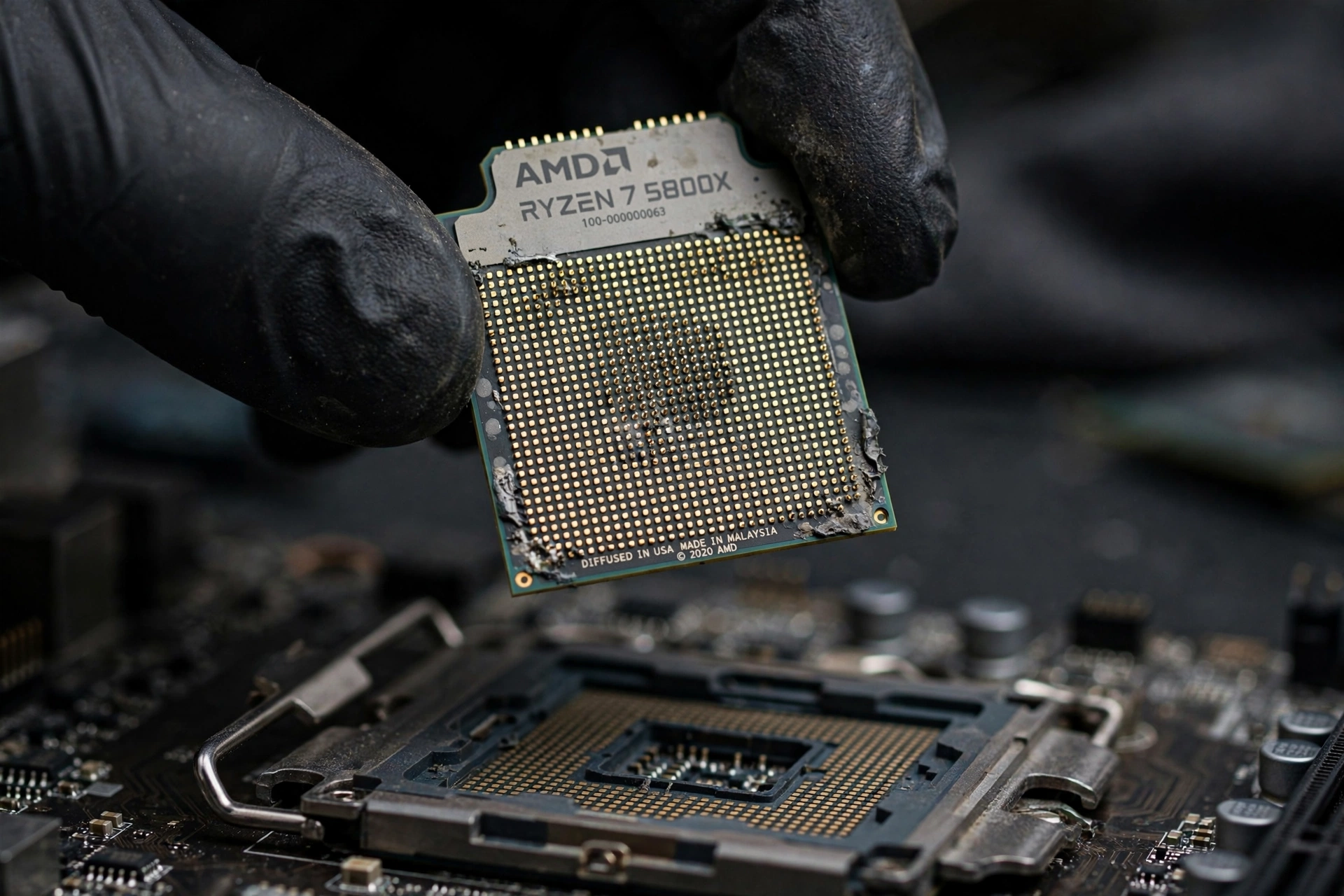
In October 2026, a German gamer bought a used AMD Ryzen 7 5800X3D on the classifieds site Kleinanzeigen. The CPU worked perfectly — until he launched Valorant. Riot support told him the CPU’s hardware ID had been blacklisted on August 12, 2026, after its previous owner cheated, and reinstalling Vanguard, Windows, or the game did not remove the restriction (PCWorld, October 2, 2026). VideoCardz (October 2, 2026) confirmed one detail early reports got wrong: the banned part was the CPU, not the GPU.
How long does the new owner suffer? Riot anti-cheat lead Phillip Koskinas said on X in October 2026 that hardware bans last a maximum of 4 months and are game-specific — a Valorant ban doesn’t spread to the rest of the PC, because Vanguard matches only one component on the denylist (TalkEsport, October 3, 2026). Riot support can tell you how much time remains on the ban.
Two more facts. Vanguard runs as a kernel-mode driver with a user-mode client, and Wccftech (October 2, 2026) notes it can restrict game access “when the system appears to facilitate cheating” — logging into a different account on flagged hardware can get that account restricted too. And on Intel builds, the same risk follows the motherboard: Intel’s firmware TPM runs in the chipset, not the CPU (hwbusters, October 2026).
What this means for you: there is no public lookup — the ban only surfaces when you launch the game (hwbusters, October 2026). Buy where you can return the part, launch the game within the return window even if you don’t plan to play that week, ask the seller directly whether they played Riot games on it, and keep the listing and receipt.
Why Used Intel 13th/14th-Gen Chips Are a Gamble in 2026
Intel’s 13th and 14th-gen Raptor Lake chips suffered from “Vmin Shift” instability — faulty microcode caused excessive voltage requests that could permanently degrade the silicon. Microcode 0x12B, delivered through motherboard BIOS updates, was the final fix, and Intel extended the warranty by 2 years — up to 5 years from purchase — covering 24 SKUs from Core i5 through i9 (Intel via spokesperson Thomas Hannaford, The Verge interview, reported by TechPowerUp, September 2024; SKU coverage via TechTimes, October 5, 2026).
The catch: the fix stops further damage but doesn’t repair already-degraded chips — and a chip that passes a quick benchmark can still carry hidden damage that surfaces under sustained load (TechTimes, October 5, 2026).
This isn’t just history. VideoCardz reported on October 5, 2026 that a Core i9-14900K owner is already on his fourth CPU after three replacements since launch, still seeing access-violation crashes on Intel’s recommended settings, never overclocked, with a recent BIOS. The risk lives in the used market right now — and with used 14900KF chips routinely appearing around the $200 mark (XDA Developers, 2025), the temptation is real.
What to demand from the seller: the original purchase invoice (so you can check remaining warranty), a BIOS screenshot showing microcode 0x12B or newer with Intel Default Settings enabled, and a passing stress test. Treat chips without that proof — especially the 13900K and 14900K — as guilty until proven innocent.
The Safe Used-PC Buying Checklist
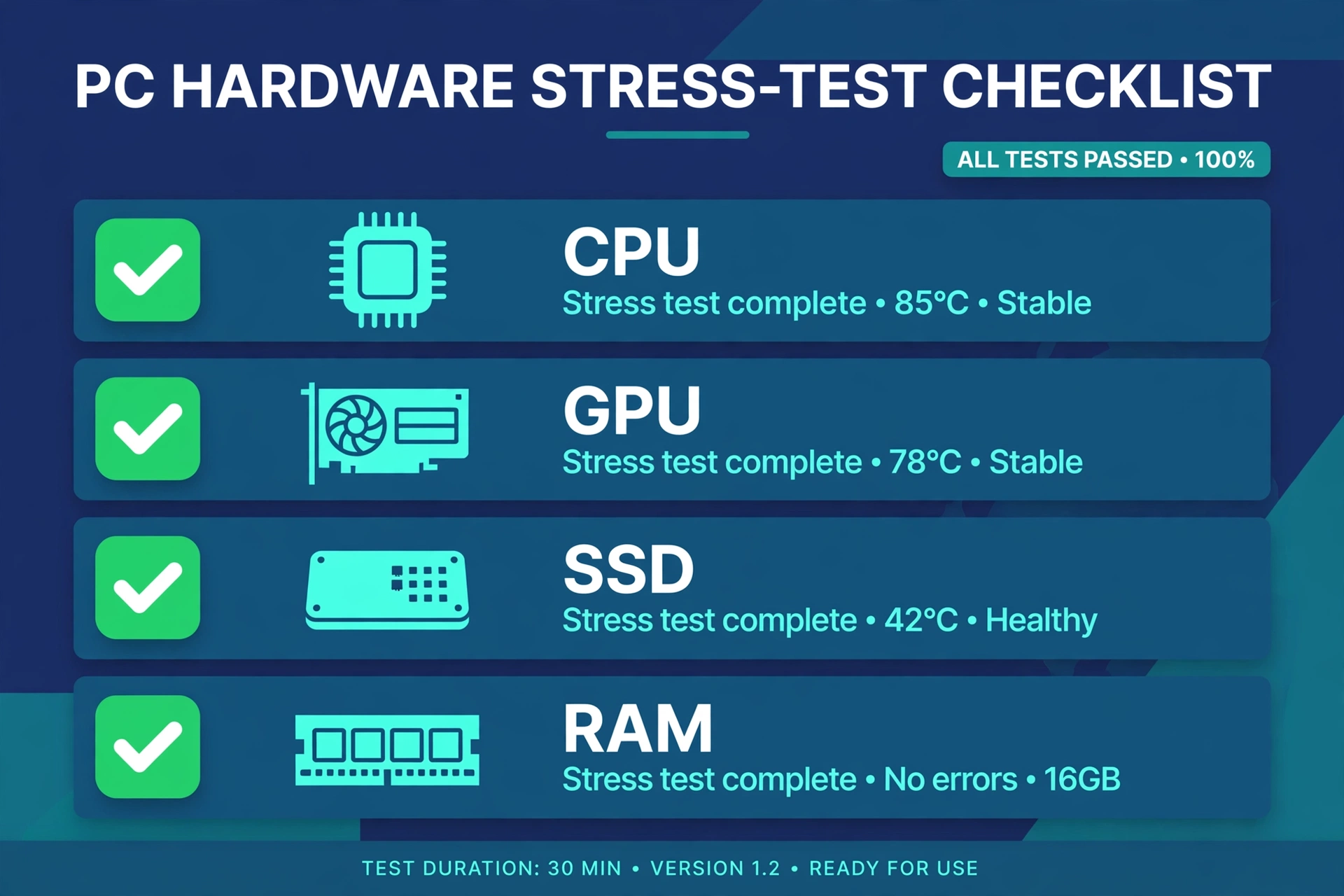
Run these free tools before the return window closes, as recommended by tech-insider.org’s 2026 testing guide and Tom’s Hardware community advice.
| Component | What to run | What a healthy result looks like | Red flags |
|---|---|---|---|
| CPU | CPU-Z (confirm the chip matches the listing), then Cinebench 2024 multi-core with HWiNFO64 watching the maximum-value column; Prime95 small-FFT for ~10 minutes as a worst-case comparison | No throttling sensor active; stable all-core clocks (tech-insider.org, 2026) | Throttling sensor firing, crashes, or CPU-Z not matching the listing |
| GPU | FurMark short run or a 3DMark Time Spy loop, with HWiNFO watching hotspot temperatures | Stable output, no driver resets | Artifacts, driver crashes, black screens — walk away. Replaced fans or flashed firmware suggest a mining past |
| SSD | CrystalDiskInfo (health % and power-on hours) + CrystalDiskMark (speed vs. spec) | Health in the high 90s, modest power-on hours, speeds near spec | Health below ~85% or thousands of hours — negotiate down or skip |
| RAM | MemTest86, one full pass | No errors | Mismatched sticks or any errors = instability risk |
One non-negotiable, from the Tom’s Hardware community: after buying a used PC, wipe the drives and reinstall the OS before anything else. It protects you from leftover malware and gives you a clean baseline for every test above.
Buying a Used Gaming Laptop: Extra Checks

Laptops add one consumable the desktop list doesn’t cover: the battery. Run powercfg /batteryreport and compare full-charge capacity against design capacity — price in a replacement if it’s well below 70–80%.
Beyond the battery, test every USB port, HDMI output, and speaker; press every key and click the trackpad; inspect the hinges and screen for pressure marks. Ask about repaste history. Then run the CPU/GPU stress tests from the table above: a used gaming laptop with dried-out paste or clogged fans will throttle fast, revealing how it was maintained.
Frequently Asked Questions
Can a CPU die from old age or heavy use?
Extremely rarely. Per XDA Developers (2024) and builder communities like Linus Tech Tips, a used chip either works or it doesn’t — it doesn’t gradually wear down. The exception is Intel’s 13th/14th-gen degradation: a manufacturing defect, not wear and tear.
How can I check if a used CPU has a hardware ban before buying?
You can’t — Riot offers no public lookup, and the ban only surfaces when you launch the game (hwbusters, October 2026). Buy with buyer protection, launch the game within the return window, and keep your receipt. If you do get locked out, Riot support can tell you how much remains — hardware bans max out at 4 months and are game-specific (TalkEsport, October 3, 2026).
Is it safe to buy a used Intel i9-13900K or 14900K?
Only with documentation. These chips can hide Vmin Shift degradation even when they pass a quick stress test (TechTimes, October 5, 2026). Ask for the original invoice, a BIOS screenshot showing microcode 0x12B or newer, and a passing stress test — without that proof, the ~$200 used listings are a gamble, not a deal.
Should I buy a used or new PC for my first gaming PC?
Used gives you the best performance per dollar if you follow the checklist above; new (or prebuilt) buys you a warranty and peace of mind. If you’d rather skip the used market entirely, our Best Prebuilt Gaming PC roundup is the hassle-free route — and if budget is the reason you’re going used, our Gaming PC Under $500 guide shows how far a small budget stretches on the new side.
Final Verdict
Buying a used CPU is still one of the smartest ways to save on a gaming PC — the silicon is durable, and every test you need is free. But 2026 added two caveats: hardware bans can follow a used chip to its new owner, and used Intel 13th/14th-gen chips can hide degradation that short benchmarks won’t catch. Buy where you can return, test before the window closes, demand documentation on risky chips, and wipe the machine on day one. Do that, and the used market is a feature — not a gamble.