Gaming PC Under $800: Best Builds & Prebuilts in 2026
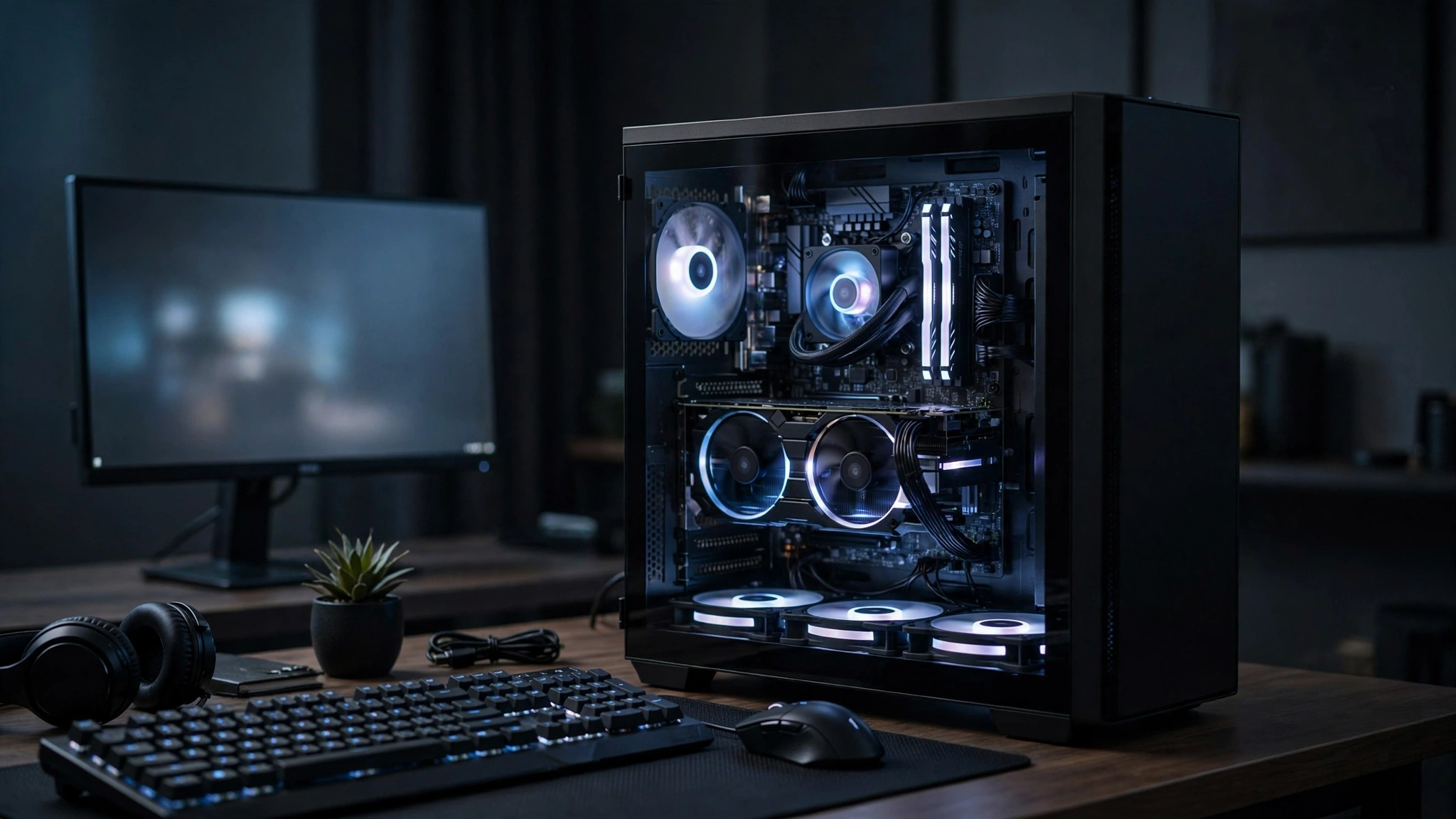
A gaming PC under 800 in 2026 is the sweet spot for 1080p gaming: it buys you a current-generation GPU like the RTX 5060, 16GB of RAM, and a 1TB SSD — enough for high settings at 1080p and playable 1440p. The catch is that 2026’s RAM price crisis has made DDR5 builds nearly impossible at this budget, so the smartest $800 builds either use cheaper DDR4 or buy a prebuilt whose manufacturer stocked RAM before prices spiked. This guide compares three approaches — a new-parts DDR4 build, a used-GPU build with more VRAM, and the best prebuilt options. All prices below are approximate US street prices; memory and GPU prices move weekly in 2026, so check current prices before you buy.
📢 Key Takeaways
- A gaming PC under 800 targets 1080p high/ultra settings — this is the biggest realistic jump up from the $500 tier.
- The RTX 5060 (~$299) is the default new GPU pick at this budget: 8GB GDDR7, 145W, and excellent 1080p performance according to Digital Trends’ review — but 8GB of VRAM is its weak point.
- DDR5 prices have exploded in 2026 — Tom’s Hardware tracking shows 2x16GB DDR5-6000 kits averaging $572 in August 2026 versus $108 a year earlier — so DDR4 builds and prebuilts are the sane routes at $800.
- A used RTX 3070 (~$290) or RX 6700 XT (~$280) gives you similar or better raster performance than a new RTX 5060, and the 6700 XT’s 12GB of VRAM ages better.
- Prebuilt manufacturers buy RAM in bulk before price spikes, which is why an iBUYPOWER or CyberPowerPC system can undercut a DIY build right now.
- Never spend $800 on 8GB of system RAM, a no-name power supply, or a weak GPU like the RTX 3050 — those belong in the gaming PC under $500 tier, not here.
What a Gaming PC Under 800 Gets You in 2026
Eight hundred dollars is roughly $300 above the budget tier, and that extra money goes almost entirely into the graphics card — the single component that decides how your games look and run. You move from an entry-level GPU like the RX 6400 to a current-generation card like the RTX 5060, and from scraping by at medium settings to playing comfortably at high settings. Based on published reviews of this GPU class (Digital Trends found the RTX 5060 delivers “excellent 1080p and solid 1440p gaming”), here is what this tier handles:
- Competitive games (Valorant, CS2, Fortnite, Apex Legends): high refresh rates at 1080p — the kind of frame rates a 144Hz monitor can actually use.
- AAA titles (Cyberpunk 2077, Call of Duty, Starfield-era releases): 60+ FPS at 1080p high settings in most cases, with DLSS available to close the gap in demanding scenes.
- 1440p gaming: playable at medium settings, though this is where the 8GB of VRAM on budget cards starts to bite — something we cover in the GPU section below.
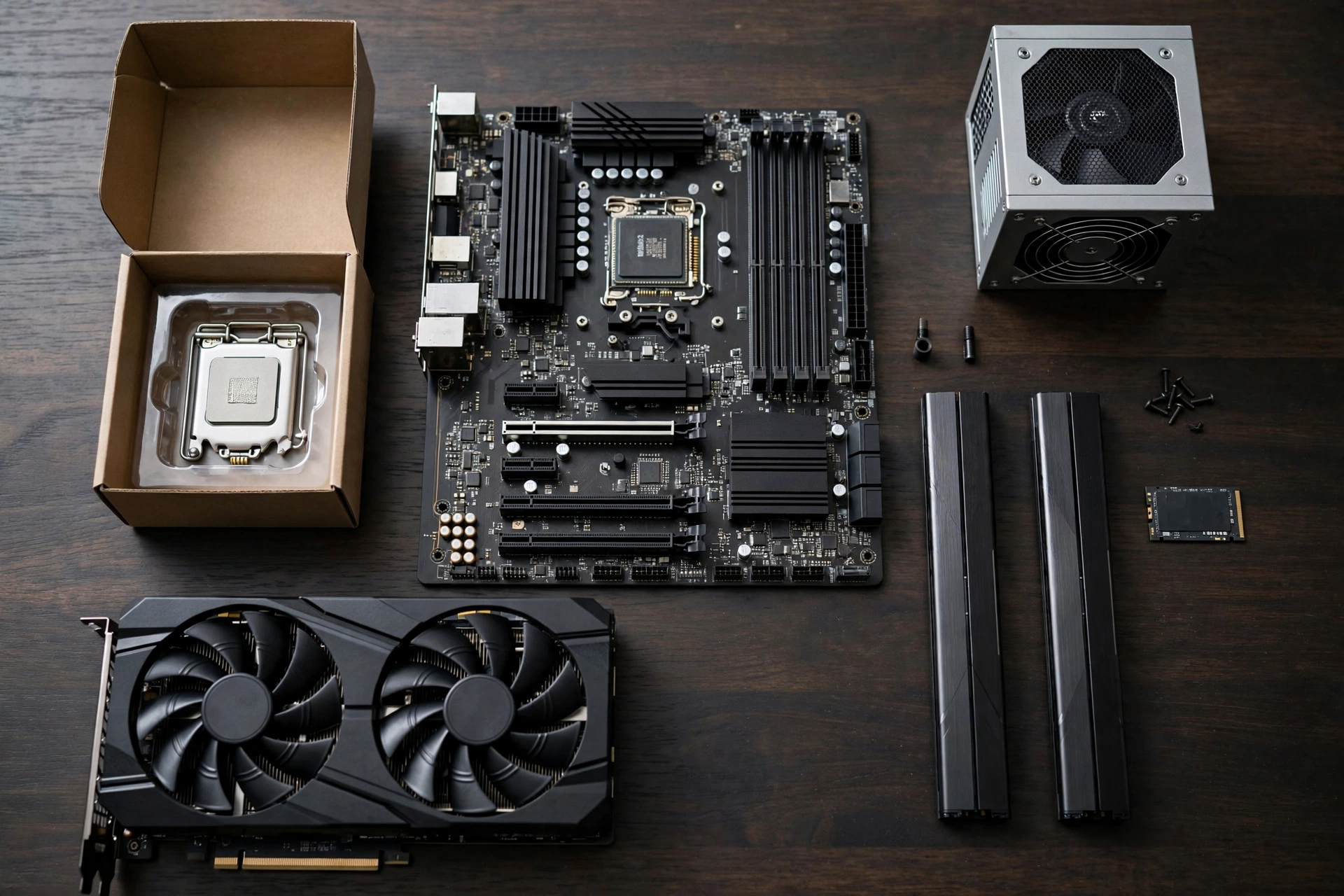
What this means: if you play on a 1080p monitor, $800 buys you a machine with no real compromises for the next few years. If your goal is high-refresh 1440p, you are one tier short — our gaming PC under $1000 guide covers the RTX 4070 builds that handle that comfortably.
The 2026 RAM Problem (and How to Beat It)
No honest $800 guide can skip this: memory prices in 2026 are the worst they have been in years. Tom’s Hardware’s price tracking, reported in October 2026, shows a 2x16GB DDR5-6000 kit averaging $572 in August 2026, up from $108 a year earlier — a 429% increase. A single popular 2x8GB DDR5 kit was listed at $406.99 on October 2, 2026, according to price-history tracker Pangoly. SK Hynix’s CEO has warned that 2027 could be the worst year for memory supply on record, and Tom’s Hardware put it bluntly: the era of cheap, plentiful memory is over, at least for now.
What this means for your build: a DDR5-based DIY build is effectively dead at $800. Sixteen gigabytes of DDR5 can now cost more than the graphics card. You have three workarounds, and each one maps to one of the builds below:
- Build on DDR4. A 16GB DDR4-3200 kit was tracked around $116 in early October 2026 — still up from historic lows, but roughly a quarter of the DDR5 equivalent. Pairing a DDR4 board with a Ryzen 5 5600 is the value king move right now.
- Buy used parts selectively. A used GPU sidesteps the new-card market entirely and frees up budget for everything else.
- Buy a prebuilt. Memory now makes up roughly 35% of the bill of materials for HP’s PCs, per 2026 industry reporting — and big system builders bought their RAM in bulk before prices spiked, so they can still sell complete systems at prices DIY builders cannot match.
New vs Used Parts: Which Strategy Wins at $800?
This is the central decision of the whole budget, and the honest answer is that both work — they just optimise for different things.
| Factor | New Parts (DDR4 Route) | Used GPU Route | Prebuilt |
|---|---|---|---|
| Total cost control | Good — every price is visible upfront | Best — used GPUs free up $50-100 for other parts | Good — fixed price, no surprises |
| VRAM for the money | 8GB (RTX 5060) | 8-12GB (used RTX 3070 / RX 6700 XT) | 8GB (RTX 5060) or 16GB (RX 9060 XT) |
| Warranty | Full warranty on every part | None on the used GPU — the main risk | Full system warranty, one point of contact |
| Effort | 2-3 hours of assembly | Assembly plus used-market vetting | None — ready out of the box |
| Upgrade path | Limited — AM4 is a mature, end-of-line platform | Limited — same AM4 caveat | Varies — check the PSU and case first |
What this means: if you enjoy building and want full warranties, go new on the DDR4 route. If maximum frames per dollar is the goal and you are comfortable buying a used graphics card from a reputable seller, the used route wins. If you simply do not want to build, a prebuilt is currently the path of least resistance — the DIY price advantage has narrowed sharply this year.
Best Gaming PC Under 800 Builds at a Glance
| Build | CPU | GPU | RAM | Storage | Est. Total |
|---|---|---|---|---|---|
| Best value (new parts) | Ryzen 5 5600 | RTX 5060 8GB | 16GB DDR4 | 1TB NVMe | ~$800 |
| Best VRAM for the money | Ryzen 5 5600 | Used RX 6700 XT 12GB / RTX 3070 | 16GB DDR4 | 1TB NVMe | ~$780 |
| Best prebuilt | i5-13400F / Ryzen 5 7600 | RTX 5060 / RX 9060 XT | 16GB DDR5 | 1TB NVMe | ~$750-800 |
1. Best Value (New Parts): Ryzen 5 5600 + RTX 5060
This is the build most people should assemble. The Ryzen 5 5600 is a 6-core, 12-thread chip that remains the undisputed budget champion — it ships with a usable stock cooler, and it is fast enough that the GPU stays the limiting factor in games, which is exactly what you want. The RTX 5060 launched in May 2025 at $299 with 8GB of GDDR7 memory and a 145W power draw (NVIDIA’s official specifications, via TechSpot’s spec database), and partner cards typically sell for $300-330.
| Component | Pick | Approx. Price |
|---|---|---|
| CPU | AMD Ryzen 5 5600 (6-core, 12-thread, stock cooler included) | ~$110-130 |
| GPU | NVIDIA RTX 5060 8GB GDDR7 (any dual-fan partner card) | ~$300-330 |
| Motherboard | B550 micro-ATX (any reputable brand) | ~$85-110 |
| RAM | 16GB (2x8GB) DDR4-3200, dual channel | ~$90-120 |
| Storage | 1TB NVMe SSD (PCIe 3.0 or 4.0) | ~$60-80 |
| PSU | 550-650W, 80+ Bronze, known brand | ~$55-75 |
| Case | Budget mesh-front case with 2+ fans | ~$45-60 |
What this means: the total lands around $800, give or take $50 depending on sales. The deliberate choices here are the AM4 platform and DDR4 memory — together they save roughly $200-300 versus a DDR5 build with equivalent gaming performance, and at 1080p you will not feel the difference in games. The trade-off is the upgrade path: AM4 is a mature platform, so a future CPU upgrade would likely mean a new motherboard too.
2. Best VRAM for the Money (Used GPU): RX 6700 XT or RTX 3070
The RTX 5060’s 8GB of VRAM is its Achilles’ heel — Digital Trends’ review praised its 1080p performance but flagged longevity concerns for exactly this reason. The used market offers a way around it: in a widely discussed r/buildapc thread, builders were finding used RTX 3070 cards around $290 and used RX 6700 XT cards around $271-290. Keep everything from Build 1 except the graphics card, and swap in:
- Used RX 6700 XT 12GB (~$270-290) — best pick if you play texture-heavy AAA games; the extra VRAM is real future-proofing at this price.
- Used RTX 3070 8GB (~$280-300) — best pick if you value DLSS and better ray tracing; TechSpot’s May 2025 review noted the RTX 5060 offers roughly RTX 3070-class performance, so a used 3070 at a lower price is straightforward value.
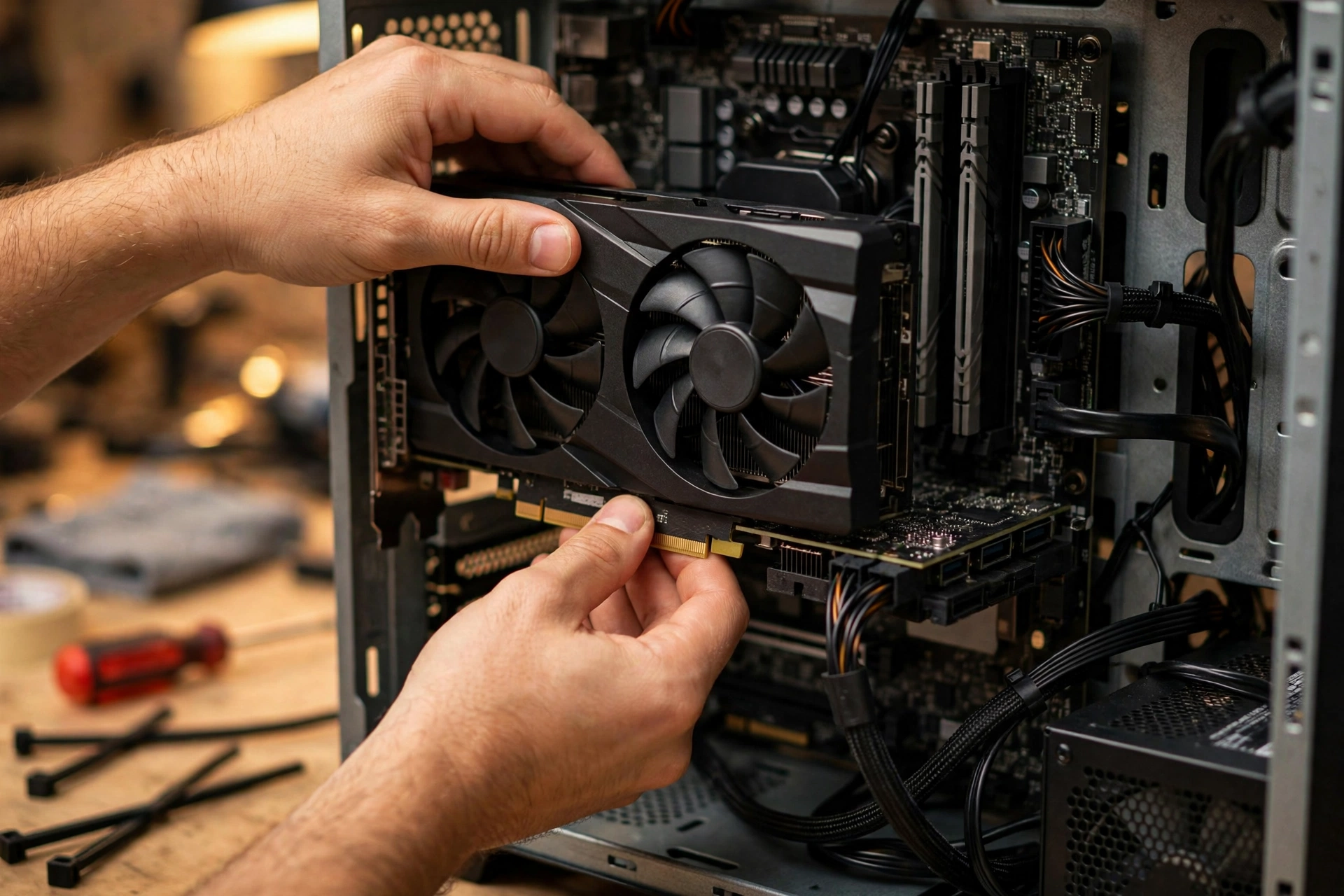
What this means: this build typically totals slightly under $800 while matching or beating the new-parts build in raw raster performance. The price you pay is risk: used GPUs carry no manufacturer warranty. Buy from sellers with return policies, ask for proof the card was not used for mining (or at least stress-tested recently), and test it thoroughly in the return window.
3. Best Prebuilt: Skip the RAM Crisis Entirely
Two prebuilt lines stand out under $800 right now, per current retail roundups:
- iBUYPOWER Trace 9 — pairs an Intel Core i5-13400F with an RTX 5060, 16GB of DDR5, and a 1TB NVMe drive. A current-generation GPU plus a newer platform than the DIY AM4 builds, with a full system warranty.
- CyberPowerPC Gamer Xtreme VR — pairs a Ryzen 5 7600 with AMD’s RX 9060 XT, which ships with up to 16GB of VRAM (per XDA Developers’ comparison) — the most VRAM you can get at this price.
What this means: prebuilt makers buy components — especially RAM — in bulk ahead of price spikes, so they are partially insulated from the memory crisis that is punishing DIY builders. Before buying any prebuilt, verify three things: the exact GPU model (not just “RTX 5060-class”), that the RAM is dual-channel 16GB rather than a single 8GB stick, and that the power supply has enough wattage and standard connectors for a future GPU upgrade. Proprietary PSUs and cases are the classic prebuilt trap.
Choosing the Right GPU at $800
The GPU is roughly 40% of this budget, so it deserves its own decision framework. Here is how the realistic options compare:
| GPU | VRAM | Approx. Price | Power Draw | Best For |
|---|---|---|---|---|
| RTX 5060 | 8GB GDDR7 | ~$300-330 new | 145W | New-card buyers who want DLSS 4 and efficiency |
| RX 9060 XT | Up to 16GB | ~$300-350 new | ~160-180W | Buyers who want maximum VRAM in a new card |
| Intel Arc B580 | 12GB GDDR6 | ~$249 new | ~190W | Budget stretchers; strong in VRAM-heavy titles |
| Used RTX 3070 | 8GB GDDR6 | ~$280-300 used | 220W | DLSS and ray tracing on a budget |
| Used RX 6700 XT | 12GB GDDR6 | ~$270-290 used | 230W | Maximum raster performance per dollar |
What this means: for a new card, the RTX 5060 is the default — NVIDIA’s DLSS ecosystem remains the best upscaling option, and 145W means almost any decent PSU handles it. But do not dismiss the alternatives: the YouTube channel Benchmarks for Gamers found the Arc B580 essentially tied with the RTX 5060 across 12 games while winning decisively in VRAM-limited titles like S.T.A.L.K.E.R. 2 (34 vs 12.1 FPS) and Flight Simulator 2024 (31.1 vs 18 FPS). If you go used, the RX 6700 XT’s 12GB buffer is the most future-proof option on this list. (Specifications via NVIDIA’s official spec sheet and TechSpot’s GPU database; prices are approximate — check current prices.)
What to Avoid at the $800 Budget
- 8GB of system RAM. The 2026 minimum is 16GB, full stop. Some prebuilts still ship with 8GB to hit a price point — upgrading later costs more than buying right the first time.
- Single-channel RAM. One 16GB stick instead of two 8GB sticks can cost you 10-15% of your gaming performance for zero savings. Always buy matched pairs.
- A weak GPU in an $800 system. Cards like the RTX 3050 or RX 6400 belong in the gaming PC under $500 tier. At $800 you should be getting RTX 5060-class performance or better — if a prebuilt pairs an $800 price with a weaker card, walk away.
- Unknown-brand power supplies. A cheap, uncertified PSU can take the whole system down with it. This is the one component where the brand genuinely matters more than the wattage number.
- Refurbished office PCs marketed as “gaming”. A five-year-old office tower with a low-profile GPU bolted in is not an $800 gaming PC, no matter what the listing title says.
- Paying a premium for RGB and glass. Looks do not render frames. At a fixed $800, every dollar spent on lighting is a dollar not spent on the GPU.
- 8GB VRAM cards if 1440p is your goal. Digital Trends’ RTX 5060 review specifically flagged VRAM as the longevity concern — if you plan to move to 1440p soon, stretch toward a 16GB card (RX 9060 XT 16GB or RX 6700 XT) instead.
Frequently Asked Questions
Is $800 enough for a good gaming PC in 2026?
Yes — for 1080p gaming, $800 is the sweet spot where compromises largely disappear. You get a current-generation GPU, 16GB of RAM, and a 1TB SSD. The main thing $800 does not buy in 2026 is a comfortable DDR5 platform, thanks to the memory price crisis — but DDR4 builds and prebuilts route around that cleanly.
Should I buy new or used parts at this budget?
Buy the CPU, motherboard, RAM, storage, PSU, and case new — these are cheap enough new that used savings are not worth the risk. The GPU is the one part where buying used makes sense: a used RX 6700 XT or RTX 3070 around $280-290 outperforms what the same money buys new, as long as you buy from a seller with a return policy and test the card immediately.
Is 16GB of DDR4 enough, or do I need DDR5?
For gaming at 1080p, 16GB of DDR4 in dual channel is enough, and the difference versus DDR5 in actual games is small — single-digit percentages in most titles. DDR5’s real advantages (bandwidth for productivity, future platform support) do not justify paying triple the price at this budget in 2026. Spend the savings on the GPU instead.
Prebuilt or DIY under $800?
In 2026 specifically, check prebuilt prices before assuming DIY is cheaper — the RAM crisis has flipped the usual math, since manufacturers bought memory in bulk before prices spiked. DIY still wins if you want full control over part brands and a clean upgrade path; prebuilt wins on convenience, warranty simplicity, and right now, often on price too.
Final Takeaway
A gaming PC under 800 in 2026 is genuinely the value sweet spot: an RTX 5060-class GPU, a 6-core Ryzen, 16GB of RAM, and a 1TB SSD deliver high-settings 1080p gaming with room to spare. The year’s memory crisis changed the recipe — DDR4 builds, smart used-GPU picks, and well-chosen prebuilts are how you stay under budget — but the performance on offer has never been better for the money.
If your budget is tighter, our gaming PC under $500 guide shows what solid 1080p gaming looks like for less. If you can stretch further, the gaming PC under $1000 guide steps up to RTX 4070-class builds for comfortable 1440p. Whichever tier you land in, put the money in the GPU first — everything else is supporting cast.