Gaming PC Under $500: 7 Best Options in 2026 (Prebuilt & DIY)
A gaming pc under $500 in 2026 can handle 1080p gaming at 30 to 60 fps on most popular titles. Your best bets are prebuilt options like the HP Victus 15L or MXZ R5 5600GT, or a DIY build using a Ryzen 5 5600 and a budget GPU like the RX 6400. Prebuilt saves time. DIY saves money and gives better long-term value.
📢 Key Takeaways
- A cheap gaming pc under $500 works best for 1080p, not 1440p or 4K.
- DIY builds usually beat prebuilt PCs on raw performance per dollar.
- Prebuilt PCs save time and come with warranty support.
- Look for at least 16GB of RAM. 8GB struggles in newer games.
- A dedicated GPU always beats integrated graphics for gaming.
- Storage should include an SSD, not just a hard drive.
- Check the power supply wattage before adding a new GPU later.
Building or buying a cheap gaming pc under $500 sounds impossible at first. It is not. The market has changed a lot in 2026. Older GPUs and CPUs have dropped in price. This makes budget gaming more realistic than ever.
This guide is for gamers who want real performance without spending a fortune. It covers both prebuilt options and DIY builds. You will learn what to expect at this price point, which components matter most, and which mistakes to avoid.
Whether you want to play Fortnite, Valorant, or GTA V, this article shows you how to get the most value from a $500 budget. We also compare a cheap gaming pc under $500 against slightly pricier options, so you know exactly what you gain by spending a little more.
What Can You Expect From a Gaming PC Under $500?
A gaming pc under $500 is built for 1080p gaming. It is not made for 1440p or 4K. Expect medium to high settings in most popular games, with 30 to 60 fps depending on the title.
Esports games run best on this budget. Titles like Valorant, CS2, Fortnite, and Rocket League are light on hardware. They run smoothly even on entry-level GPUs.
Heavier AAA games still work, but you may need to lower graphics settings. Games like Cyberpunk 2077 or Call of Duty can hit 35 to 60 fps at 1080p on low to medium settings with the right build.
Best Prebuilt Gaming PCs Under $500
Buying a prebuilt saves time. You skip the research, the parts list, and the assembly. Here are strong options in this price range.
HP Victus 15L
The HP Victus line offers a discrete AMD Radeon RX 6400 GPU with 4GB of GDDR6 memory. It handles esports titles at high frame rates. It ships with a fast NVMe SSD and Windows 11 Home. The only downside is 8GB of RAM, which is light for 2026 gaming. Upgrading to 16GB is simple and affordable.
MXZ R5 5600GT Build
This option uses a Ryzen 5 5600GT processor, 16GB of RAM, and a 1TB SSD. It is one of the most balanced prebuilt choices under $500. The CPU alone handles modern games well, even before adding a dedicated GPU.
STGAubron Gaming Desktop
This is a solid choice if you want a smaller case. It pairs an older CPU with a capable GPU. The GPU carries most of the gaming performance here, so the older processor is a smaller concern for 1080p esports titles.
GEEKOM A5 Pro Mini Gaming PC
A compact option for gamers who want a small footprint. It runs on a Ryzen 5 7430U processor with expandable memory up to 64GB. This is a good pick for casual gaming and multitasking, though a mini PC will not match a full desktop tower on raw GPU power.
Best DIY Gaming PC Build Under $500
Building your own PC almost always gives better performance per dollar. You choose every part. You avoid paying for a case, cooler, or bundled software you do not need.
A typical budget build under $500 includes:
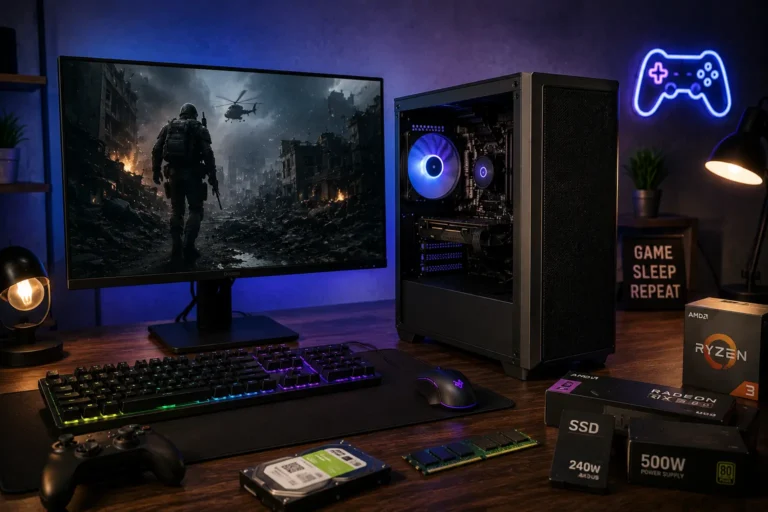
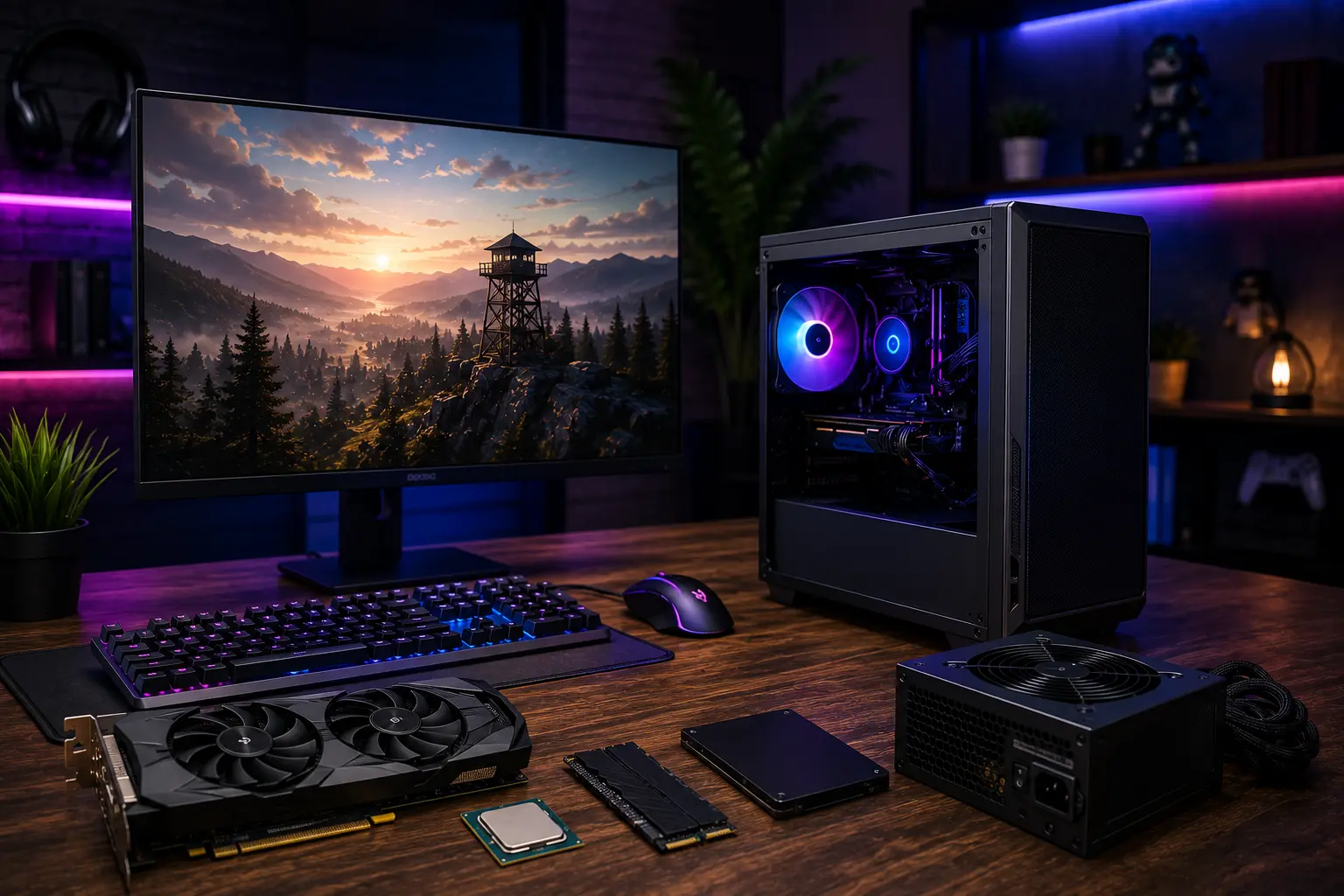
- CPU: AMD Ryzen 5 5600 or similar budget-friendly processor
- GPU: AMD Radeon RX 6400 or RX 6500 XT
- RAM: 16GB DDR4
- Storage: 500GB to 1TB NVMe SSD
- Power Supply: 450W to 500W, from a reputable brand
- Case: A basic airflow-focused case with good ventilation
This combination handles 1080p esports gaming smoothly and plays most AAA titles at low to medium settings.
Should You Buy a Prebuilt or Build Your Own Gaming PC?
| Factor | Prebuilt | DIY Build |
|---|---|---|
| Setup time | Ready to use | Requires assembly |
| Performance per dollar | Lower | Higher |
| Warranty | Full manufacturer support | Per-component warranty |
| Upgrade flexibility | Often limited | Full control |
| Best for | Beginners, first-time buyers | Gamers comfortable with hardware |
Quick tip: Choose prebuilt if you value convenience and support. Choose DIY if you want the best possible performance for your money.
If you decide a ready-to-use system is the better fit, check out our guide to the Best Prebuilt Gaming PCs for more powerful options across different budgets.
Key Components That Matter Most
Processor (CPU)
The CPU handles game logic, physics, and background tasks. A modern budget CPU like the Ryzen 5 5600 performs far better than older quad-core chips found in some cheap prebuilt PCs.
Graphics Card (GPU)
The GPU is the single biggest factor in gaming performance. At this budget, look for a dedicated GPU like the RX 6400. Avoid systems that rely only on integrated graphics for gaming.
Memory (RAM)
16GB is the sweet spot in 2026. 8GB can cause stutter in newer games, especially when multitasking with Discord or a browser open in the background.
Storage
An SSD dramatically cuts load times compared to a traditional hard drive. A 500GB NVMe SSD is enough for Windows plus a handful of games.
Power Supply
Check the wattage before you plan any future upgrades. A 450W to 500W power supply from a known brand gives you room to add a better GPU later.
Benefits of a Budget Gaming PC
- Affordable entry point. You do not need a huge budget to start PC gaming.
- Smooth esports performance. Popular competitive games run well on modest hardware.
- Upgrade path. You can improve RAM, storage, or GPU later without replacing the whole system.
- Better value than consoles for multiplayer. No subscription fees for online play on PC.
- Multi-purpose use. A gaming PC also handles browsing, schoolwork, and streaming.
What Are the Drawbacks of a DIY Gaming PC?
- Limited settings for AAA games. You may need to lower graphics settings for the newest releases.
- Weaker upgrade headroom on some prebuilts. Proprietary cases or low-wattage power supplies can block future upgrades.
- Older components in cheaper models. Some budget prebuilts still use outdated CPUs to hit the price point.
- No warranty on used parts. If you buy secondhand components for a DIY build, you lose manufacturer protection.
Common Mistakes to Avoid
- Ignoring RAM capacity. An 8GB system will bottleneck newer games. Always check this before buying.
- Skipping the power supply check. A weak power supply blocks future GPU upgrades.
- Buying based on CPU alone. The GPU matters more for gaming performance than the CPU in most budget builds.
- Choosing storage without an SSD. A hard-drive-only system feels slow, even with a decent GPU.
- Overlooking cooling. Poor airflow causes thermal throttling, which lowers performance over time.
Expert Tips for Buying or Building
- Compare the GPU model first. It has the biggest impact on frame rates at this budget.
- Buy your CPU and GPU new. Buy the case and peripherals used or on sale to save money.
- Check for open-box or refurbished prebuilt deals from major retailers. These often include full warranty coverage at a lower price.
- Plan your first upgrade before you buy. Decide whether you will add RAM or a better GPU first.
- Read recent benchmark comparisons before finalizing any build, since GPU pricing and availability shift often.
Is $500 Enough in 2026, or Should You Save More?
Many gamers ask whether it makes sense to wait and save for a bigger budget. The honest answer depends on what you want to play.
If your favorite games are esports titles like Valorant, CS2, or Rocket League, a cheap gaming pc under $500 is enough. These games are optimized to run on modest hardware, so extra money buys you very little extra performance.
If you mainly play newer AAA titles at higher settings, saving an extra $150 to $250 can move you into a noticeably stronger tier. That budget usually unlocks a better GPU, which is the single biggest performance jump you can buy.
If your budget can stretch further, our Gaming PC Under $1000 guide highlights systems that deliver significantly better 1080p and entry-level 1440p gaming performance.
For most first-time PC gamers, though, a gaming pc under $500 is the smarter starting point. It gets you playing today, and you can upgrade individual parts later instead of spending everything up front.
Frequently Asked Questions
Conclusion
A gaming pc under $500 is a realistic option in 2026 for 1080p gaming, especially for esports titles. Prebuilt options like the HP Victus 15L or MXZ R5 5600GT offer convenience and warranty support. A DIY build with a Ryzen 5 CPU and RX 6400 GPU gives better raw performance for the same money.
Pick prebuilt if you want a ready-to-play system today. Pick DIY if you are comfortable with hardware and want the best value per dollar. Either path gets you into solid 1080p gaming without overspending.