Best Gaming Mouse for PC (2026)
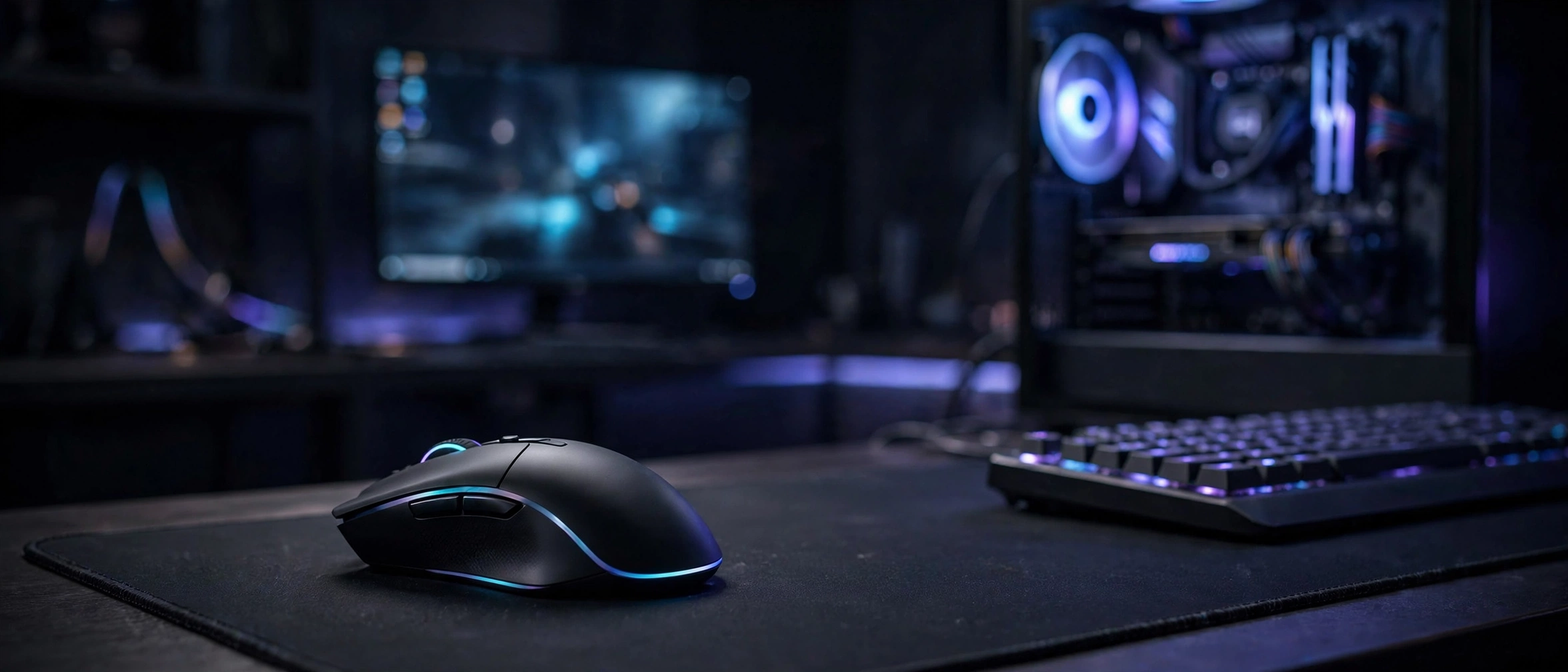
The best gaming mouse for PC in 2026 is the one that matches your grip style, the games you play, and your budget — but if you want a safe shortlist, the Logitech G502 HERO and the Razer DeathAdder V3 remain the two most dependable all-round picks, while the Logitech G PRO X Superlight 2 is the flagship choice for competitive FPS players who want ultralight wireless performance. This guide compares six real gaming mice based on their published specifications — sensor, DPI, polling rate, weight, and price — so you can choose without wading through marketing fluff.
A quick note on how this roundup works: it is a spec-based comparison, not a hands-on review. Every specification below comes from the manufacturer’s published spec sheets or reputable independent sources. Prices are approximate US street prices and change often, so check current prices before you buy.
The Best Gaming Mouse for PC in 2026 — Quick Picks
- Best wired all-rounder: Logitech G502 HERO (~$50)
- Best wireless G502: Logitech G502 X LIGHTSPEED (~$130)
- Best wired for esports: Razer DeathAdder V3 (~$60)
- Best ultralight wireless flagship: Logitech G PRO X Superlight 2 (~$140)
- Best value wireless: Razer Viper V3 HyperSpeed (~$75)
- Best budget wired: Glorious Model O (~$50)
Best Gaming Mice Compared: Specs Table
| Mouse | Sensor | Max DPI | Weight | Buttons | Connectivity | Approx. Price |
|---|---|---|---|---|---|---|
| Logitech G502 HERO | HERO 25K | 25,600 | 121 g | 11 | Wired | ~$50 |
| Logitech G502 X LIGHTSPEED | HERO 25K | 25,600 | 102 g | 13 | 2.4 GHz / USB-C | ~$130 |
| Razer DeathAdder V3 | Focus Pro 30K | 30,000 | 59 g | 6 | Wired | ~$60 |
| Logitech G PRO X Superlight 2 | HERO 2 | 44,000* | 60 g | 5 | 2.4 GHz / USB-C | ~$140 |
| Razer Viper V3 HyperSpeed | Focus Pro 30K | 30,000 | 82 g | 6 | 2.4 GHz | ~$75 |
| Glorious Model O | Pixart PMW-3360 | 12,000 | 67 g | 6 | Wired | ~$50 |
*Superlight 2’s 44,000 DPI ceiling is available via Logitech G HUB after firmware updates; launch-era spec was 32,000 DPI.
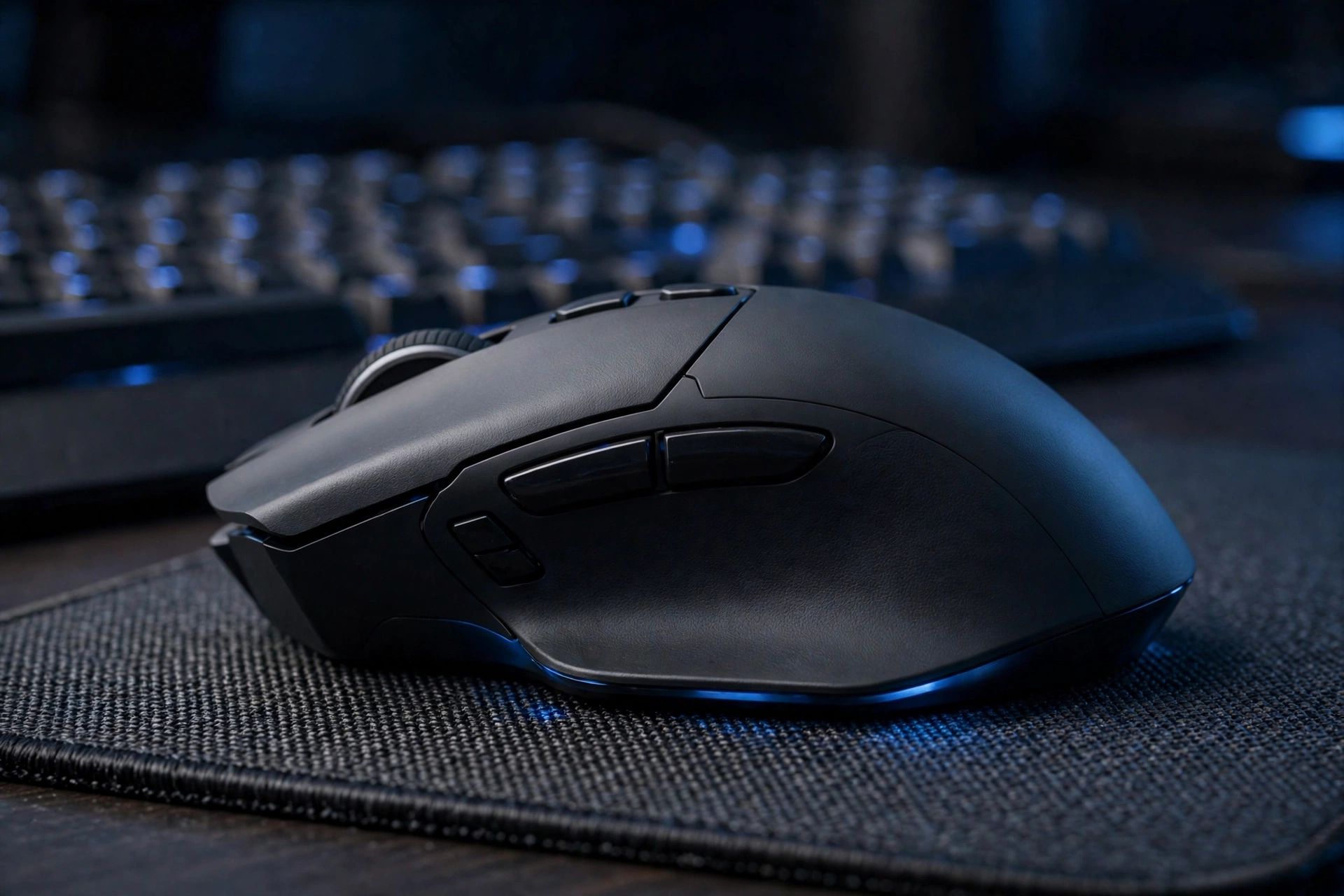
The 6 Best Gaming Mice for PC, Compared
1. Logitech G502 HERO — Best Wired All-Rounder
The G502 HERO is the best-selling gaming mouse shape of the last decade, and its spec sheet explains why. The HERO 25K optical sensor tracks up to 25,600 DPI with a 1000 Hz polling rate, and you get 11 programmable buttons — enough for MOBA and MMO keybinds without reaching for the keyboard. It weighs 121 g out of the box, and five 3.6 g tunable weights in the box let you dial the heft up to 139 g if you like a heavier feel. The dual-mode scroll wheel (notched or free-spin) is still one of the best in the business.
On paper, this is the mouse for players who want one do-everything wired mouse: FPS, RPGs, strategy, and even productivity work. The trade-off is weight — at 121 g it is noticeably heavier than modern esports mice, so low-sensitivity FPS players may prefer something lighter. At a street price around $50 (check current prices), it is also one of the best values on this list.
2. Logitech G502 X LIGHTSPEED — Best Wireless G502
If you love the G502 shape but want to cut the cord, the G502 X LIGHTSPEED is the wireless evolution of the line. It keeps the HERO 25K sensor (25,600 DPI) and adds 13 programmable buttons, including a reversible and removable DPI-shift button. Connectivity is LIGHTSPEED 2.4 GHz wireless plus USB-C wired, with up to 140 hours of battery life in constant motion — and it is compatible with Logitech’s POWERPLAY wireless charging mousepads.
The big story here is weight: at 102 g, it is nearly 20 g lighter than the wired G502 HERO, which makes it far more viable for fast-paced shooters while keeping the button count MMO players want. The hybrid optical-mechanical LIGHTFORCE switches are rated for crisp, consistent clicks. Typical street price sits around $110–$130 (check current prices), roughly double the wired HERO — you are paying for wireless freedom and a lighter chassis.
3. Razer DeathAdder V3 — Best Wired for Esports
The DeathAdder is the most iconic ergonomic gaming mouse ever made, and the V3 is its lightest, most focused iteration: just 59 g with the cable excluded. The Razer Focus Pro 30K optical sensor pushes 30,000 DPI, tracks at up to 750 IPS, and even works on glass. Polling goes up to a true 8000 Hz via HyperPolling — though as we explain below, you will only benefit from that on a strong PC with a high-refresh monitor.
With 6 buttons (5 programmable plus scroll click) and Razer’s Optical Mouse Switches Gen-3 rated for 90 million clicks, the V3 is deliberately minimalist: no button bloat, just a proven right-handed ergonomic shape and a featherweight Speedflex cable that barely drags. At around $58–$70 street (check current prices), it undercuts most flagships while offering a top-tier sensor. If your main games are Valorant, CS2, or Apex, this is the wired pick to beat.
4. Logitech G PRO X Superlight 2 — Best Ultralight Wireless Flagship
The Superlight 2 is the mouse of choice for a huge share of professional FPS players, and the spec sheet shows why: 60 g, the HERO 2 sensor with up to 44,000 DPI available via G HUB, and a maximum 8000 Hz report rate (also via G HUB) over LIGHTSPEED wireless, with up to 95 hours of battery. LIGHTFORCE hybrid switches and USB-C charging round out a package with zero visible compromises — except buttons. There are only 5, so MMO players should look elsewhere.
At an MSRP of $159 with street prices usually around $120–$140 (check current prices), it is the most expensive mouse on this list. It is worth it if you play shooters seriously and want the lightest wireless option from a major brand; for everyone else, the cheaper picks above get you 95% of the experience.
5. Razer Viper V3 HyperSpeed — Best Value Wireless
The Viper V3 HyperSpeed might be the smartest buy on this list. You get the same Focus Pro 30K sensor (30,000 DPI) as the DeathAdder V3, 1000 Hz wireless polling over Razer HyperSpeed 2.4 GHz, and an absurd 280 hours of battery life from a single AA battery. It weighs 82 g with the battery installed, or just 59 g if you run it without — and you can bump polling to 4000 Hz with Razer’s optional HyperPolling dongle.
The AA battery is a genuine advantage: no charging cable needed, just swap in a fresh cell. The downsides are the lack of Bluetooth and no wired mode in the box — this is a 2.4 GHz-only mouse. At an MSRP of $69.99 with street prices around $70–$80 (check current prices), it delivers flagship-sensor wireless performance for less than half the price of the Superlight 2.
6. Glorious Model O — Best Budget Wired
The Model O kicked off the ultralight trend years ago, and its spec sheet still holds up for the price: a Pixart PMW-3360 sensor (12,000 DPI max), 1000 Hz polling, 6 buttons, and a 67 g honeycomb shell with a flexible paracord-style cable. The ambidextrous shape suits claw and fingertip grips particularly well.
12,000 DPI looks modest next to the 30,000+ figures above, but that number barely matters in real play, and the PMW-3360 remains a flawlessly tracking sensor. At around $50 (check current prices), the Model O is the cheapest way to get a genuinely lightweight esports-grade wired mouse.
What to Look for in the Best Gaming Mouse for PC
Before you buy, here is what actually matters — and what is mostly marketing.
Sensor: the one spec that matters most
Every mouse on this list uses a modern optical sensor, and all of them track without the smoothing or acceleration that plagued older mice. In real play, the differences between these top sensors are marginal — a bigger sensor number does not make you aim better.
DPI: the truth vs. the marketing
Manufacturers love advertising 25,600 or even 44,000 DPI, but these are headroom figures, not performance figures. Most players actually use somewhere between 400 and 1,600 DPI combined with their in-game sensitivity setting — going higher just makes the cursor uncontrollably fast. Treat max DPI as a tiebreaker at best; sensor consistency matters far more.
Polling rate: 1000 Hz is the sweet spot
Polling rate is how often your mouse reports its position to your PC: 1000 Hz means once every millisecond, which has been the gaming standard for years and is plenty for nearly everyone. The 4000 Hz and 8000 Hz modes on some mice here can feel marginally smoother on high-refresh-rate monitors, but they also increase CPU load — and you will only notice the difference if the rest of your setup is equally fast. Speaking of which, a fast mouse deserves a fast display: see our guide to the best refresh rate for gaming to pair the two properly.
Weight: lighter for FPS, heavier for everything else
Weight is the most personal spec on the list. Competitive FPS players overwhelmingly prefer lighter mice (under 70 g) because fast flick shots and 180-degree turns take less effort. But heavier mice (100 g and up) feel more stable and planted, and they usually come with more buttons — which is why MMO players and productivity users often prefer something like the G502. There is no universally correct weight, only the right weight for your games.
Shape and grip: the spec sheet can’t tell you this
No spec captures how a mouse feels in your hand. Broadly: palm grippers want larger ergonomic shapes (DeathAdder V3, G502), claw grippers suit medium mice with defined humps, and fingertip grippers do best with smaller, lighter ambidextrous shapes (Model O, Viper V3 HyperSpeed).
Frequently Asked Questions
What is the best gaming mouse for PC in 2026?
There is no single best mouse — it depends on your grip, games, and budget. For most players, the safest picks are the Logitech G502 HERO (wired, ~$50) for an all-rounder or the Razer DeathAdder V3 (wired, ~$60) for shooters. Competitive FPS players who want wireless usually land on the Logitech G PRO X Superlight 2.
Is a wireless gaming mouse as good as a wired one in 2026?
Yes — with one caveat. Modern 2.4 GHz wireless technologies (Logitech LIGHTSPEED, Razer HyperSpeed) report at 1000 Hz just like wired mice, and the latency difference is far below what a human can perceive. What you should avoid for gaming is Bluetooth mode, which has noticeably higher and less consistent latency.
What DPI should I use for gaming?
Most players settle somewhere between 400 and 1,600 DPI, combined with their in-game sensitivity to reach a comfortable cm-per-360°-turn. Maximum DPI figures like 30,000 or 44,000 are marketing headroom — they do not make you more accurate, and almost nobody plays at those settings.
Should I buy a heavier or lighter mouse for FPS games?
Lighter is generally preferred for FPS: mice under 70 g make fast flicks and quick 180-degree turns noticeably easier, which is why esports pros overwhelmingly use ultralight models. Heavier mice (100 g+) suit players who value stability and extra buttons, such as MMO or strategy players.
Final Verdict
If you want the short version: on a budget, grab the Glorious Model O or the Logitech G502 HERO. If you want wireless value, the Razer Viper V3 HyperSpeed is the pick. If you want the flagship FPS experience and the price does not scare you, the Logitech G PRO X Superlight 2 is it — and G502 loyalists who want wireless should get the G502 X LIGHTSPEED.
Whichever you choose, remember the mouse is only half the equation. If you are building out the rest of your battlestation, check out our roundup of the best gaming keyboard and mouse combos for matched sets that pair well with any of these picks.