Best Operating System for Gaming in 2026 (Windows vs Linux vs Mac)
You just built or bought a new gaming PC, and before you’ve installed a single game, you’re stuck on a decision that feels bigger than it should: which OS actually gets you the best performance.
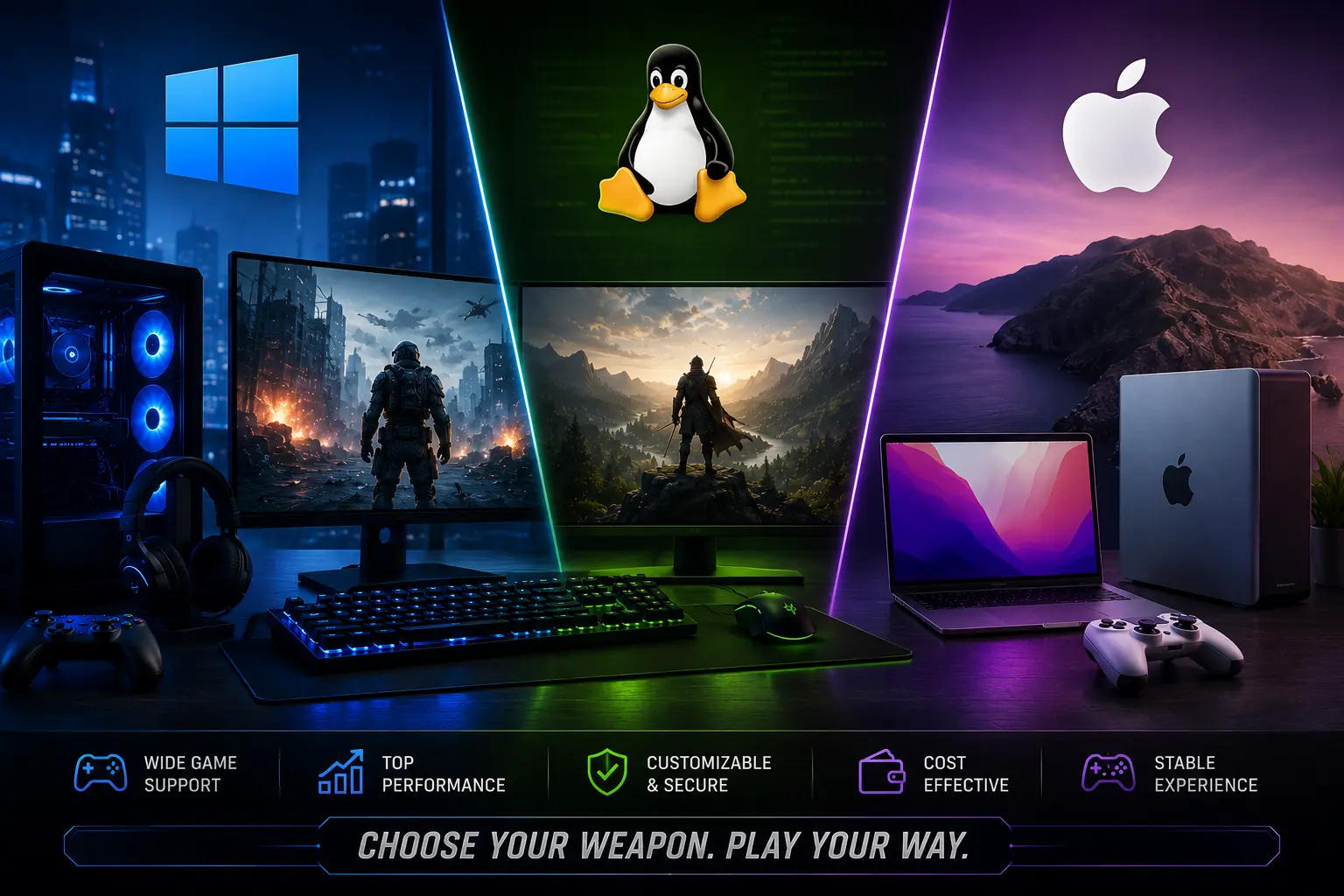
The best operating system for gaming in 2026 is Windows 11. It has the widest game library, every anti-cheat system supports it, and every GPU driver lands there first. If you want an alternative, Bazzite is currently the best Linux OS for gaming for most people, and macOS remains a distant third choice for anyone locked into Apple hardware.
That said, each option fits a different kind of gamer, and there are a few real gotchas most guides skip entirely.

Which Operating System Is Best for Gaming?
| Feature | Windows 11 | Best Linux (Bazzite/CachyOS) | macOS |
|---|---|---|---|
| Game library size | Largest | Growing fast via Proton | Smallest |
| Anti-cheat support | Full support | Mostly blocked | Mostly blocked |
| Day-one driver support | Yes | Usually delayed | N/A (Apple Silicon only) |
| Best for | Anti-cheat and competitive titles | Handhelds, single-player, tinkerers | Existing Mac owners, casual/single-player |
| Steam user share (2026) | ~92-94% | ~4-5% | ~2% |
Why Choose Windows 11 for Gaming?
Every major PC game targets Windows first. Day-one GPU drivers from Nvidia, AMD, and Intel launch on Windows before anywhere else, and that alone settles the decision for most players.
The bigger factor is anti-cheat. Competitive shooters like Valorant, Fortnite, and Battlefield run kernel-level anti-cheat systems such as Riot’s Vanguard, and these systems are built around Windows specifically. Real players who’ve tried running these titles outside a standard Windows install regularly report the anti-cheat blocking the game from launching at all, or in some cases, triggering account flags. If you play any game with kernel-level anti-cheat, Windows isn’t just the best option, it’s close to the only reliable one.
Windows 10 lost official security support on October 14, 2025. That means new vulnerabilities discovered on Windows 10 no longer get free patches, which matters more than most gamers assume since unpatched systems become easier targets over time, not just a compliance checkbox.
Steam’s own hardware survey backs up how fast this shift has moved. Windows 11 crossed 70% of the platform’s user base for the first time in mid-2026, while Windows 10 has fallen into the low-to-mid 20% range and keeps sliding every month. If you’re still deciding, Windows 11 is the only current Windows version worth installing, whether you’re building new or upgrading an existing PC.
Which Linux OS Is Best for Gaming?
Linux gaming has made real progress, and it’s no longer just a hobbyist curiosity. Recent Steam Hardware Survey data shows Linux crossing 5% of the platform’s user base for the first time, up from under 2% just two years earlier, largely driven by Valve’s SteamOS and the Steam Deck.
The engine behind almost all of that progress is Proton, Valve’s compatibility layer that translates Windows game code so it runs on Linux. Sites like ProtonDB track compatibility on a per-game basis, and thousands of titles now run at “Gold” or “Platinum” ratings, meaning they work close to flawlessly.
Bazzite: The Best All-Around Pick
Bazzite is currently the best Linux OS for gaming for most people making the switch. It’s built specifically for gaming, ships with Proton and gaming tools preconfigured, and works well whether you’re installing it on a handheld, a living room PC, or a desktop.
CachyOS: The Performance Pick
CachyOS focuses on raw performance through kernel and package optimizations tuned for gaming workloads. If you’re comfortable with more Linux tinkering and want to squeeze out extra frames, this is the distro enthusiasts reach for.
SteamOS: The Console-Like Pick
SteamOS is Valve’s own Linux distribution, built for the Steam Deck and now expanding to more hardware, including Valve’s newly announced Steam Machine, a living-room console built around the same OS. It prioritizes a simple, controller-friendly experience over deep customization, and it’s the easiest on-ramp if you want a console feel without giving up PC game libraries entirely.
Where Linux Still Falls Short
Here’s the part most Linux gaming guides gloss over: most games with kernel-level anti-cheat still don’t run on Linux at all, because those anti-cheat systems require deep Windows-specific system access that Linux doesn’t expose in the same way. If Valorant, Fortnite, or a similar competitive title is your main game, Linux isn’t a realistic option yet, regardless of how good Proton has gotten for everything else.
What About macOS for Gaming?
macOS remains the smallest gaming platform of the three, sitting around 2% of Steam’s user base, though Apple Silicon has slowly pushed that number up in recent years.
Apple’s Game Porting Toolkit and third-party tools like CrossOver let some Windows titles run through translation on Apple Silicon, and a growing number of AAA titles now ship native Mac versions. Even so, the game library is a fraction of what Windows offers, most competitive titles with anti-cheat don’t run at all, and you can’t upgrade the GPU in a Mac the way you can on a PC.
If you already own a Mac and don’t want a second machine, it’s usable for many single-player and less demanding titles. If gaming is your priority and you’re choosing hardware from scratch, it’s not the platform to build around.
Should You Use Atlas OS, Ghost Spectre, or Tiny11?
You’ve probably seen videos claiming a stripped-down, debloated version of Windows can boost your FPS for free. The claim isn’t entirely made up, but it comes with real strings attached that most of these videos don’t mention.
Tools like Atlas OS, Ghost Spectre, and Tiny11 remove background services, telemetry, and preinstalled apps from a standard Windows install. In heavier, CPU-bound games, some independent testing has shown modest gains, generally in the range of single-digit to low double-digit percentage improvements in frame rate and frame time consistency. In already well-optimized, lightweight titles, the difference tends to shrink to almost nothing.
Real risk: these are unofficial, community-built modifications, not something Microsoft supports or patches. Two consequences follow from that.
First, kernel-level anti-cheat systems are built to flag unusual system modifications, and players running heavily modified Windows builds have reported anti-cheat refusing to launch the game or blocking their account entirely. If you play any anti-cheat-protected competitive game, this alone should rule these tools out.
Second, since these builds strip out standard Windows components, you may not get the same security update path as a standard install, and troubleshooting support is limited to community forums rather than Microsoft.
If you’re a single-player gamer on older or modest hardware and don’t touch anti-cheat-protected games, the performance gain might be worth the tradeoff. If you play anything competitive, stick with a standard Windows install.
Which OS Should You Actually Pick
You play Valorant, Fortnite, or any anti-cheat-protected competitive game. Windows 11, full stop. There’s no reliable alternative right now.
You’re building a couch gaming setup or handheld. Bazzite or SteamOS give you a console-like experience with strong Proton support, as long as your library skips anti-cheat titles.
You want maximum raw performance and don’t mind some Linux tinkering. CachyOS is the enthusiast pick, again assuming your games don’t require kernel-level anti-cheat.
You already own a Mac and play mostly single-player games. macOS can work, especially with more native titles shipping every year, but don’t expect it to match a PC’s library or upgrade path.
You have older or budget hardware and only play offline, single-player titles. A debloated Windows build like Atlas OS or Tiny11 can squeeze out real gains here, as long as you understand you’re trading official support and anti-cheat compatibility for that performance.
How Can You Get More Out of Your Gaming OS?
No matter which OS you land on, a few basics apply everywhere. Keep your GPU drivers current, since new driver releases often carry meaningful performance fixes for specific games. Set your power plan to high performance rather than balanced or power-saving, especially on laptops. Close background apps you don’t need while gaming, and let your OS’s built-in game mode (or the Linux equivalent) prioritize your game over everything else running in the background.
Storage matters more than most people expect too. An SSD, ideally NVMe, cuts load times dramatically compared to an older hard drive, and pairs well with features like DirectStorage on Windows that let your GPU pull assets more directly instead of routing everything through the CPU.
If you’re using Linux, our guide to the Best Linux Distro for Gaming compares Bazzite, CachyOS, and SteamOS in detail. Windows users should also check our Windows 11 Gaming Performance Guide for optimization tips and benchmark results.
Frequently Asked Questions
Conclusion
Windows 11 remains the best operating system for gaming in 2026 for the overwhelming majority of players, mainly because of anti-cheat support and day-one compatibility with new releases. If you want to branch out, Bazzite is the best Linux OS for gaming right now for most people, with CachyOS as the performance-focused alternative for anyone willing to tinker. macOS and debloated Windows builds both have a real place, just a narrower one than the marketing around them suggests.