Best Refresh Rate for Gaming: 60Hz vs 144Hz vs 240Hz Explained
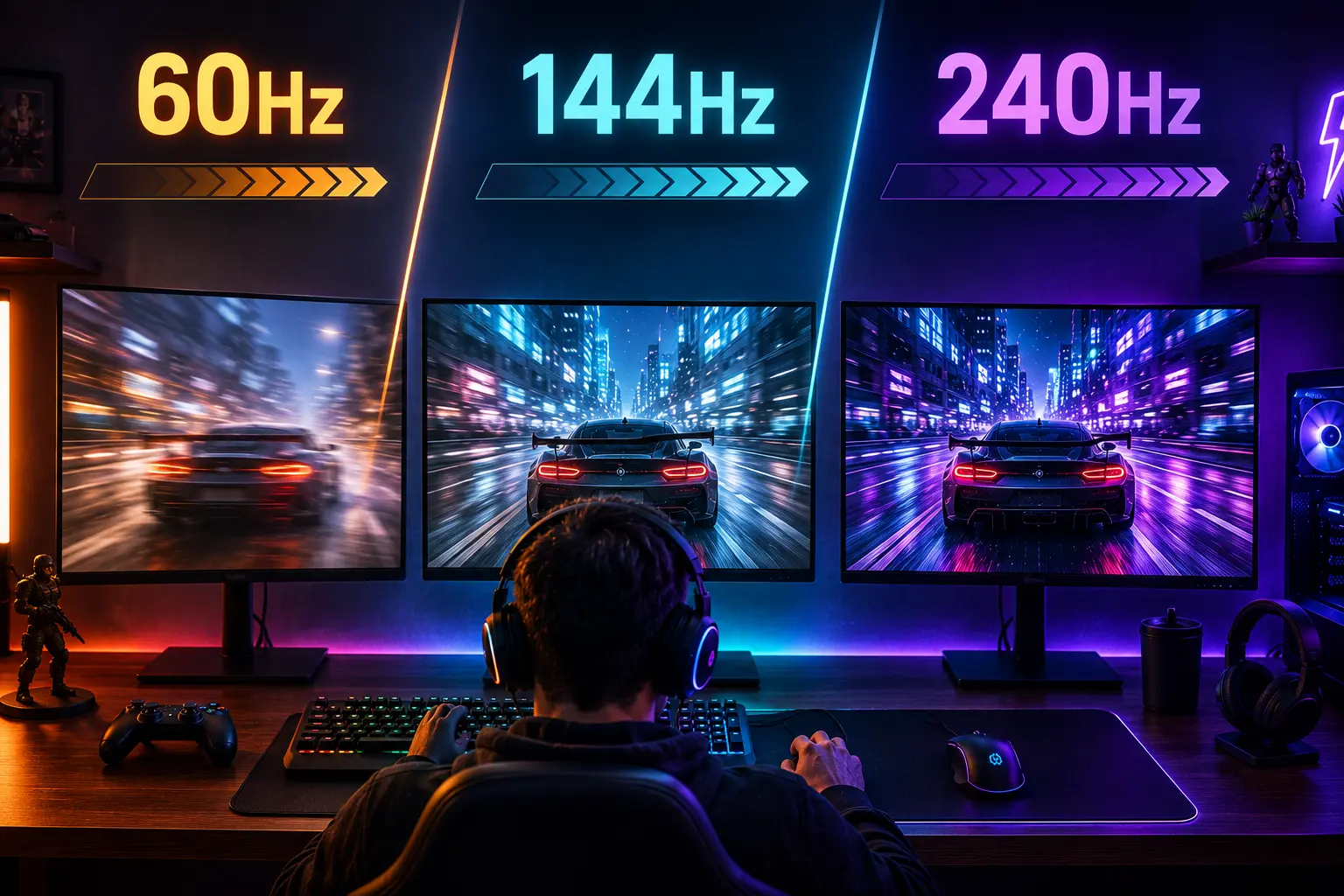
Every monitor listing throws Hz numbers at you. 60Hz, 144Hz, 165Hz, 240Hz, even 360Hz. Higher always sounds better, but your wallet and your GPU both have limits, and not every Hz jump delivers the same value.
This guide cuts through the noise. You will get the real frame time math, a clear verdict for each refresh rate tier, and a direct answer on what refresh rate for gaming actually makes sense for your setup. By the end, you will know exactly which tier is the best refresh rate for gaming at your price point and GPU level.
What Is Refresh Rate and Why Does It Matter?
Refresh rate is how many times per second your monitor redraws the image on screen. A 144Hz monitor redraws 144 times per second, updating every 6.94 milliseconds. A 60Hz monitor redraws every 16.67 milliseconds.
The shorter the time between redraws, the faster your inputs appear on screen. That is input lag in its simplest form. But refresh rate is only one piece of total system latency. Your CPU, GPU, engine render queue, mouse polling rate, and network connection all add latency on top of the monitor’s contribution. A 240Hz monitor with poor drivers and no frame pacing will feel worse than a well-tuned 144Hz setup.
Your GPU must produce frames close to your monitor’s refresh rate for the Hz number to matter. A 240Hz monitor showing 80 FPS looks no different from a 144Hz monitor showing 80 FPS.
What Is the Frame Time for Different Refresh Rates?
| Refresh Rate | Time Per Frame | Frame Time Saving vs Previous |
|---|---|---|
| 60Hz | 16.7ms | Baseline |
| 120Hz | 8.33ms | 8.34ms saved vs 60Hz |
| 144Hz | 6.94ms | 9.73ms saved vs 60Hz |
| 165Hz | 6.06ms | 0.88ms saved vs 144Hz |
| 240Hz | 4.17ms | 2.77ms saved vs 144Hz |
| 360Hz | 2.78ms | 1.39ms saved vs 240Hz |
The math tells you where the real jumps are. 60Hz to 144Hz saves 9.73ms. 144Hz to 240Hz saves 2.77ms. These are not equal upgrades.
60Hz: Who It Is Still Good For
60Hz is the minimum refresh rate for gaming in 2026, not a bad option. It is the right choice in specific situations, and pretending everyone needs 144Hz is misleading.
Single-player story games are designed to look and feel complete at 60 FPS. Games like Elden Ring, Red Dead Redemption 2, and Cyberpunk 2077 cap their animation and physics around 60 FPS targets on consoles. Playing them at 60Hz on PC delivers the full intended experience with no compromise.
Console gaming is where 60Hz still holds real ground. The PS5 and Xbox Series X target 60 FPS in most titles, with only select games offering 120Hz modes. A 60Hz monitor is a perfectly matched output for most current-gen console content.
Budget builds where the GPU cannot sustain 60 FPS consistently in demanding titles have no benefit from a higher refresh rate monitor. Fix the GPU first, then the monitor.
The honest limit of 60Hz: once you play competitive shooters at 144Hz and come back, 60Hz feels noticeably sluggish. The 9.73ms frame time difference is large enough that most people feel it within minutes.
144Hz: The Best Refresh Rate for Gaming for Most Players
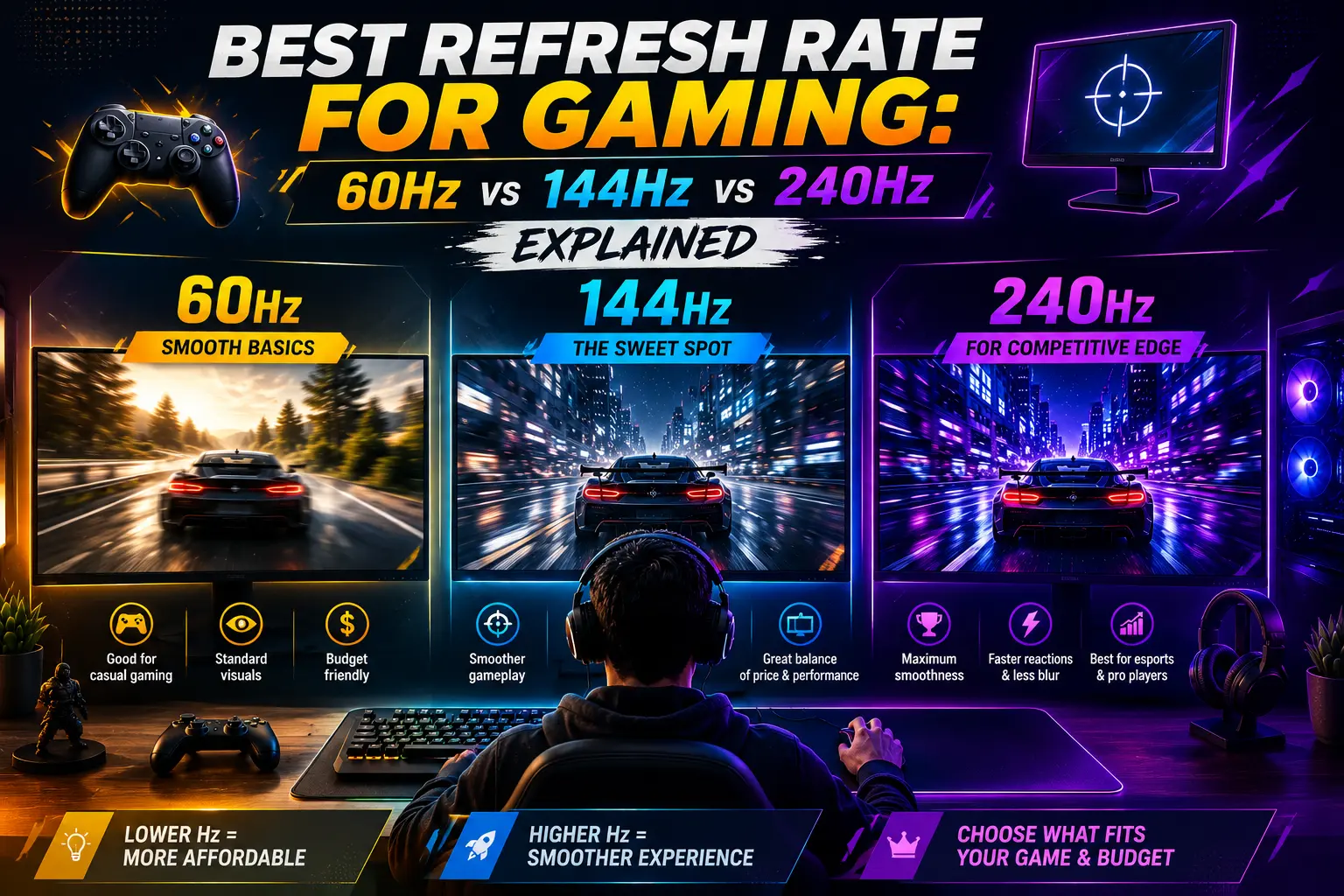
Most gamers land on 1440p 144Hz monitors in 2026 because they strike an excellent balance. Sharp visuals without the GPU-crushing demands of 4K, plus smooth motion that makes a real difference in fast games. That is not marketing copy. It is where the numbers support the experience.
The jump from 60Hz to 144Hz is the largest refresh rate improvement most players will ever feel. Going from 60Hz to 144Hz saves 9.72ms per refresh cycle. Going from 144Hz to 240Hz saves only 2.78ms. That smaller gain can matter at the competitive level, but it is not the same kind of upgrade.
At 144Hz, mid-range GPUs like the RTX 4060 Ti, RTX 4070, and RX 7700 XT can sustain competitive frame rates in esports titles at 1080p and 1440p. You do not need a flagship card to feed a 144Hz monitor in Valorant, CS2, or Apex Legends. Those games routinely hit 200 to 300 FPS on mid-range hardware at 1080p.
The monitor refresh rate for gaming sweet spot is 1440p 144Hz for most PC gamers right now. It covers single-player, competitive, and streaming without demanding a top-tier GPU to feel the difference.
240Hz: Real Advantage or Expensive Numbers?
The jump from 60Hz to 144Hz is large. The jump from 144Hz to 240Hz is a smaller refinement. That summary is accurate, but it does not mean 240Hz is pointless.
The frame time reduction from 144Hz to 240Hz is 2.77ms. In isolation, that sounds tiny. In competitive play, the leap from 144Hz to 240Hz reduces frame time by nearly 40%. That translates to more responsive visuals, tighter feedback loops, and less perceived delay between mouse movement and on-screen action.
The honest condition: to benefit fully from a 240Hz monitor, your GPU must consistently output at least 240 frames per second in-game. If your GPU averages only 160 FPS, the extra headroom of 240Hz will not be fully used.
For competitive FPS players at high ranks, 240Hz is a real tool. If you play Valorant, CS2, or Apex Legends competitively and your GPU delivers 200 or more FPS consistently, the investment in 240Hz is justified. A Radiant Valorant player who upgraded from 144Hz reported cleaner flick shots and improved target tracking at close range, though he noted the difference was not dramatic in isolation.
For everyone else, if you play Elden Ring, Cyberpunk 2077, and occasionally a casual shooter, a quality 144Hz monitor with a Fast IPS panel gives you 95% of the experience for half the price. The money you save can go toward a better GPU, which will do more for your overall experience than the extra refresh rate ever could.
What Is the Real Difference Between 60Hz, 144Hz, and 240Hz?
| Use Case | 60Hz | 144Hz | 240Hz |
|---|---|---|---|
| Single-player story games | Full experience | Slightly smoother | No added benefit |
| Casual multiplayer | Playable | Noticeably better | Marginal improvement |
| Competitive FPS (mid rank) | Disadvantage | Strong choice | Minor edge |
| Competitive FPS (high rank) | Serious disadvantage | Good | Meaningful advantage |
| Console gaming (60 FPS titles) | Perfect match | No difference | No difference |
| Console 120Hz modes | Cannot display | Works (at 120Hz) | Works |
| 4K gaming | Common pairing | Demanding on GPU | Very demanding |
Is 360Hz Worth It Over 240Hz?
The noticeable difference between 240Hz and 480Hz is even more marginal than between 144Hz and 240Hz, except for the top 0.1% of professional players. 360Hz and above sits firmly in the professional esports tier. The per-frame improvement from 240Hz to 360Hz is 1.39ms, less than half the gain from 144Hz to 240Hz.
At this tier, your GPU needs to deliver 300 to 400 FPS consistently in competitive titles. That requires a high-end card pushing maximum settings at 1080p. The cost of the monitor plus the GPU headroom needed to feed it puts 360Hz firmly in the specialist category.
With the arrival of more affordable 240Hz OLED panels, prices dropped nearly 30% compared to 2024. That makes the cost-benefit argument for 240Hz stronger than it was two years ago. But 240Hz is still far from the obvious choice for most people.
How Does Panel Technology Affect Gaming Performance?
One detail most refresh rate guides skip: the panel type underneath the Hz number matters just as much as the number itself.
A 240Hz TN panel offers the fastest response times but poor color accuracy and narrow viewing angles. Your panel shape also matters — see our guide on curved vs flat gaming monitor to find the right fit for your setup. A 240Hz Fast IPS panel delivers near-TN response times with much better color and contrast. A 240Hz OLED panel adds perfect blacks and near-instant pixel response but carries a higher price and burn-in risk over multi-year ownership.
For most players picking 144Hz, Fast IPS is the ideal panel type. It gives you accurate colors for single-player and excellent response for competitive play without the compromises of TN or the price of OLED.
At 240Hz, Fast IPS is still the value choice. OLED 240Hz is the premium choice for players who want the best possible image quality and motion clarity simultaneously and can accept the price.
What Is the Best Gaming Monitor for Your Player Type?
| Player Type | Recommended Refresh Rate | Recommended Panel | GPU Requirement |
|---|---|---|---|
| Console gamer (60 FPS) | 60Hz | IPS | Console only |
| Console gamer (120Hz modes) | 120 to 144Hz | IPS | Console only |
| PC casual / single-player | 144Hz | Fast IPS | RTX 4060 or equivalent |
| PC mixed (casual + competitive) | 144Hz to 165Hz | Fast IPS | RTX 4060 Ti or better |
| PC competitive FPS (mid rank) | 144Hz to 165Hz | Fast IPS | RTX 4070 or better |
| PC competitive FPS (high rank) | 240Hz | Fast IPS or OLED | RTX 4070 Super or better |
| Professional / esports | 360Hz+ | TN or OLED | RTX 4080 or better |
What Refresh Rate for Gaming Should You Actually Buy?
For most gamers in 2026, buy the best 144Hz to 180Hz monitor you can afford before chasing higher numbers. That guidance holds.
The ideal refresh rate for most players in 2026 is 144Hz at 1440p on a Fast IPS panel with G-Sync or FreeSync support. It covers competitive needs, looks excellent in single-player games, and stays within reach of mid-range GPUs without demanding 200 FPS output to feel the benefit.
240Hz is a clear upgrade worth considering if your GPU sustains 200 FPS or more in your main game, you play at high competitive ranks where every millisecond matters, and the price difference over a 144Hz alternative fits your budget.
60Hz remains a legitimate choice if you primarily play single-player games, game exclusively on console, or need to put your budget toward the GPU rather than the display refresh rate.
Frequently Asked Questions
Conclusion
The best refresh rate for gaming depends entirely on what you play and what your GPU can sustain. 60Hz is the working minimum, with visible motion blur in fast scenes that higher refresh rates eliminate. 144Hz is where smoothness becomes genuinely satisfying for most people. 240Hz is a real but incremental upgrade for serious competitive players with the GPU to match.
What refresh rate for gaming you choose matters less than making sure your GPU can actually reach it. A 144Hz monitor running 140 FPS is a better experience than a 240Hz monitor running 90 FPS. Match the display to the hardware, not the other way around.