Best Laptop for College Students in 2026 (Pick by Your Major)

There is no single best laptop for college students in 2026 — the right pick depends on your major. Your major decides which operating system you need (some engineering software does not run on a Mac at all), and your budget decides the tier. The short version: get 16GB of RAM as a floor, keep the weight under 3.5 lbs if you carry it daily, and buy Windows if your syllabus lists SolidWorks, Revit, or Ansys. And check your department’s posted laptop requirements first — they beat any buying guide, as TechCity’s student guide (updated Oct 2, 2026) also advises.
How to Pick the Best Laptop for College Students in Two Steps
Step 1: let your major choose the operating system. This is the decision you cannot fix later. SolidWorks and Revit run only on Windows, and free Ansys Student officially supports Windows 10/11 only (TechCity, Oct 2026; Tobias Holm, Aug 2026). MATLAB, AutoCAD, Fusion, and Onshape all run on macOS, so a Mac works fine for those workflows.
Nursing and health-science students have their own gate: check which exam and testing software your program requires before choosing an OS (TechCity, Oct 2026) — a machine that cannot run the test is useless no matter how good its battery is.
Step 2: spend your budget on RAM and battery, not on hype. “16GB is the practical floor for a four-year degree,” writes PaddleRoundThePier in its October 2026 college guide — 8GB is the most-cited buyer regret. Battery life decides how many lectures you survive without hunting for an outlet, and weight decides whether you actually carry the laptop you paid for.
What Each Major Needs: The Spec Floor
| Major | OS | RAM floor | GPU | Top priority |
|---|---|---|---|---|
| Engineering / mechanical / EE / architecture | Windows | 16GB, with room to grow (32GB sweet spot) | Dedicated NVIDIA RTX | Software compatibility + GPU |
| Computer science | Either (check for Windows-only courses) | 16GB minimum | Integrated is fine | CPU + RAM, Linux-friendliness |
| Nursing / pre-med / health sciences | Check exam software first | 16GB | Integrated | Battery life + portability |
| Business / liberal arts / general | Either | 16GB | Integrated | Battery, weight, keyboard |
What this means: only the engineering row truly needs a dedicated graphics chip. Everyone else is better off putting that money into more RAM, a better screen, and longer battery life.
Engineering and Mechanical Students: The CAD Rule
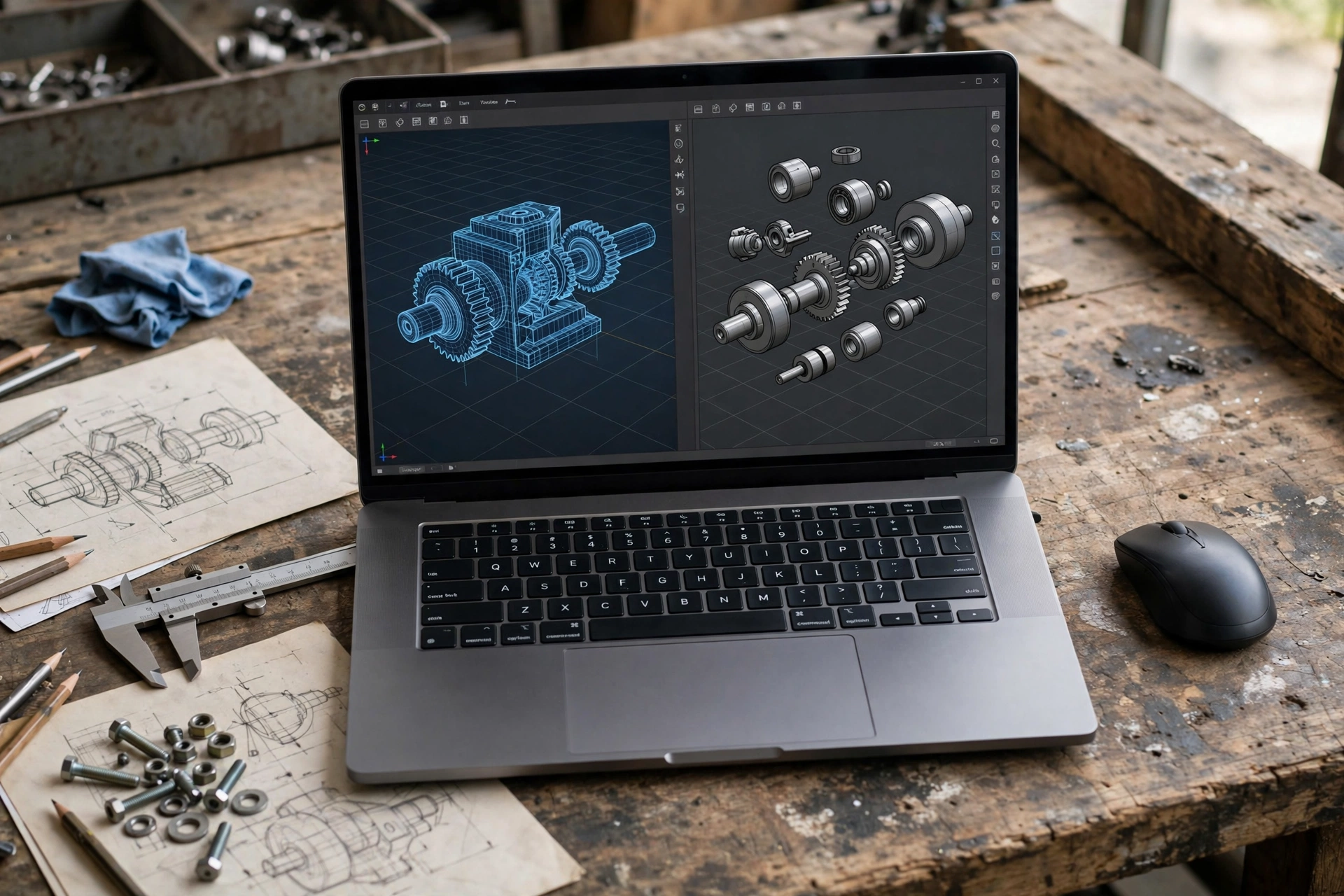
Engineering students run the most demanding software on campus: SolidWorks, Ansys, MATLAB, CAD assemblies, and simulation. The spec checklist from LaptopExplorer’s mechanical-engineering guide (June 2026) is clear: 16GB RAM is the floor, 32GB is the sweet spot, 1TB NVMe SSD minimum, and an NVIDIA RTX 4060/4070 or better for SolidWorks assemblies, viewport work, and rendering — workstation-class RTX A/Pro cards if you want certified drivers.
That GPU requirement is why engineering is a Windows-first world. Tobias Holm’s engineering-laptop guide (Aug 2026) lays out the tiers honestly:
- Heavy CAD and simulation: Lenovo ThinkPad P16 Gen 3 — configurable up to an NVIDIA RTX PRO 5000 and 192GB of RAM.
- Mid-range: Lenovo Legion 5i Gen 10 with an RTX 5070.
- Budget engineering: Lenovo LOQ 15 (AMD) with an RTX 5060 — also tested and rated for students by TechRadar (Aug 2026).
- Best Mac for engineering: MacBook Pro 14 M5 — Holm measured just over 24 hours of battery life — but only if every required program runs on macOS.
What this means for you: open your syllabus before you shop. If it names SolidWorks or Ansys, the Mac is off the table — desktop SolidWorks has no native macOS version (Tobias Holm, Aug 2026). If the list is MATLAB, AutoCAD, Fusion, and Onshape, a MacBook Air or Pro works and the battery advantage is real.
Computer Science Students: RAM and CPU Win
CS coursework is CPU- and RAM-hungry but rarely GPU-bound: IDEs, Docker containers, local servers, and compiling. The spec floor from the major guides is consistent — 16GB minimum, either OS — with one caveat from TechCity (Oct 2026): check whether any of your courses require Windows-only software before committing to a Mac.
Two things matter more than the spec sheet. First, Linux-friendliness: many CS students dual-boot or run Linux in a VM, and machines with standard Intel/AMD hardware and good driver support make that painless. ThinkPads and Dell XPS machines have a long history here. Second, the keyboard: you will type for thousands of hours, and a good keyboard is not a luxury.
The value pick for CS from PaddleRoundThePier (Oct 2026) is the Lenovo IdeaPad Slim 3 16-inch: 8 cores and 16GB of DDR5 with an upgrade path to 40GB at a budget price — the kind of headroom that keeps a machine useful through a four-year degree. The honest trade-off they flag: its 45% NTSC display panel is not a design panel, so design students should look elsewhere.
Nursing, Pre-Med, and General Students: Battery First
If your major lives in browsers, documents, video calls, and exam software, the winning specs are simple: 16GB RAM, all-day battery, and low weight. The machine that stays in your bag because it is too heavy is worse than a slightly slower machine you actually carry.
The one-machine answer that keeps appearing across the 2026 student guides is the MacBook Air 13 with the M5 chip: 2.71 lbs, Apple’s stated up to 18 hours of battery, and a standard 16GB/512GB configuration (PaddleRoundThePier, Oct 2026). Independent battery testing backs the claim up — engineeringlaptops.com’s freshman guide (Sep 2026) notes the Air 13 M5 lasted over 15 hours in its testing. Apple’s education pricing puts it at $1,199 for students, $100 under retail (Macworld, prices checked Aug 2026).
The Windows answer is the 2026 Dell XPS 13 with 16GB — TechCity (Oct 2026) names it the Windows pick for non-engineering majors. For a tighter budget, the Acer Swift Go 14 with an Intel Core Ultra 7 at $799 was BuildWithPC’s Windows all-rounder (guide updated May 2026). And the exam-software rule still applies: nursing students should confirm their program’s testing tools run on their chosen OS before anything else (TechCity, Oct 2026).
Gaming Laptop vs Ultrabook for Students: The Honest Trade
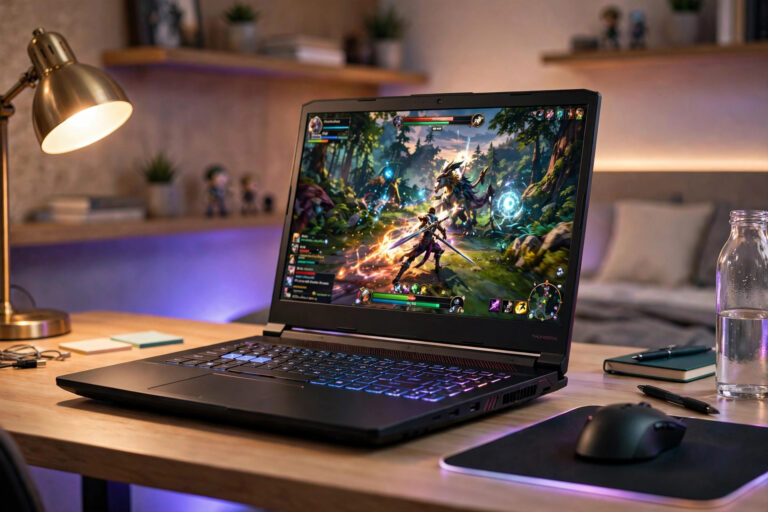
Many students ask whether a gaming laptop can do double duty for coursework. It can — gaming laptops are among the cheapest ways to get a real GPU, and a Legion or ROG Strix can run CAD as well as it runs games. But the trade-offs are real and daily: 5+ lbs of weight and loud fans in a quiet lecture hall, against 2.7 lbs and silence from a fanless ultrabook. Discrete GPUs also drain power during light tasks, so gaming-laptop battery life rarely survives a full day of classes (Newegg’s 2026 college guide) — and if your major does not need the GPU, you are trading battery life and weight for power you will never use (engineeringlaptops.com, Sep 2026).

What this means: buy the gaming laptop if you are an engineering student or a genuine gamer — it is the practical way into RTX performance on a student budget. If you only play occasionally, an ultrabook is the smarter daily driver. We go deeper on the budget side in our guide to the Best Budget Gaming Laptops, and if you are on the fence, read Are Gaming Laptops Worth It? first.
Budget Tiers: The Under-$1200 Sweet Spot
Prices bounced all through 2026, so treat every price below as a snapshot from the guide’s check date — confirm the current price on the retailer’s page before buying.
- Under $700: the floor for browser-only majors. BuildWithPC (May 2026) points to the Lenovo IdeaPad 3i Chromebook at $299 — do not pay $600 for tasks a Chromebook handles. For a fuller OS on the cheap, the MacBook Neo at the $599 education price (Macworld, Aug 2026) is the pick — with one honest caveat: its 8GB memory ceiling is the trade (PaddleRoundThePier, Oct 2026).
- $700–$900: the value zone. The Lenovo IdeaPad Slim 3i with 16GB/512GB sold for $729.99 in August 2026 and was $849.99 on TechCity’s check day at Best Buy (Oct 2, 2026) — memory is replaceable, but match the exact model number (their warning example: 83RR0000US in Cosmic Blue), because near-identical model names hide different specs. The Acer Swift Go 14 with Core Ultra 7 at $799 also sits here (BuildWithPC, May 2026).
- $900–$1,200: the sweet spot. This is where the MacBook Air 13 M4 at $1,099 lives — BuildWithPC (May 2026) cites over 18 hours of real-world battery life and a 2.7-lb fanless chassis — and where Apple’s education store puts the newer Air 13 M5 at $1,199 (Macworld, prices checked Aug 2026).
- Over $1,200: engineering and design territory. The Legion 5i Gen 10 (RTX 5070), ThinkPad P16 Gen 3, or Dell Pro Max 16 Plus workstation picks from the engineering section above.
One warning from TechCity (Oct 2026) applies to every budget tier: if your classes need full Microsoft Office, SPSS, MATLAB, or proctored testing software, the cheapest picks do not qualify — ask the school first.
MacBook vs Windows for Students
Neither is universally better — the major decides. MacBooks win on battery life, build quality, and four-year longevity; Windows laptops win on software compatibility and affordable options at every tier — and remain the only choice when the syllabus requires SolidWorks, Revit, or Ansys (TechCity, Oct 2026).
The campus ecosystem is the tiebreaker most guides miss. As ZProStudio (July 2026) puts it: if your university runs Microsoft 365 and requires Windows-only lab software, a Mac adds friction; if campus IT officially supports macOS and your major has no Windows-only requirements, a MacBook is the safer four-year investment. A data point that favours the Windows side: the Surface Laptop 7 managed 13.1 hours in independent testing at 150 nits (NotebookCheck, March 2026) — Windows battery life has genuinely caught up for the right models.
On student pricing: Apple’s education store takes roughly $100 off a MacBook (Erika, Aug 2026) — the Air 13 M5 is $1,299 retail, $1,199 for students; the MacBook Neo is $699 retail, $599 for students — with a limit of one discounted Mac laptop per year (Macworld, prices checked Aug 2026). Note that Apple’s 2026 Back-to-School promo — up to a $150 Apple Gift Card with a MacBook Pro and $100 with an Air, running July 16 to September 24 — has ended (Macworld). Student AppleCare discounts of up to 10% run year-round (Erika, Aug 2026).
Frequently Asked Questions
Is 8GB of RAM enough for a college laptop in 2026?
It works for light use — browsing, word processing, video calls — but it is the most-cited buyer regret in PaddleRoundThePier’s October 2026 college guide. “16GB is the practical floor for a four-year degree”: the gap shows up in year two, when accumulated tabs and background software start choking the smaller machine. If you must buy 8GB today, get a model with replaceable memory.
Can I use a MacBook for engineering?
Sometimes — but check the software list first. Desktop SolidWorks has no native macOS version and free Ansys Student officially supports Windows 10/11 only, so if your program requires either, buy a Windows machine (Tobias Holm, Aug 2026). If your coursework is MATLAB, AutoCAD, Fusion, and Onshape, a MacBook runs all of them — and Holm measured just over 24 hours of battery life on the Pro 14 M5. The syllabus is the spec sheet.
Is a Chromebook enough for college?
For browser-only majors — everything in Google Workspace, a browser LMS, and web apps — yes: BuildWithPC (May 2026) puts the floor at the $299 IdeaPad 3i Chromebook. But if your classes need full Office, SPSS, MATLAB, or proctored testing software, ChromeOS does not qualify (TechCity, Oct 2026). Ask your school which software is required before going this cheap.
How long should a college laptop last?
All four years — if you buy enough RAM and storage upfront. Buyers who chose 8GB report regret in year two (PaddleRoundThePier, Oct 2026); 16GB with a solid chassis, ideally with replaceable RAM or SSD, gives you the best shot at reaching graduation without an upgrade. Protect the machine too — dorm laptops get dropped and spilled on more than buyers expect.
The Bottom Line
Start with your major’s software list, buy 16GB of RAM, and do not pay for a dedicated GPU unless your coursework actually uses one. For most students the answer in 2026 is the MacBook Air 13 M5 at $1,199 through Apple’s education store — or the 2026 Dell XPS 13 if you need Windows. Engineering students buy Windows with an NVIDIA RTX chip: a Legion 5i Gen 10 in the mid-range, a Lenovo LOQ 15 (AMD) on a budget. And if a gaming laptop is calling your name, our Best Budget Gaming Laptops guide covers the affordable end — just read Are Gaming Laptops Worth It? first, so you go in with your eyes open.