Are Gaming Laptops Worth It? (Honest Answer for 2026)
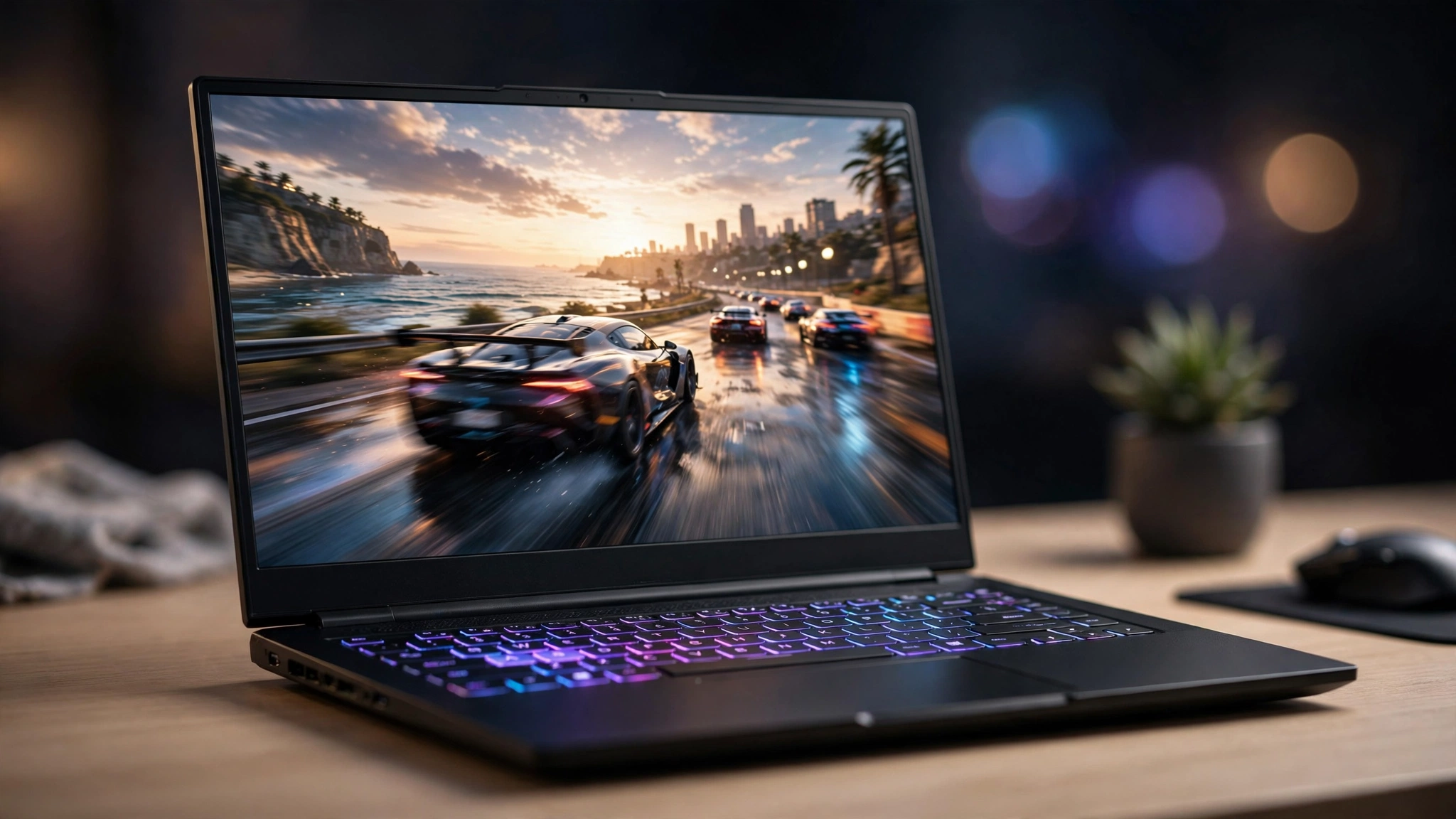
Are gaming laptops worth it? Yes — if you actually need portability. A gaming laptop is worth it for students, frequent travelers, and anyone gaming in a small space with no room for a desk setup. If you play at one desk and want the most frames per dollar, a desktop is the better buy: the same money buys noticeably more performance, and you can upgrade it for years instead of replacing the whole machine.
📢 Key Takeaways
- A gaming laptop trades raw performance for portability — expect fewer frames per dollar than a desktop at the same price, because mobile GPUs run at far lower power.
- The GPU name on the box is only half the story: a desktop RTX 5070 runs at 250W (per TweakTown’s specification table), while the RTX 5070 laptop GPU is rated for just 50–100W (NVIDIA’s specs, reported by OC3D). Same name, very different performance.
- Buy one if: you’re a student, you travel or move often, or one machine has to handle work, class, and play.
- Skip it if: you game at a single desk, you want to upgrade parts over time, or fan noise and heat bother you.
- A well-chosen model lasts 3–5 years of strong AAA gaming — our guide on how long do gaming laptops last explains what decides where yours lands in that range.
The Price-Per-Frame Reality
There is no way around this: dollar for dollar, desktops win. A $1,000 desktop delivers higher average frame rates than a $1,000 laptop in the same games, because desktop parts run at full power with room to breathe. Independent comparisons have found that a laptop GPU carrying the same name as its desktop counterpart can trail it by roughly 20–40%, depending on the specific design and power profile (Tech Times).
What this means: the laptop premium is not a scam — it pays for the display, keyboard, battery, speakers, and the ability to close the lid and leave. If you will use that portability weekly, the premium earns its keep. If the machine sits on one desk around the clock, you are paying for portability you never use.
One honest caveat for 2026: with DDR5 memory prices at historic highs — Tom’s Hardware’s price tracking showed 2x16GB DDR5-6000 kits averaging $572 in August 2026 versus $108 a year earlier — the desktop value edge is narrower than usual right now. But it still exists.
Why the Same GPU Name Means Less on a Laptop
The spec that matters most in a gaming laptop is one most buyers never check: TGP, or Total Graphics Power — the maximum wattage the GPU is allowed to draw. More watts means higher sustained clock speeds, which means more frames. Laptop chassis can only cool so much, so mobile GPUs run at a fraction of desktop power:
- Desktop RTX 5070: 250W TGP (TweakTown’s specification table).
- RTX 5070 laptop GPU: 50–100W range (NVIDIA’s specifications, reported by OC3D).
- Real-world laptop configs: ASUS’s officially published 2025 power specs put its RTX 5070 laptop models at 75–115W (reported by Digital Trends) — less than half the desktop card.
The gap exists between laptops too. A 140W RTX 4060 laptop will beat a 75W RTX 4070 laptop in real games — our best budget gaming laptops roundup shows exactly this pattern, with low-wattage models trailing full-power rivals despite newer or higher-tier GPU names. And NVIDIA now sells two RTX 5070 laptop GPUs — an 8GB and a 12GB version (OC3D) — so VRAM is another thing the name alone won’t tell you.
What this means: never buy on the GPU name alone. Check the wattage in the full spec sheet or a reputable review — Notebookcheck publishes per-model power figures — before assuming two same-named GPUs are equal.
Who SHOULD Buy a Gaming Laptop
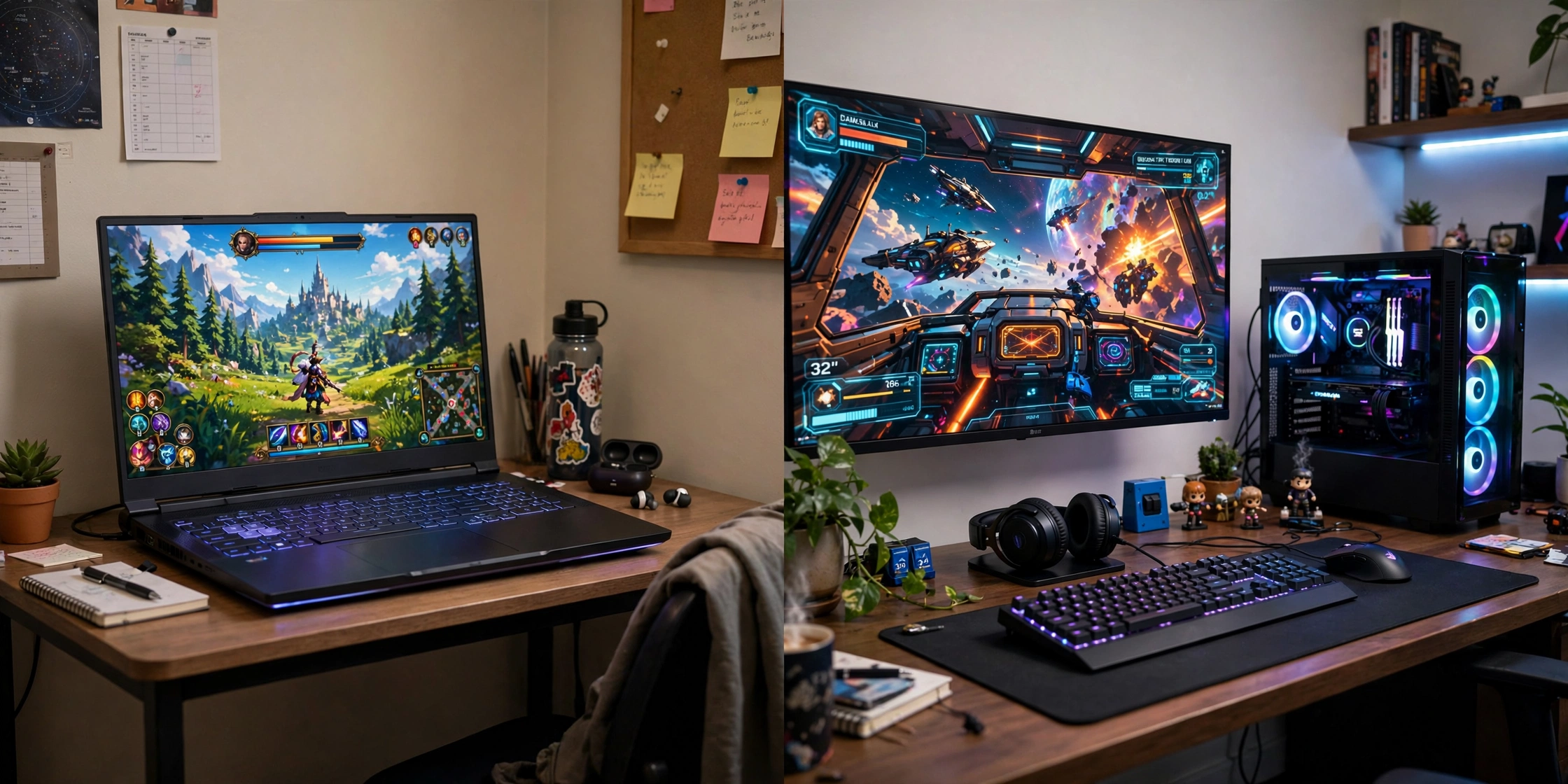
- Students and dorm life. One machine for lectures, coursework, and games, in a room where a full desk setup won’t fit.
- Frequent travelers. Work trips, military postings, split households — your game library comes with you instead of gathering dust at home.
- Small spaces. No room for a tower, a 27-inch monitor, and a desk? A laptop is a complete setup that folds away.
- One-device people. You want a single machine for work and play, and you will actually carry it between places.
If two or more of those describe you, a gaming laptop is genuinely worth it — the portability is a feature you will use daily, not a spec-sheet bullet point.
Who Should NOT Buy a Gaming Laptop
- Single-desk gamers. If you play in one spot, a desktop gives you more frames per dollar and runs cooler and quieter doing it.
- Future upgraders. Laptop CPUs and GPUs are soldered on virtually all models. In 3–5 years you replace the whole machine; a desktop owner just swaps the graphics card.
- Noise-sensitive buyers. A thin chassis pushing 100W-plus of combined CPU and GPU heat means audible fans under load. Always. No exceptions at this performance level.
- Battery-first buyers. Gaming laptops are designed to be plugged in for full performance — expect roughly 1–3 hours of actual gaming unplugged, with the GPU throttled hard on battery.
What to Check Before Buying
Use this as a pre-purchase checklist — it catches the traps that spec sheets hide:
- GPU wattage (TGP), not just the GPU name. The single biggest spec trap in laptops. A full-power RTX 4060 beats a wattage-starved RTX 4070.
- VRAM: 8GB is the comfortable minimum for new AAA titles in 2026. The 6GB on an RTX 4050 is still fine for 1080p, but it is tighter than it used to be.
- 16GB of RAM minimum — and check whether it is upgradable or soldered before you buy.
- Screen: 144Hz+ at 1080p is the baseline. Past 144Hz, brightness and color accuracy matter more than extra hertz.
- Cooling design. Dual fans, real exhaust vents, and reviews confirming stable clock speeds under load — not just a thin chassis.
- Storage: 512GB fills fast. Modern games routinely eat 80–150GB each, so prefer 1TB or a model with a second M.2 slot.
- Price sanity. Compare against our best budget gaming laptops picks so you know what each tier should actually cost before you pay a premium for a brand name.
Frequently Asked Questions
Are gaming laptops as powerful as desktops?
No. Power and thermal limits mean a laptop GPU with the same name runs well behind its desktop version — see the TGP section above. At equal prices, desktops deliver higher frame rates; laptops win on portability, not power.
Do gaming laptops overheat?
They run hot by design — that is physics, not a defect. What matters is whether the cooling keeps clock speeds stable. Keep the vents unblocked, use the laptop on a hard flat surface, and clean out dust regularly. Our guide on how long do gaming laptops last covers maintenance that genuinely extends a laptop’s life.
Can you upgrade a gaming laptop later?
RAM and storage on most mainstream models, yes — that is the cheapest way to extend a laptop’s life by a year or two. The CPU and GPU are soldered on virtually all gaming laptops, which is the main reason laptops age out faster than desktops.
Should I buy a gaming laptop or build a PC in 2026?
If portability is a real need — dorm, travel, tiny space — buy the laptop. If you have a desk, a desktop or prebuilt gives you more performance per dollar and a far longer upgrade path. With 2026’s RAM prices punishing DIY builders, a prebuilt desktop is currently the value sweet spot for desk-bound gamers.
Final Verdict: Are Gaming Laptops Worth It?
Gaming laptops are worth it when portability is a genuine need, not a nice-to-have. Be honest about how you will actually use the machine: dorm, travel, or small space means a laptop; one desk means a desktop. Either way, check the GPU wattage before the GPU name. Start from our best budget gaming laptops roundup to see what your money should buy in 2026, then read how long do gaming laptops last to keep whichever machine you choose running well for years.