Best WiFi Extender for Gaming in 2026 (Top Picks)
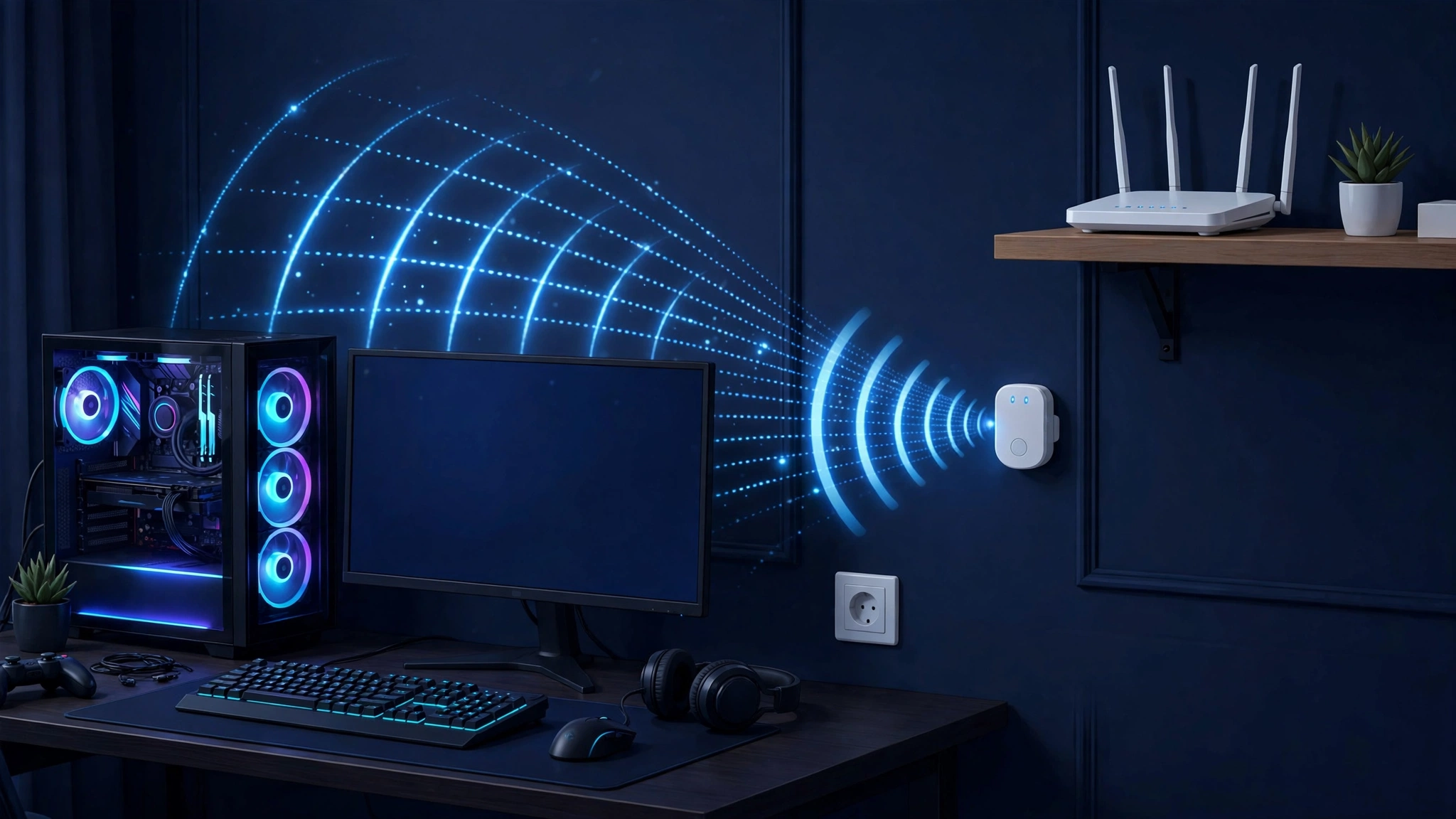
If your gaming PC or console sits too far from the router, a WiFi extender looks like a cheap fix. It can be — but not every extender is good for gaming. Gaming cares less about headline speed and more about latency (ping), stability, and packet loss, and every extender affects all three.
The short answer: the best WiFi extender for gaming is one with a fast Ethernet port, WiFi 6 support or newer, and dual or tri-band radios — and you should wire your PC or console into that Ethernet port instead of connecting over the extended WiFi. That skips the worst part of extending: the extra wireless hop. Below you’ll find six real extenders with verified specifications, measured latency context, an honest comparison of extenders vs mesh vs powerline adapters, and the buying rules that actually matter for ping.
Key Takeaways
- Best overall for gaming: a WiFi 6/6E/7 extender with a fast Ethernet port, wired to your PC or console. A wireless extender adds a hop that raises latency; wiring into the extender avoids most of it.
- Look for: WiFi 6 (or 6E/7), dual-band or tri-band, at least one Gigabit (or faster) Ethernet port, and MU-MIMO/beamforming.
- Extender vs mesh vs powerline: extenders are the cheapest fix for a single dead zone; mesh is better for whole-home coverage; powerline adapters avoid wireless hops entirely but depend on your home’s wiring.
- Prices below are approximate US street prices — check current prices, as they change frequently.
Best WiFi Extender for Gaming: Quick Picks
| Extender | WiFi standard | Max speed | Ethernet port | Approx. price | Best for |
|---|---|---|---|---|---|
| TP-Link RE235BE | WiFi 7 (BE3600) | 3.6 Gbps | 1 × 2.5 Gbps | ~$90–120 | Best overall |
| TP-Link RE815XE | WiFi 6E (AXE5400) | 5.4 Gbps | 1 × Gigabit | ~$140 | Dedicated 6 GHz band |
| Netgear EAX20 | WiFi 6 (AX1800) | 1.8 Gbps | 4 × Gigabit | ~$130–150 | Multiple wired devices |
| TP-Link RE700X | WiFi 6 (AX3000) | 3.0 Gbps | 1 × Gigabit | ~$120 | Mid-range wall-plug |
| ASUS RP-BE58 | WiFi 7 (BE3600) | 3.6 Gbps | 1 × Gigabit | ~$100 | Budget WiFi 7 |
| ASUS RP-AX58 | WiFi 6 (AX3000) | 3.0 Gbps | 1 × Gigabit | ~$80 | Budget WiFi 6 |
This is a spec-based roundup: every specification below comes from the manufacturer’s published specs or reputable independent reviews linked from each model name. We did not physically test these units.
TP-Link RE235BE — Best Overall
Key specs: WiFi 7 (802.11be), dual-band BE3600 (2882 + 688 Mbps). 1 × 2.5 Gbps multi-gig Ethernet port. Multi-Link Operation (MLO), 2 external antennas, EasyMesh-compatible, Range Extender and Access Point modes, WPA3.
Approx. price: ~$90–120 — check current prices.
What this means for gaming: WiFi 7’s Multi-Link Operation cuts wireless-hop latency — real-world 2026 tests measured WiFi 7 hops around 15–22 ms vs 25–35 ms for WiFi 6. The 2.5 Gbps Ethernet port is the standout: plug your PC or console in with a cable and you skip the wireless hop almost entirely. TP-Link’s own US buying guide names this its “Best Wi-Fi Extender for Gaming” specifically because of that port. Biggest gains come with a WiFi 7 router, but it still helps on older ones.
TP-Link RE815XE — Best WiFi 6E Pick
Key specs: WiFi 6E (802.11ax), tri-band AXE5400 (2402 + 2402 + 574 Mbps). 1 × Gigabit Ethernet port. 160 MHz channels, 4 external antennas, OneMesh/EasyMesh-compatible, AP mode, WPA3.
Approx. price: ~$140 — check current prices.
What this means for gaming: The dedicated 6 GHz band is nearly empty of legacy devices, so there’s less interference — exactly what hurts gaming latency in crowded apartment buildings. A tri-band extender can also dedicate one band to talking back to the router, avoiding the bandwidth-halving problem of dual-band repeaters. The 1 Gbps Ethernet port covers any gaming use, since no online game needs more.
Netgear EAX20 — Best for Multiple Wired Devices
Key specs: WiFi 6 (802.11ax), dual-band AX1800 (1200 + 600 Mbps), 4-stream MU-MIMO, 160 MHz channels. 4 × Gigabit Ethernet ports. 1.5 GHz dual-core processor, OFDMA, desktop form factor, WPA3.
Approx. price: ~$130–150 — check current prices.
What this means for gaming: Four Ethernet ports is the headline: hardwire a PS5, an Xbox, and a gaming PC at once, and every device gets a wired link while the wireless side handles only phones and laptops. AX1800 wireless is lower than the other picks on paper, but 1200 Mbps on 5 GHz is many times more than any game needs — the wired ports are the real value.
TP-Link RE700X — Best Mid-Range Wall-Plug
Key specs: WiFi 6 (802.11ax), dual-band AX3000 (2402 + 574 Mbps), 160 MHz on 5 GHz. 1 × Gigabit Ethernet port. 4 high-performance amplifiers, OFDMA + beamforming, OneMesh-compatible, AP mode, WPA3.
Approx. price: ~$120 — check current prices.
What this means for gaming: The sweet-spot pick: full WiFi 6 with 160 MHz channels, a Gigabit port for your PC or console, and a compact wall-plug design. The four amplifiers push signal into the dead zone, and OneMesh lets it join a compatible TP-Link router as one network with seamless roaming. AX3000 is plenty of wireless headroom — online games typically need under 25 Mbps; it’s latency and stability that matter.
ASUS RP-BE58 — Best Budget WiFi 7
Key specs: WiFi 7 (802.11be), dual-band BE3600 (2882 + 688 Mbps; no 6 GHz band). 1 × Gigabit Ethernet port. MLO, 160 MHz channels, 4K-QAM, OFDMA + MU-MIMO, AiMesh support, AP mode.
Approx. price: ~$100 — check current prices.
What this means for gaming: WiFi 7 for around $100 is a strong deal. Multi-Link Operation and 4K-QAM squeeze more throughput and lower latency out of the 5 GHz band than any WiFi 6 extender can. With an ASUS router, AiMesh turns it into part of a mesh-like network. The Gigabit port covers the wired-PC strategy, though it’s a step down from the RE235BE’s 2.5 Gbps port.
ASUS RP-AX58 — Best Budget Pick
Key specs: WiFi 6 (802.11ax), dual-band AX3000 (2402 + 574 Mbps), 160 MHz. 1 × Gigabit Ethernet port. AiMesh support, 2 internal antennas, WPA3.
Approx. price: ~$80 — check current prices.
What this means for gaming: The cheapest way into a genuinely gaming-capable extender: the same AX3000 wireless class as the RE700X, the essential Gigabit Ethernet port for wiring your PC, and AiMesh for ASUS-router households. Internal antennas give slightly less placement flexibility, but for a single-room dead zone it covers the fundamentals. If it only saves $20–40 over the RE700X, consider the RE700X’s external amplifiers; if every dollar counts, this is the one.
Extender vs Mesh vs Powerline Adapter for Gaming: The Honest Truth
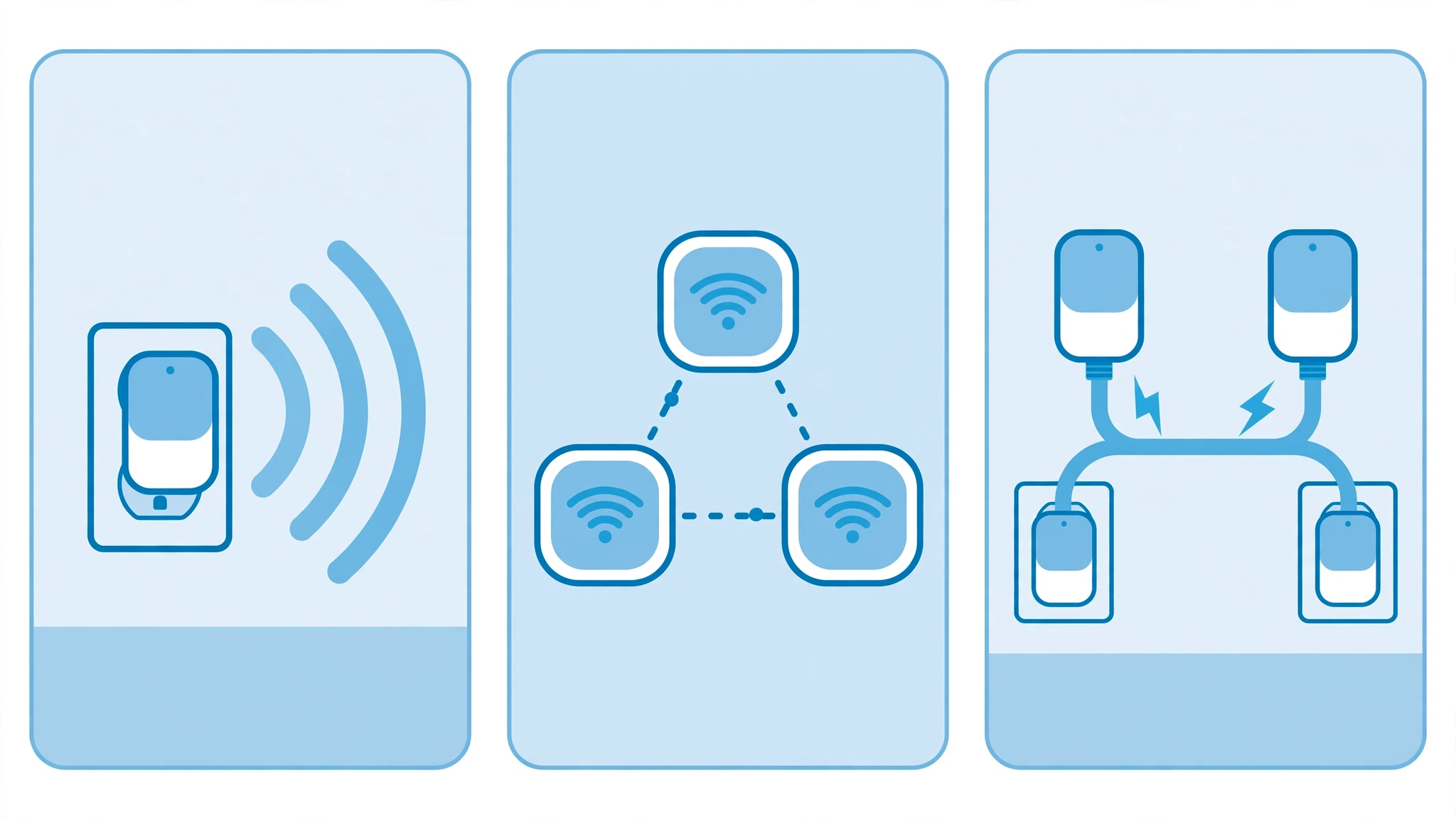
A WiFi extender receives your router’s signal and rebroadcasts it. That extra wireless hop adds latency — real-world 2026 tests measured a WiFi 7 wireless extender at around 18.6 ms, roughly double a direct connection — and dual-band extenders can lose up to half their bandwidth on the rebroadcast band, since the same radio talks to the router and to your device at once.
When an extender makes sense: you have one dead zone (a bedroom or basement gaming setup), you can’t run an Ethernet cable, and you can wire your PC or console into the extender’s Ethernet port. That wired link to the extender skips the second wireless hop entirely — the single biggest thing you can do to keep ping low. For a single stationary setup, it’s the best latency per dollar.
A mesh system uses multiple nodes that coordinate, often with a dedicated backhaul band so your devices don’t compete with node-to-node traffic. Measured latency for a WiFi 7 mesh node is around 7.4 ms, and a WiFi 6E two-node mesh around 9.1 ms — notably lower than a wireless extender hop. Mesh is the better choice when your whole home has weak coverage, not just one room. It costs more (usually $150–$300+ for a decent set) and is overkill for a single dead zone.
Powerline adapters send network data through your home’s electrical wiring. A powerline AV2 kit with an access point measured around 22.3 ms in 2026 tests — similar to a good extender hop — but there’s no wireless interference at all, so the connection is more consistent in congested environments. The catch: performance depends heavily on your wiring. Both adapters should be on the same electrical circuit, and old wiring can tank speeds to ~100 Mbps or less. Buy from a seller with a good return policy.
The latency hierarchy, roughly: wired Ethernet to the router (~4.2 ms measured) > mesh with dedicated backhaul (~7–9 ms) > WiFi 7 wireless extender hop (~19 ms) > powerline (~22 ms, varies wildly with wiring) > a weak direct connection to a far-away router. For competitive shooters and fighting games, every step up this ladder is worth more than a fancier extender.
What to Look For in a WiFi Extender for Gaming
1. A fast Ethernet port. The most important feature for gaming. Plug your PC or console in with a cable and you skip the worst latency penalty. Multi-gig (2.5 Gbps) ports future-proof you; a Gigabit port covers all gaming needs. Avoid extenders with only 100 Mbps (Fast Ethernet) ports if your internet plan is faster than that.
2. WiFi 6 or newer. WiFi 6 handles crowded networks better thanks to OFDMA and MU-MIMO — real benefits if others in your home stream or game at the same time. WiFi 7 adds Multi-Link Operation, which cuts wireless-hop latency further. Only pay extra for 6E/7 if your router and devices support it; otherwise those features sit idle.
3. Dual-band at minimum, tri-band if the budget allows. A tri-band extender can dedicate one band to talking to your router (backhaul) and serve your devices on the others, reducing the bandwidth-halving problem of dual-band repeaters.
4. Placement matters more than specs. Put the extender halfway between your router and your gaming setup — not right next to the dead zone. An extender can only repeat the signal it receives, so placing it where the signal is already dead just repeats nothing. Most extenders have a signal-strength LED or app indicator to find the sweet spot.
5. Don’t overbuy speed — but match brands for mesh features. An “AX5400” extender won’t give your games more than your internet plan and router can deliver: 200 Mbps of stable, low-latency throughput beats 1 Gbps of jittery throughput. Check our guide on what internet speed you actually need for gaming — most online games need far less bandwidth than people think. And if you already own a compatible router, same-brand extenders (TP-Link OneMesh, ASUS AiMesh) can join it as a single network with seamless roaming.
FAQs About WiFi Extenders for Gaming
Do WiFi extenders increase ping?
Yes, usually. A wireless extender adds an extra hop between your device and the router, which adds latency — often 10–30 ms or more compared to a direct connection, depending on the WiFi generation. You can minimise this by connecting your PC or console to the extender’s Ethernet port instead of its WiFi, which removes the second wireless hop.
Is a WiFi extender good enough for competitive gaming?
For casual and most online play, a well-placed extender with a wired connection to your PC is usually fine. For competitive FPS or fighting games where every millisecond counts, a direct Ethernet cable to the router is always better; a mesh system with a dedicated backhaul is the next-best wireless option.
Should I get a WiFi extender or a mesh system for gaming?
Get an extender if you have one dead zone and a tight budget. Get a mesh system if your whole home has weak coverage and you want seamless roaming between rooms. For a single stationary gaming setup, an extender with an Ethernet port usually gives better latency per dollar than mesh.
Does a WiFi extender work with any router?
Yes — standard WiFi extenders work with any router that speaks the same WiFi standard, regardless of brand. Brand-specific features like TP-Link OneMesh or ASUS AiMesh only work when the extender and router come from the same ecosystem, so check compatibility if you want those extras.
Final Verdict
The best WiFi extender for gaming in 2026 is the one that gets a cable into your PC: pick a WiFi 6-or-newer model with a fast Ethernet port, place it halfway between your router and your setup, and wire your gaming device into it. Do that, and an extender is a genuinely good fix for a dead zone — not a compromise.
If your problem is bigger than one room, step up to a mesh system. If your wiring is clean and your gaming rig never moves, a powerline adapter can give you a wireless-interference-free link. And if your connection drops even near the router, the problem may not be range at all: check whether your plan and adapter are up to the task with our guides on internet speed for gaming and the best WiFi adapter for PC gaming.