Best WiFi Adapter for PC Gaming in 2026 (Top Picks)
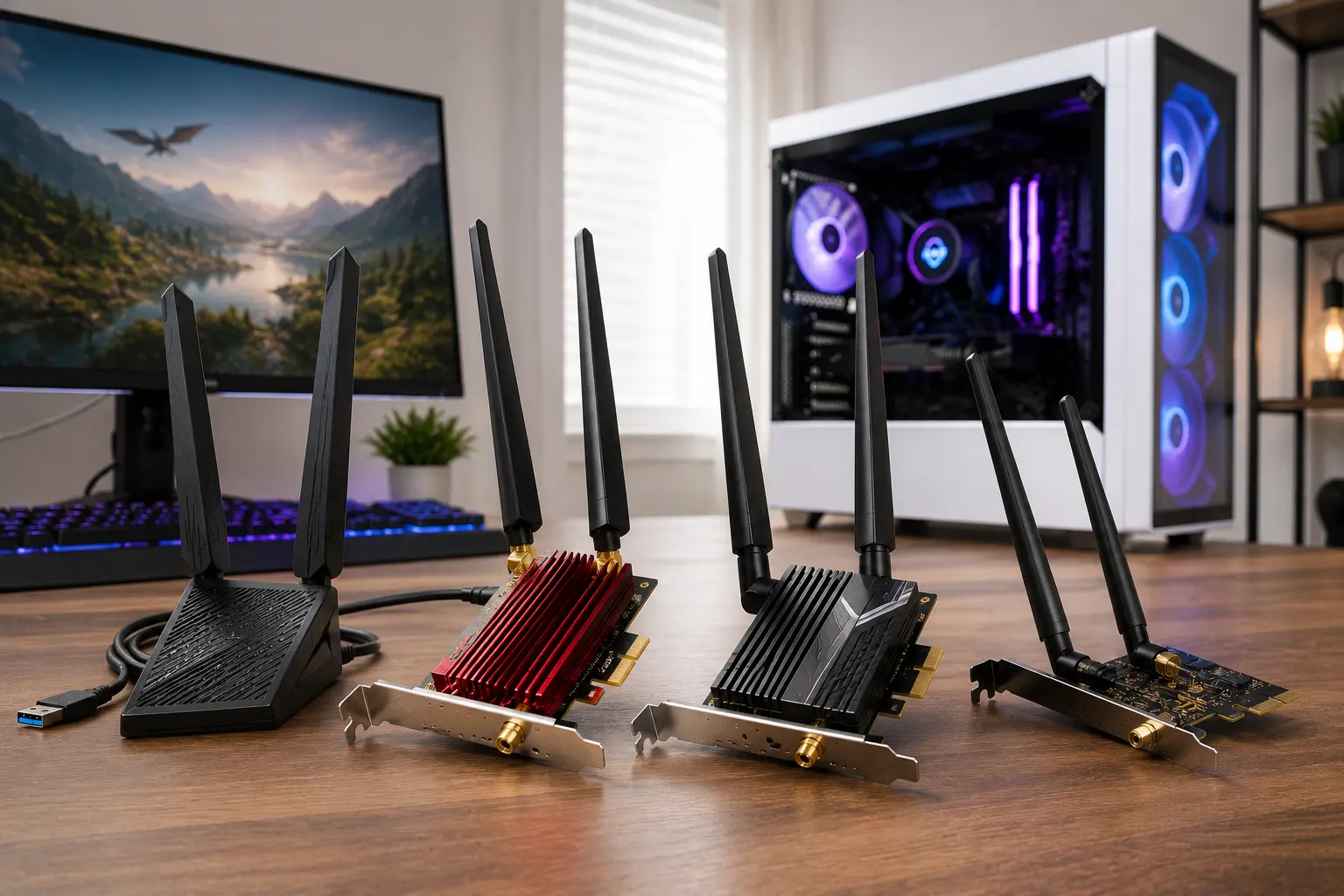
What is the best WiFi adapter for PC gaming in 2026?
For most desktop gamers, the TP-Link Archer TX55E PCIe WiFi 6 card is the right starting point. It handles every mainstream internet plan, includes external antennas, adds Bluetooth 5.2, and costs less than $40. If your router supports WiFi 6E and you are in the same room or nearby, the TP-Link Archer TXE50UH steps up with 6 GHz band access and tri-band speeds up to 3 Gbps. For anyone already running a WiFi 7 router, a PCIe WiFi 7 card with a Qualcomm or Intel chipset is the natural choice.
This guide covers what to buy at every budget, when to choose PCIe over USB, and what actually matters for gaming latency versus what is marketing noise.
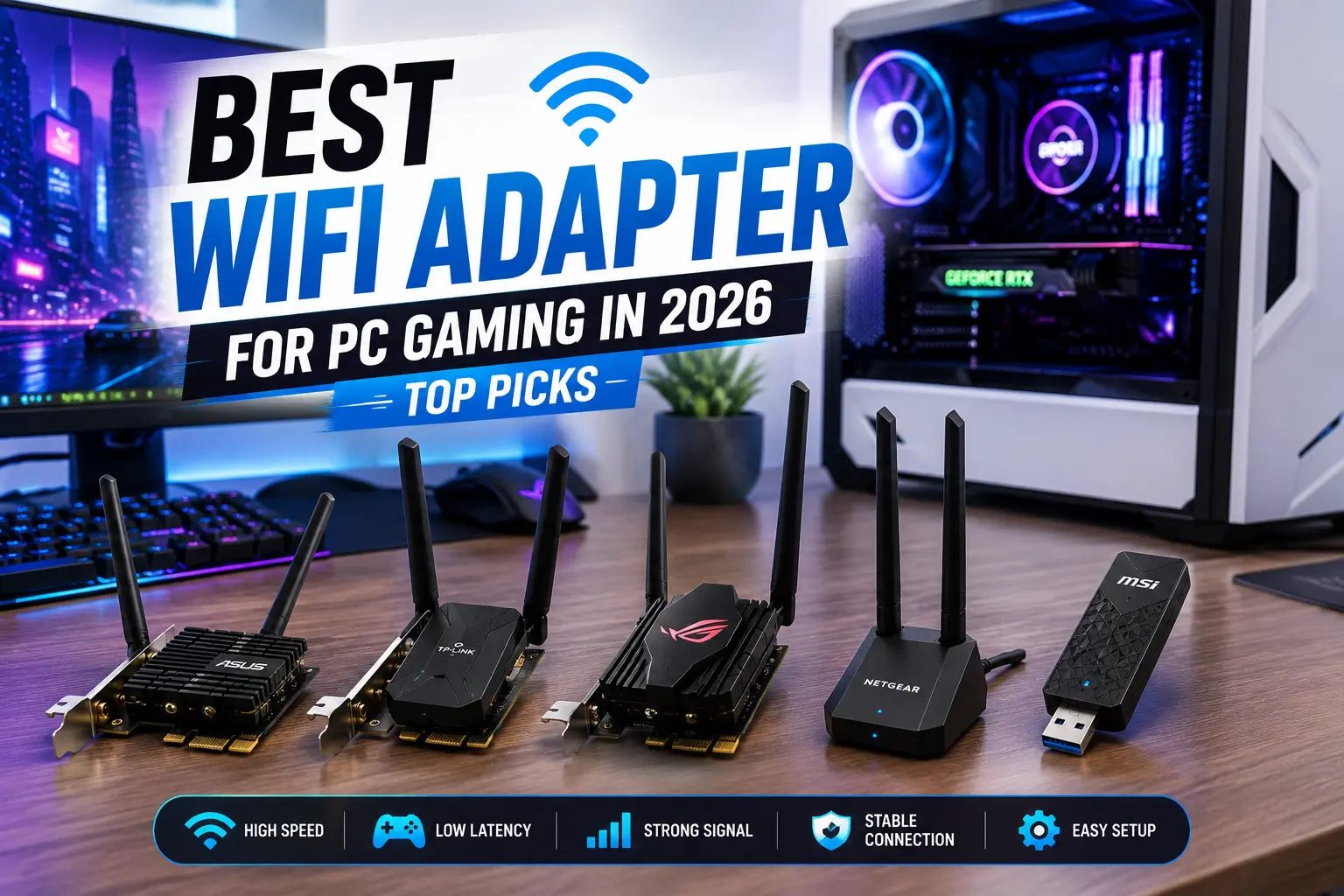
Does a WiFi Adapter for PC Gaming Actually Help?
The honest answer is that wired Ethernet always beats WiFi for gaming. A Cat6 cable delivers lower and more consistent latency than any wireless connection because it eliminates packet loss from interference, signal drops from physical obstructions, and the overhead of wireless protocols.
That said, Ethernet is not always possible. Shared housing, awkward room layouts, gaming laptops, and multi-floor setups make wired connections impractical for a large number of players. For those situations, a quality WiFi adapter on a modern standard is a legitimate solution.
The performance gap between a good WiFi 6E adapter and a wired connection is measurable in testing but difficult to feel during normal gameplay. A poor WiFi adapter, by contrast, produces lag spikes, packet loss bursts, and disconnects that genuinely ruin sessions. The upgrade worth making is from a bad adapter to a good one, not from a good adapter to Ethernet.
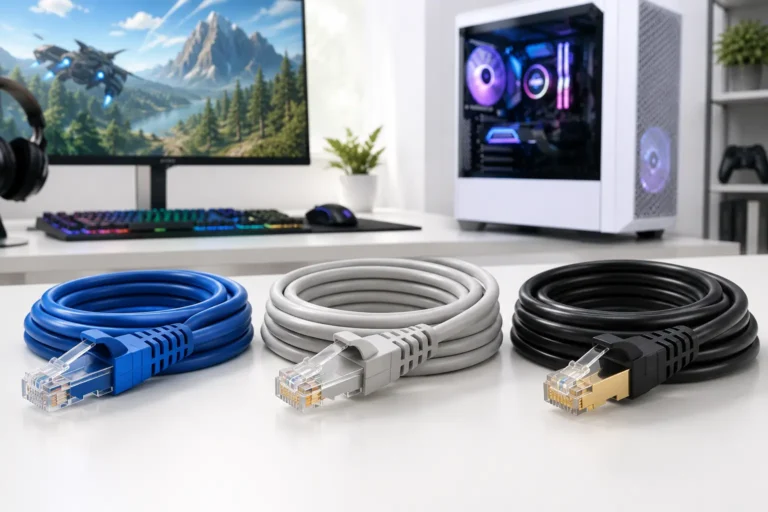
If running a wired connection is possible, our Best Ethernet Cable for Gaming guide explains why a quality Cat6 cable still delivers the lowest latency and most consistent gaming experience.
Should You Choose PCIe or USB for Gaming?
This is the most important decision before picking a specific model.
PCIe cards install into a spare PCIe slot on your motherboard. They connect directly to the system bus, support larger external antennas, and deliver more consistent performance because they are not subject to USB port bandwidth sharing or accidental disconnections. For a desktop PC that stays in one place, PCIe is the right choice. Installation takes 10 to 15 minutes and requires opening the case.
USB adapters plug into any USB port and work immediately with most modern operating systems. They are the only practical option for laptops, small form-factor PCs without spare PCIe slots, or setups where the PC moves regularly. The trade-off is lower sustained performance, more sensitivity to USB port quality, and physically smaller antennas that limit range.
For serious gaming rigs that stay in one place, PCIe adapters are the better gaming WiFi adapter recommendation for lower latency and greater long-term reliability. For any mobile setup, USB is the correct form factor regardless of WiFi generation.
| Factor | PCIe Card | USB Adapter |
| Performance | Better sustained throughput | Limited by USB bandwidth |
| Installation | Requires opening the case | Plug and play |
| Portability | Not portable | Works on any PC |
| Antenna options | External, repositionable | Small, fixed |
| Latency | More consistent | More variable |
| Best for | Desktop gaming rigs | Laptops, travel setups |
Which WiFi Generation Is Best for Gaming?
WiFi 5, 6, 6E, and 7 each represent a different wireless standard. Here is what each actually means for gaming.
WiFi 5 (802.11ac) operates on 2.4 GHz and 5 GHz bands. It is adequate for basic gaming but shows its limits on congested networks with many devices. If your current adapter is WiFi 5 and you experience lag spikes during peak household usage hours, upgrading to WiFi 6 removes that congestion issue.
WiFi 6 (802.11ax) improves network efficiency through OFDMA and MU-MIMO technology. In plain terms, it handles multiple devices on the same network much more gracefully than WiFi 5. If your household has many devices streaming, gaming, and browsing simultaneously, WiFi 6 reduces the interference between them. Latency improvements are noticeable during competitive play on congested networks.
WiFi 6E adds the 6 GHz band. This is the most impactful upgrade for gaming in environments with many nearby networks competing on 2.4 GHz and 5 GHz. The 6 GHz band has more clean, uncongested spectrum, which translates directly to more consistent latency. The limitation is range. The 6 GHz signal does not penetrate walls and floors as well as 5 GHz or 2.4 GHz. If your PC is two or more rooms away from the router, a strong WiFi 6 connection on 5 GHz may outperform a weak 6 GHz link. WiFi 6E requires a WiFi 6E capable router to unlock the 6 GHz band.
WiFi 7 (802.11be) introduces Multi-Link Operation, which allows the adapter to use multiple bands simultaneously for lower latency and higher throughput. It is the current performance ceiling in 2026. WiFi 7 is worth buying if you already have a WiFi 7 router, run Windows 11, and have a network fast enough to benefit. If your router is WiFi 6 or older, a WiFi 7 adapter runs at WiFi 6 speeds and provides no additional benefit.
Best WiFi Adapter for PC Gaming: Top Picks for 2026
Best Overall PCIe: TP-Link Archer TX55E (WiFi 6)
The Archer TX55E is the adapter most desktop gamers should default to in 2026. It runs on the AX3000 WiFi 6 standard, delivering up to 2402 Mbps on 5 GHz and 574 Mbps on 2.4 GHz with a compatible 160 MHz WiFi 6 router. It includes external antennas and Bluetooth 5.2.
The value case here is straightforward. Most home internet plans still sit below 1 Gbps. WiFi 6 on 5 GHz handles those plans with room to spare. The OFDMA technology in WiFi 6 keeps latency stable when multiple household devices are active. At under $40, it delivers what gaming needs without paying for WiFi 6E or 7 headroom that most setups cannot use yet.
Driver support on Windows 10 and Windows 11 is solid and well-established. Installation is clean.
Best for: Desktop gamers on any mainstream internet plan, households with multiple active devices, first-time PCIe WiFi card buyers.
Best PCIe for Competitive Gaming: ASUS PCE-AXE59BT (WiFi 6E)
The ASUS PCE-AXE59BT is a tri-band WiFi 6E PCIe card with a magnetic external antenna base that can be positioned away from the PC tower for better signal line-of-sight. It uses an Intel AX210 module, which carries strong driver support and proven stability across Windows versions.
The 6 GHz band access is the key gaming benefit. In environments with many competing networks on 2.4 and 5 GHz, the clean 6 GHz spectrum reduces the interference that causes jitter and packet loss spikes during gameplay. Gaming PC Guru notes the ASUS PCIe WiFi 6E lineup as among the top gaming adapter choices for players who cannot use Ethernet, specifically for the combination of low-latency drivers and multi-antenna design.
The magnetic antenna base is a practical advantage over competing cards that require antennas to sit directly on the back of the PC. Moving the antenna into open air on a desk or shelf meaningfully improves signal consistency.
Best for: Competitive gamers with a WiFi 6E router, PC setups in apartments with many nearby networks, anyone prioritizing ping stability over raw throughput.
Best USB Adapter for Gaming: TP-Link Archer TXE50UH (WiFi 6E)
When a PCIe slot is not available, the Archer TXE50UH is the strongest USB gaming WiFi adapter recommendation in 2026. It delivers tri-band WiFi 6E speeds up to 3 Gbps and has consistently topped independent testing charts including GuideSpot’s 31-adapter comparison published in April 2026.
Its external antenna design sets it apart from most USB adapters that rely on the tiny internal antenna inside the plug body. The folding antenna provides meaningfully better range and signal stability than compact nano USB adapters. It works on USB 3.0 and is compatible with both Windows 10 and Windows 11 without driver headaches.
The trade-off versus PCIe remains. USB throughput is shared across all devices on that controller, and the adapter is more physically vulnerable than an internal PCIe card. But for a laptop, a small form-factor PC, or a temporary setup, it represents the current top of the USB gaming adapter category.
Best for: Laptop gamers, small form-factor PCs, portable setups, anyone who cannot open their case.
Best Budget Gaming Adapter: ASUS USB-AX55 (WiFi 6 USB)
The ASUS USB-AX55 brings WiFi 6 performance to a plug-and-play USB format at an accessible price. It handles AX1800 speeds on dual-band 2.4 GHz and 5 GHz, which is more than sufficient for most home internet plans.
For a gamer on a tight budget who wants to step up from an old WiFi 5 or WiFi 4 USB adapter, this is the correct buy. The OFDMA and MU-MIMO improvements in WiFi 6 reduce the jitter spikes that budget WiFi 5 USB adapters commonly produce under network load. It supports Windows 7 through Windows 11.
Best for: Budget gamers, quick upgrades from older USB adapters, players with WiFi 6 routers who want USB convenience.
Best WiFi 7 PCIe Card: OKN AX5400 or TP-Link Archer TBE550E
For players already running a WiFi 7 router, PCIe WiFi 7 cards unlock Multi-Link Operation and the highest throughput currently available on any wireless standard. Tom’s Hardware rates the OKN AX5400 as the best bang-for-buck WiFi 7 PCIe card in their June 2026 testing round. The TP-Link Archer TBE550E is the premium pick with more mature driver support.
Both require a WiFi 7 compatible router to use their highest capabilities. On a WiFi 6 or older router, they run at WiFi 6 speeds and provide no benefit over a cheaper WiFi 6E card. Verify your router’s WiFi generation before choosing this tier.
Best for: Players with WiFi 7 routers, future-proof desktop builds, anyone on a multi-gig internet plan that WiFi 6E cannot fully saturate.
How Do the Best WiFi Adapters Compare?
| Adapter | Type | WiFi Gen | Max Speed | Best For | Approx Price |
| TP-Link Archer TX55E | PCIe | WiFi 6 | 3 Gbps | Best overall value desktop | ~$35 |
| ASUS PCE-AXE59BT | PCIe | WiFi 6E | 5.4 Gbps | Competitive gaming, low jitter | ~$65 |
| TP-Link Archer TXE50UH | USB | WiFi 6E | 3 Gbps | Best USB, laptops | ~$50 |
| ASUS USB-AX55 | USB | WiFi 6 | 1.8 Gbps | Budget USB upgrade | ~$25 |
| OKN AX5400 | PCIe | WiFi 7 | 5.4 Gbps | WiFi 7 router owners, value | ~$55 |
| TP-Link Archer TBE550E | PCIe | WiFi 7 | 6.5 Gbps | Premium WiFi 7 desktop | ~$80 |
What Actually Affects Gaming Latency on WiFi
Most buyers focus on maximum speed numbers. For gaming, these factors matter more.
Chipset quality. Intel and Qualcomm chipsets have the most mature driver support and the most consistent real-world gaming performance. MediaTek and Realtek chipsets appear in many budget adapters and can produce driver instability and latency spikes that disappear on paper but show up in gameplay.
Antenna placement. A desktop PC sitting on the floor behind a desk is one of the worst possible positions for wireless. A PCIe card with external antennas that can be positioned on the desk or a shelf dramatically improves signal quality. Antenna placement matters more than WiFi generation in many real-world setups.
Band selection. Always connect to 5 GHz or 6 GHz for gaming, never 2.4 GHz. The 2.4 GHz band has lower speeds and far more interference from neighboring networks, microwaves, Bluetooth devices, and baby monitors. Modern routers broadcast all bands under the same network name. Set your gaming PC to prefer 5 GHz or 6 GHz in the adapter settings.
Router proximity. The 6 GHz band is excellent in the same room or nearby. It does not pass through walls well. If your gaming room is two floors away from the router, a 5 GHz WiFi 6 connection maintains more consistent signal than a weaker 6 GHz link at the same distance.
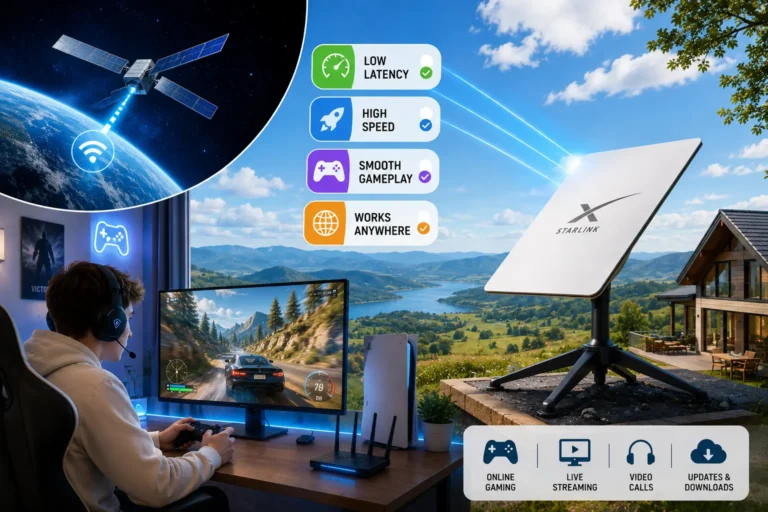
Your internet provider also affects gaming performance. If you’re using satellite internet, check out our Is Starlink Good for Gaming? guide to see how Starlink compares for ping, latency, and online gaming.
Frequently Asked Questions
Conclusion
The best WiFi adapter for PC gaming in 2026 is a PCIe card on WiFi 6 or WiFi 6E for any desktop with a spare slot. The TP-Link Archer TX55E covers most players at the best price. Step up to the ASUS PCE-AXE59BT if you have a WiFi 6E router and prioritize competitive ping stability.
If Ethernet is an option at all, run the cable. A wired connection beats any wireless adapter at any price point for consistent latency. But when wired is not practical, a quality modern adapter on the right standard closes the gap enough to game competitively without the connection being the limiting factor.