What Internet Speed Do You Need for Gaming? (2026 Guide)
If you’re shopping for an internet plan and wondering what internet speed you need for gaming, here’s the short version: online games need far less speed than the ads suggest. What actually matters for smooth, lag-free gameplay is a stable connection with low ping — not a giant download number. In this guide, we break down exactly what speed gaming really needs, when plans like 200 Mbps, 500 Mbps, or 1 Gig make sense, and how to tell whether your current connection is holding you back.
How Much Internet Speed Does Gaming Actually Need?
Here’s the part most internet ads won’t tell you: playing online games uses very little bandwidth. A typical online multiplayer match uses somewhere in the region of 1–10 Mbps of download speed and well under 2 Mbps of upload — roughly comparable to a single video stream. What competitive games are actually sensitive to is latency (ping), jitter, and packet loss, not the headline download number on your plan.
The numbers published by the platforms themselves back this up:
- Xbox: Microsoft lists just 3 Mbps download and 0.5 Mbps upload as the minimum for online multiplayer, and recommends at least 20 Mbps download for Xbox Cloud Gaming.
- PlayStation: Sony recommends a minimum of 5 Mbps for PlayStation cloud streaming, or 15 Mbps for full 1080p quality.
- The FCC: the broadband benchmark was raised in 2024 to 100 Mbps download / 20 Mbps upload — a tier that comfortably covers gaming for an entire household.
The takeaway: even a modest 100 Mbps plan is several times faster than gaming alone needs. The download number on your plan starts to matter when multiple people share the connection — or when you’re downloading 100 GB games and day-one patches.
Is 200 Mbps Good for Gaming?
Yes — 200 Mbps is more than enough for gaming for most households. You can game online, stream 4K video on another device, and join video calls at the same time without your gaming performance suffering.
Who 200 Mbps is perfect for
- 1–3 gamers playing online simultaneously
- Gaming while someone else streams 4K video or works from home
- Anyone whose main concern is smooth gameplay rather than download times
When 200 Mbps might feel slow
- Big game downloads: a 150 GB game takes around an hour and forty minutes to download at 200 Mbps (assuming you get the full advertised speed).
- Large households: with six or more heavy users online at once, you may want more headroom.
- Slow upload speeds: many cable plans advertise 200 Mbps down but only 10–20 Mbps up, which can limit live streaming and video calls. This is worth checking before you sign up.
Is 500 Mbps Good for Gaming?
500 Mbps is excellent for gaming. It gives a busy household plenty of headroom, and large downloads finish dramatically faster — that same 150 GB game downloads in roughly 40 minutes at 500 Mbps.
Who 500 Mbps is perfect for
- Households with 4 or more people gaming, streaming, or video-calling at the same time
- Content creators who regularly upload large video files
- Anyone who buys and downloads big games often and hates waiting
Do you actually need 500 Mbps?
Honestly? For gameplay alone, probably not. You won’t feel any difference between 200 Mbps and 500 Mbps inside an actual match — the benefit is entirely in faster downloads and extra headroom for everyone else in the house. If 500 Mbps costs only a little more than 200 Mbps in your area, it’s a nice upgrade; if the price jump is steep, save your money.
Is 1000 Mbps (1 Gig) Good for Gaming?
1 Gig is the fastest widely available residential tier, and it’s fantastic — but it’s overkill for pure gaming. No game plays better on 1000 Mbps than on 500 Mbps; the in-game experience is identical.
Who should get gigabit internet
- Large households with many simultaneous heavy users
- Creators and professionals who move huge files every day
- Anyone who wants maximum future-proofing and doesn’t mind the higher bill
- Fiber gigabit plans often include symmetrical upload speeds (1000 Mbps up), which is genuinely useful for streamers and creators
Honest downsides of 1 Gig
- It costs noticeably more per month, and the gaming benefit over 500 Mbps is effectively zero.
- Your real-world speed depends on your router and devices — many Wi-Fi setups can’t deliver a full gigabit wirelessly.
- Check the upload speed: some cable-based “gig” plans still pair 1000 Mbps down with modest uploads.
Download Speed vs Upload Speed vs Ping: What Actually Matters
Download speed: only matters for downloads
Download speed decides how fast you receive data: game downloads, patches, and streaming video. A 100 GB game downloads in roughly 13 minutes on gigabit versus around an hour and forty minutes on a 200 Mbps plan. Once you’re inside a match, though, extra download speed does nothing for you.
Upload speed: matters for streamers and voice chat
Upload speed decides how fast you send data: live streaming to Twitch or YouTube, voice chat, and hosting game lobbies. For context, Twitch’s own broadcast guidelines recommend around 6 Mbps of upload for a 1080p 60fps stream. If you stream regularly, prioritise a plan with healthy upload speeds — fibre plans with symmetrical speeds are ideal. We’ve covered this in detail in our guide to what a good upload speed for gaming is.
Ping (latency): the stat that decides your matches
Ping measures how long it takes data to travel from your device to the game server and back, in milliseconds. Lower is better: under 50 ms feels great, 50–100 ms is playable for most games, and above 100 ms you’ll start to feel delay in fast-paced shooters. Crucially, ping barely changes as your plan gets faster — it’s determined far more by your connection type (fibre beats cable, which beats satellite), your distance to the server, and whether you’re on Wi-Fi or ethernet. Learn more in our guide to what ping means in gaming.
How to Test Your Internet Speed for Gaming
- Run a test at Speedtest.net or Fast.com — both are free.
- Look beyond the download number: note your upload speed, ping, and jitter. For gaming, stable low ping matters more than a big download figure.
- Test over an ethernet cable if you can, so you’re measuring your connection rather than your Wi-Fi.
- Test at different times of day. Cable connections in particular can slow down during evening peak hours.
- Choose a test server near your game servers’ region for the most relevant ping reading.
7 Ways to Get a Better Gaming Connection (Without Upgrading Your Plan)
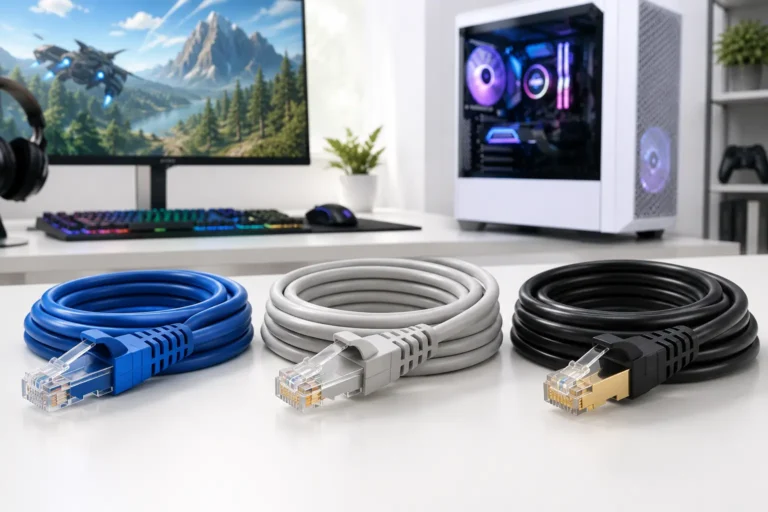
- Use ethernet. A wired connection gives you lower, more stable ping than Wi-Fi. See our picks for the best ethernet cable for gaming.
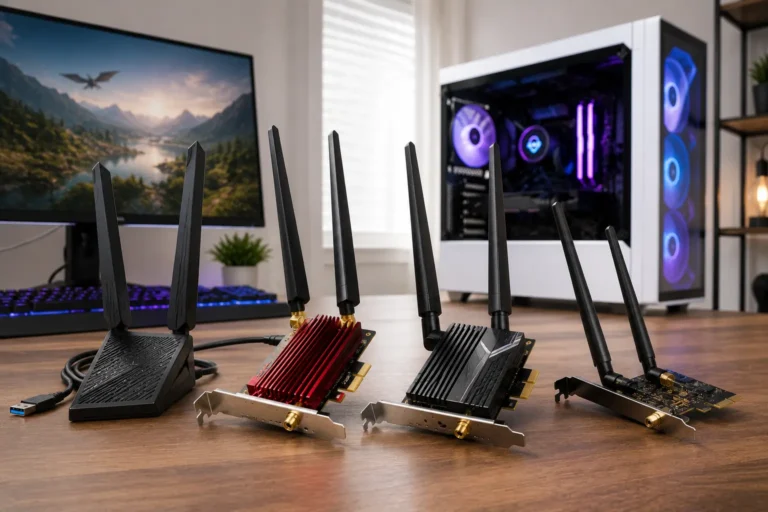
- Sort out your Wi-Fi. If you must game on Wi-Fi, use the 5 GHz or 6 GHz band close to the router, or consider a dedicated Wi-Fi adapter for PC gaming.
- Turn on QoS. Many routers let you prioritise gaming traffic so a background download doesn’t spike your ping mid-match.
- Close background bandwidth hogs. Pause cloud backups, game downloads, and 4K streams on other devices while you play ranked.
- Restart your router regularly and keep its firmware updated.
- Check your connection type. Fibre generally offers the lowest latency, followed by cable, then DSL, with satellite last — though satellite options are improving; see our guide on whether Starlink is good for gaming.
- Pick nearby game servers. Playing on servers in your region is the single biggest lever on your ping.
Frequently Asked Questions
Is 200 Mbps enough for gaming and streaming at the same time?
Yes. 200 Mbps comfortably handles online gaming plus 4K streaming and video calls simultaneously in most households.
Is 500 Mbps overkill for gaming?
For gameplay alone, yes — you won’t notice a difference versus 200 Mbps inside a match. It’s worth it if your household has many heavy users or you download large games frequently.
Is 1 Gig internet worth it for gaming?
Only in specific cases: very large households, creators uploading huge files, or fibre plans with symmetrical gigabit uploads. For pure gaming performance, 500 Mbps plays identically.
What upload speed do I need for gaming?
Online gaming itself needs very little upload — a few Mbps is plenty. Live streaming is the exception: Twitch recommends around 6 Mbps for 1080p 60fps. See our full breakdown of good upload speeds for gaming.
Is ping more important than internet speed for gaming?
Yes. Once you have enough bandwidth (around 25–50 Mbps for a single gamer), further speed increases don’t improve gameplay. Lower ping, less jitter, and zero packet loss are what make games feel responsive. Our ping in gaming guide explains the numbers.
Does faster internet lower my ping?
Not directly. Even the fastest internet speed for gaming won’t fix high ping: it’s determined mostly by your connection type, distance to the game server, and network congestion — upgrading from 200 Mbps to 1 Gig on the same connection type rarely changes ping at all.
What is a good ping for gaming?
Under 50 ms is ideal, 50–100 ms is fine for most games, and anything consistently above 100 ms will feel laggy in fast-paced titles.
The Bottom Line
When choosing the right internet speed for gaming, most gamers in 2026 should aim for a 200–500 Mbps plan with low latency — preferably fibre if it’s available in your area. Spend your effort (and money) on a stable, low-ping connection rather than chasing the biggest download number.