How Much RAM Do I Need for Gaming in 2026?
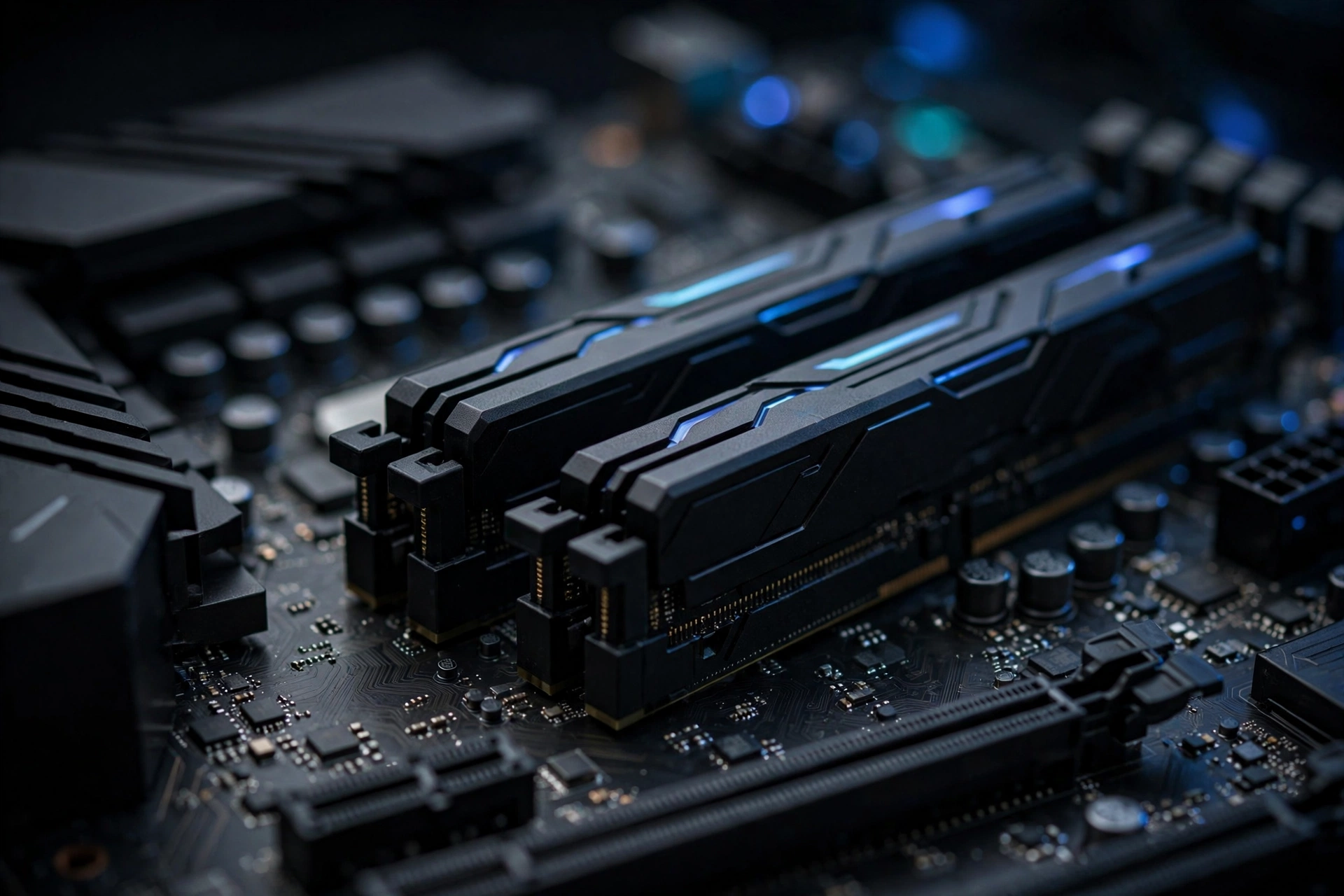
How much RAM do I need for gaming in 2026? For most gamers, 16GB is the sweet spot — enough for modern games at 1080p and 1440p with Discord, a browser, and launchers running in the background. Step up to 32GB if you stream, create content, or multitask heavily. 8GB has slipped below what we’d recommend for a new gaming PC: it runs light esports titles, but leaves almost no headroom.
Below: what 8GB, 16GB, and 32GB get you in real games, DDR4 vs DDR5 and dual-channel in plain language, how to check if you’re running out of memory, and when an upgrade genuinely helps — versus when your money belongs on a GPU.
Key Takeaways
- 16GB is the practical default for most gaming PCs in 2026 — it handles modern games plus background apps without breaking a sweat.
- 32GB suits streamers, creators, and heavy multitaskers. Valve’s September 2026 Steam survey puts 32GB on 42.22% of systems vs 37.82% for 16GB (per pbxscience.com) — though the survey is optional and anonymous, so popularity isn’t requirement.
- Capacity beats generation and speed. Going 8GB → 16GB changes everything; DDR4 → DDR5 changes very little in most games.
- More RAM doesn’t raise your FPS ceiling — your GPU sets that. Extra RAM removes stuttering caused by running out of memory.
8GB vs 16GB vs 32GB: What Each Capacity Actually Gets You
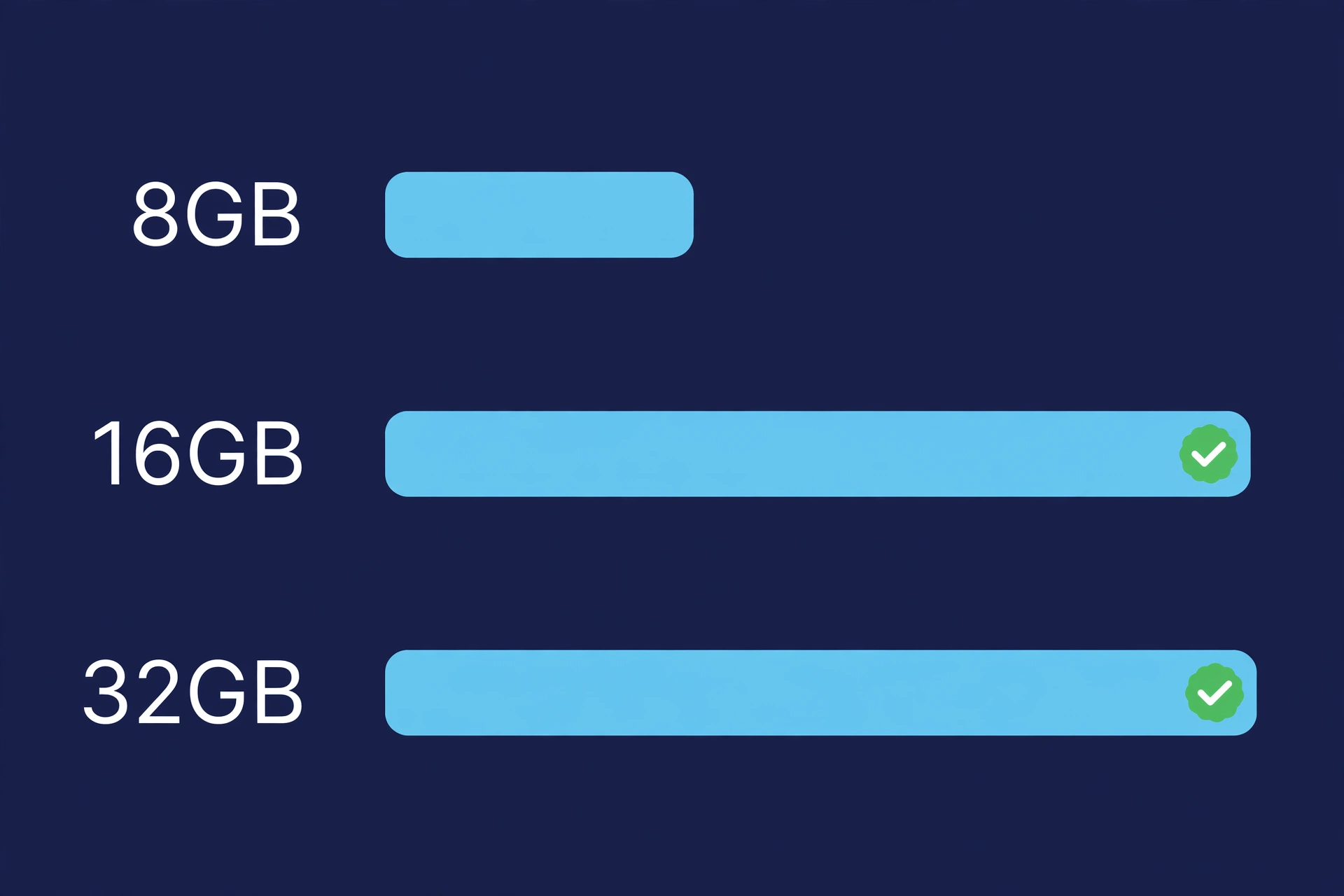
| Capacity | Enough for | Watch out for | Best fit |
|---|---|---|---|
| 8GB | Light esports titles (CS2, Valorant, League of Legends) at 1080p with nothing else open | Windows plus a game plus a few browser tabs can already exceed 8GB, causing stutter and slow alt-tabbing | Older laptops, ultra-budget builds, light games only |
| 16GB | Modern AAA games at 1080p/1440p with Discord, browser tabs, and launchers in the background | Streaming while gaming or heavy multitasking starts to squeeze it; some heavily modded games want more | The default for most new gaming PCs in 2026 |
| 32GB | Gaming plus streaming, video editing, dozens of browser tabs, local AI tools, heavily modded games | Costs more; pure gaming alone rarely uses all of it today | Streamers, creators, multitaskers, and anyone buying for 4–5 years of use |
What this means: think of RAM as desk space. 8GB is a small desk — Windows 11 keeps several gigabytes busy, so a game plus Discord plus a browser overflows it, and Windows “pages” data to your much slower SSD, which shows up as stuttering. 16GB is a proper desk — game plus everyday apps fit. 32GB is a workshop table — room for a game, a stream, and 40 tabs at once. Most gamers only need the desk.
Why 16GB Is the Sweet Spot
16GB is where memory stops being the thing you think about. Modern AAA games at 1080p and 1440p run comfortably within it even with background apps open, and developers still treat it as the baseline: recent releases increasingly list 32GB in recommended specs with 16GB as the minimum (per pbxscience.com), which is where developers actually test. The price gap between 8GB and 16GB is also small, while 16GB → 32GB costs noticeably more for capacity most gamers won’t touch — money better spent on the GPU.
If you’re building a new gaming PC in 2026 and gaming is the main job, buy 16GB of fast, matched RAM and put the savings toward your graphics card. For a deeper look at this capacity, read Is 16GB RAM Good for Gaming?
When 32GB Makes Sense
32GB isn’t overkill for everyone — it’s the right answer if you stream while gaming (streaming software plus dashboards and chat eats gigabytes on top of the game), create content (video editing, 3D work), multitask heavily, mod games heavily (modded Cities: Skylines or Minecraft can push past 16GB), or build for 4–5 years — memory needs creep upward. The honest version: 32GB buys headroom and longevity, not higher frame rates today. For the full breakdown, see Is 32GB RAM Good for Gaming?
DDR4 vs DDR5: Does the Generation Matter for Gaming?
DDR4 was the standard for most of the last decade (typically 3200–3600 MT/s at CL16); DDR5 is the current standard (starting at 4800 MT/s, mainstream gaming kits at 6000–6400 MT/s). On paper DDR5 is clearly faster — dual-channel DDR5-6400 delivers roughly 102 GB/s versus about 51 GB/s for dual-channel DDR4-3200 at similar true latency (per Newegg’s 2026 guide) — but in actual games the difference is small: at 1440p and 4K your GPU bottlenecks long before memory bandwidth does. Per ovrclock.com’s 2026 guide, the gap between a fast DDR4 kit and a mid-tier DDR5 kit is often just a few percentage points in average FPS.
The deciding rule is platform compatibility: DDR4 and DDR5 are physically different and not interchangeable — DDR5 needs a newer motherboard and CPU (per ovrclock.com). So: building new? Buy DDR5. On a solid DDR4 system? Don’t rebuild just for DDR5 — a good DDR4 kit still games excellently, and that money goes much further toward a GPU upgrade.
Dual-Channel RAM Explained Simply
Dual-channel means using two RAM sticks instead of one: the CPU talks to both at once, roughly doubling bandwidth — two DDR4-3200 sticks give about 51 GB/s versus 25.6 GB/s from one (per Newegg). Buy a matched kit of two sticks (2×8GB for 16GB, 2×16GB for 32GB) — same cost, better performance — and install them in slots 2 and 4 (A2/B2 on most boards); wrong slots can silently run single-channel, so check the motherboard manual. Don’t mix speeds or capacities: everything slows to the weakest stick.
How much does it matter in games? 2026 testing by dropreference.com on the same Ryzen 7 7800X3D found a single DDR5-6000 stick trailing a dual-channel kit by only a few percent per game — measurable, but small. Buy two sticks when building new; don’t panic if you’re temporarily on one.
How to Check Your Current RAM Usage
Before spending money, find out whether RAM is actually your problem — it takes 30 seconds. On Windows, press Ctrl + Shift + Esc, go to the Performance tab, and click Memory. Launch your game, play 10–15 minutes, alt-tab back, and read the usage percentage.
If memory sits consistently above 85–90% while gaming — especially with stuttering or sluggish alt-tabbing — you’re running out of RAM and an upgrade will genuinely help. Around 60–70% with headroom to spare means your RAM is fine and the money belongs elsewhere. Also check the “Speed” field: if you installed a 6000 MT/s kit and it reads 4800, your motherboard’s memory profile (XMP/EXPO) isn’t enabled — a free BIOS fix that costs nothing.
When a RAM Upgrade Actually Helps FPS (and When It Doesn’t)
A RAM upgrade helps when memory is the bottleneck: stuttering and frame-time spikes in open-world games, hitches when moving between areas, slow texture loading — all while Task Manager shows memory pinned near maximum. Adding capacity removes the paging-to-disk problem and the game smooths out.
It does almost nothing when the GPU is the bottleneck — which is most of the time at 1440p and 4K. If your graphics card is already maxed out rendering the scene, faster or larger RAM can’t conjure frames the GPU can’t draw. Chasing exotic speeds or low-latency kits buys gains you’d never notice without a frame-counter overlay.
The decision framework: maxed-out memory during gaming → upgrade capacity first. Headroom to spare → your GPU, CPU, or settings are the lever, not RAM. And 64GB won’t make games faster — unused RAM is expensive decoration.
FAQs About RAM for Gaming
Is 32GB RAM overkill for gaming in 2026?
For pure gaming at 1080p or 1440p, yes — 16GB handles it with room to spare. It stops being overkill when you stream, edit video, run lots of background apps, or heavily mod games. Buy for how you actually use your PC.
Can I mix different RAM sticks?
It usually works, but it’s not ideal — everything runs at the slowest stick’s speed and timings, and mismatched capacities can disable dual-channel mode. A matched kit of two sticks is the cleanest path; retire the old stick rather than mixing it in.
How much RAM does Windows 11 use by itself?
Several gigabytes, even idle — background services, the desktop, antivirus, and startup apps all take their share. That’s why 8GB feels cramped: Windows takes its cut first, and the rest must cover your game plus Discord, a browser, and launchers. Check Task Manager’s Performance tab for your exact idle number.
Will more RAM fix my stuttering?
Only if RAM is the cause. Check Task Manager while gaming: memory pinned near maximum during stutters means more RAM will very likely fix it. Plenty of free memory means the stutter comes from elsewhere — GPU, shader compilation, thermals, or storage. Diagnose first, buy second.
How Much RAM Do I Need for Gaming? The Bottom Line
For most gamers in 2026, 16GB of fast, matched, dual-channel RAM is the right answer — it covers modern games with background apps running and keeps money free for your GPU. Choose 32GB if you stream, create, or multitask heavily. Before upgrading, confirm you’re actually running out of memory — Task Manager takes 30 seconds and saves you from spending money on the wrong fix.
Still deciding? Read Is 16GB RAM Good for Gaming? for the full sweet-spot breakdown, or Is 32GB RAM Good for Gaming? if you’re leaning toward the bigger kit.