What Is AI Upscaling? DLSS vs FSR vs PSSR vs QSSR Explained
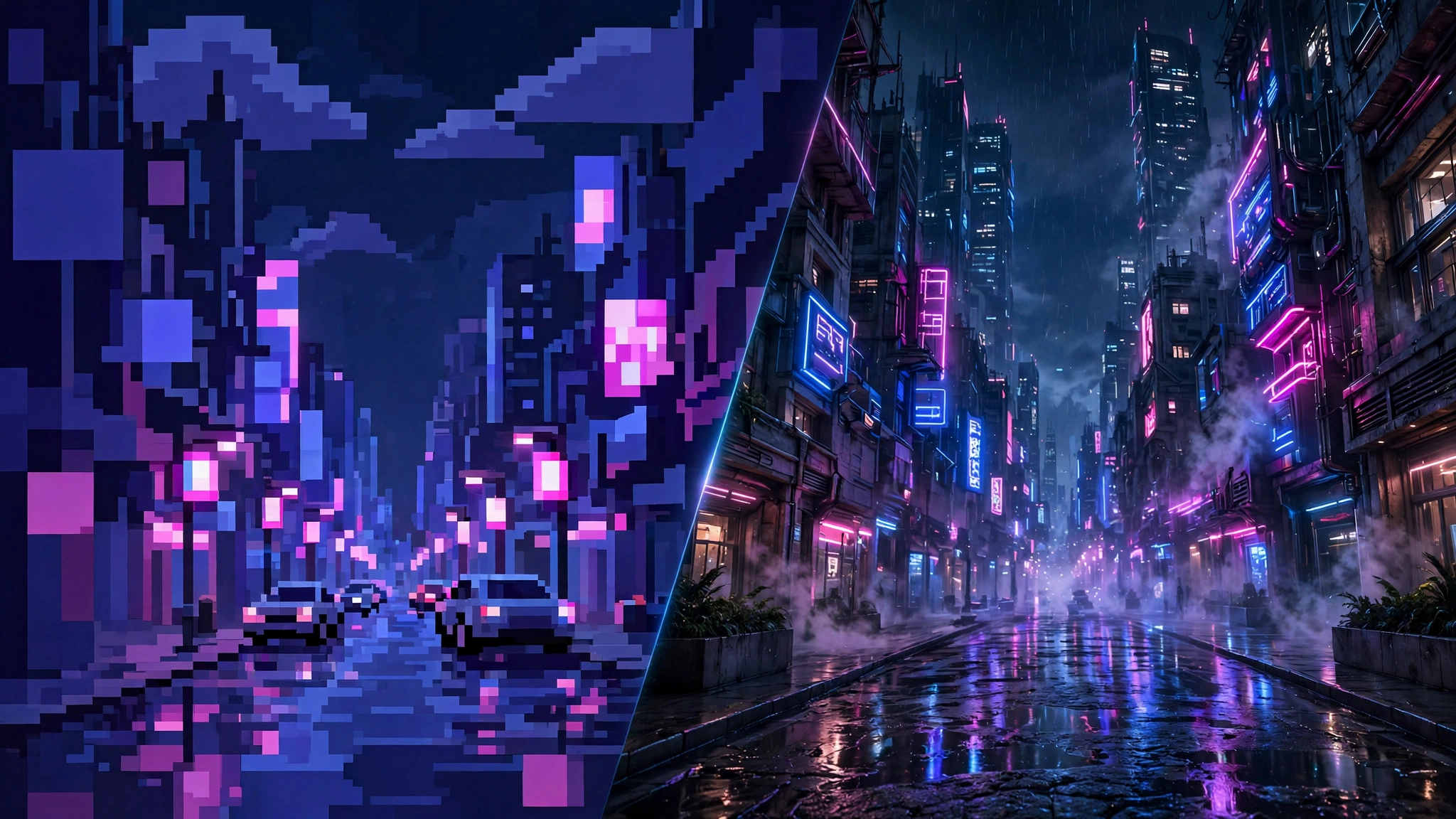
AI upscaling is a technique that lets your GPU render a game at a lower resolution and then use AI to reconstruct a sharper image that looks close to native quality. Instead of forcing your graphics card to calculate every pixel of a 4K image, the game renders at a lower internal resolution — 1440p or even 1080p — and a trained neural network fills in the missing detail. The result: a big frame-rate boost for a small visual trade-off. If you have heard the names DLSS, FSR, PSSR, or QSSR, those are simply different companies’ versions of the same idea: NVIDIA’s DLSS for GeForce RTX cards, AMD’s FSR for almost any GPU, Intel’s XeSS, and Sony’s PSSR and QSSR for PlayStation 5.
What Is AI Upscaling?
Rendering a modern game at native 4K with ray tracing is one of the heaviest workloads a GPU can face. AI upscaling cuts that workload down by changing the order of operations: the GPU renders most of the frame at a lower resolution, then a specialised model reconstructs it to your display resolution.
The key ingredient that separates AI upscaling from a simple “stretch the image” resize is temporal data. The upscaler looks at information from previous frames plus motion vectors from the game engine — it knows which way objects are moving, which parts of the scene changed, and which pixels are safe to reuse. An AI model trained on high-resolution reference images then predicts the detail the lower-resolution render is missing. That is why a good upscaler looks dramatically better than just playing at 1080p on a 4K screen: it is reconstructing detail, not merely enlarging pixels.
Upscalers also ship with quality modes that control the trade-off: Quality renders at a higher internal resolution and looks closest to native, Balanced sits in the middle, and Performance drops the internal resolution further for maximum frames.
The Four AI Upscalers You Should Know in 2026
DLSS — NVIDIA (Deep Learning Super Sampling)
DLSS is the oldest and most established AI upscaler, and it is exclusive to NVIDIA GeForce RTX graphics cards because it runs on dedicated Tensor Cores — hardware built specifically for AI inference. According to NVIDIA’s DLSS developer documentation (developer.nvidia.com/rtx/dlss), DLSS combines temporal reconstruction with a trained neural network to rebuild the image, and newer versions add neural rendering techniques on top.
The current generation is DLSS 5, launched in fall 2026 for RTX 50-series GPUs according to NVIDIA’s own announcement, with older DLSS generations remaining available on earlier RTX cards. Practical impact: if you own any RTX card, DLSS is almost always your best option in a supported game — it is tuned for your exact hardware and generally delivers the cleanest image, especially in motion.
FSR — AMD (FidelityFX Super Resolution)
FSR is AMD’s upscaler and its biggest selling point is openness: it runs on AMD, NVIDIA, and Intel GPUs, and it is open source, so any developer can integrate it. The original FSR used spatial upscaling — no AI model at all — but modern versions are temporal, and the latest generation uses machine learning: AMD’s GPUOpen documentation describes FSR Upscaling 4 as “a machine learning-based solution for producing high resolution frames from lower resolution inputs” (gpuopen.com/fidelityfx-superresolution-4/).
The current generation is known as FSR Redstone, targeting AMD’s RX 9000-series GPUs, per October 2026 reporting from tech-insider.org. Practical impact: FSR is the upscaler that works everywhere. It can be slightly softer than DLSS in demanding scenes, but its broad compatibility makes it the default choice on AMD hardware, older NVIDIA cards, and handhelds.
XeSS — Intel (brief mention)
Intel’s XeSS is an AI upscaler that runs best on Intel Arc GPUs (which have XMX matrix engines) but also works on AMD and NVIDIA cards. It is worth knowing about, but it matters mainly to Arc owners, who tend to prefer it over the other options on their own hardware.
PSSR — PlayStation 5 Pro (PlayStation Spectral Super Resolution)
PSSR is Sony’s AI upscaler for the PS5 Pro, built for the Pro’s extra GPU compute. Because every PS5 Pro is identical hardware, PSSR is tuned for exactly one machine. If you play on a PS5 Pro, it handles upscaling in supported games automatically — you never configure anything.
QSSR — the base PS5’s new upscaler (Quick Spectral Super Resolution)
QSSR is the newest arrival and the one generating the most discussion: Sony’s Quick Spectral Super Resolution for the base PS5, developed with AMD through Project Amethyst as a leaner sibling of PSSR. Do not confuse it with Qualcomm’s mobile upscaler, which happens to share the initials — Sony’s QSSR is a console feature, not a phone one.
QSSR launched on October 1, 2026, patched into two games — Marvel’s Wolverine and Ghost of Yōtei — as an optional graphics setting, according to reporting by gamermatters.com. As of October 5, 2026, tech-insider.org reported those remain the only two supported games, though Sony says the library is being made broadly available to developers. Important details: QSSR runs only on the base PS5 — PS5 Pro owners keep using PSSR — and it is not a system-level toggle. Each studio must integrate the library and ship a patch, so support rolls out game by game, per reporting by player.one.
Digital Foundry’s early hands-on testing, discussed in early October 2026, found QSSR close to PSSR-level cleanliness, noticeably softer and less detailed than the Pro’s upscaler, but a major improvement in shimmering reduction — a meaningful stability win on the base console’s fixed GPU.
DLSS vs FSR vs PSSR vs QSSR: Head-to-Head
| Upscaler | Maker | Hardware it runs on | AI-based? | Open? |
|---|---|---|---|---|
| DLSS | NVIDIA | GeForce RTX GPUs (Tensor Cores) | Yes | No — NVIDIA only |
| FSR | AMD | Almost any GPU (AMD, NVIDIA, Intel) | Yes (v4+ ML-based) | Yes — open source |
| XeSS | Intel | Best on Intel Arc; works on AMD/NVIDIA too | Yes | Partially |
| PSSR | Sony | PS5 Pro only | Yes | No — console only |
| QSSR | Sony + AMD | Base PS5 only | Yes | No — console only |
What this means: on PC, the “best” upscaler is mostly decided by your graphics card — you use the one tuned for your hardware. On console, you use whatever your PlayStation model supports, and you never install or configure anything. Openness is FSR’s superpower: it is the reason older cards and handhelds get upscaling at all.

Shader Stutter: Microsoft’s Advanced Shader Delivery Arrives for RTX (October 2026)
Upscalers fix low frame rates, but PC gamers know a different enemy: shader compilation stutter — the micro-freezes and long “optimising shaders” waits when you first launch a DirectX 12 game, often repeating after every driver update. Microsoft’s fix is Advanced Shader Delivery: developers compile the shaders once per GPU, and the finished, hardware-matched shaders download with the game itself.
The DirectX team confirmed on October 1, 2026 that Advanced Shader Delivery is expanding to all NVIDIA GeForce RTX GPUs later in the month, alongside Intel Arc B570/B580 cards, Core Ultra Series 2 and 3 integrated graphics, and Qualcomm Snapdragon X2 chips, as reported by tech-insider.org on October 3, 2026 and OC3D. AMD’s RDNA 1 through RDNA 4 cards already had it. Microsoft claims the feature cuts first-launch shader preparation time by about 95 percent, and reporting by latestintech.com cites Gears of War: E-Day as the first game with full support. myelectricsparks.com’s October 7, 2026 coverage adds the requirements: Windows 11 24H2 or newer, and the game must be launched through the Xbox PC app.
Practical impact: Advanced Shader Delivery is not an upscaler, but it attacks the same enemy — poor perceived performance. If you are on an RTX card, keeping Windows and drivers current shrinks the stutter problem just as the upscaler side keeps improving.
Which AI Upscaler Should You Use?
- NVIDIA RTX GPU → DLSS. It is built for your Tensor Cores and is the sharpest option on your hardware.
- AMD Radeon GPU → FSR. The current Redstone generation is tuned for RX 9000-series cards, and it works on older AMD hardware too.
- Intel Arc GPU → XeSS. It uses your card’s XMX engines best.
- Older or integrated GPU → FSR. Its openness is the point — it is the one upscaler that does not demand specific hardware.
- PS5 Pro → PSSR. Automatic in supported games.
- Base PS5 → QSSR where supported. Check the graphics options after patches; only two games support it as of early October 2026, so most of your library will not show it yet.
- Gaming handheld → depends on the GPU inside. Follow the same rules above based on the chip.
One general tip: start with the Quality preset. Drop to Balanced only if your frame rate is still short of your monitor’s refresh rate — our guide to the best refresh rate for gaming explains how much refresh rate you can actually use. Higher frame rates do push your GPU harder, so it is worth knowing the normal GPU temperature while gaming too.
Common Questions
Which AI upscaler should I use for my GPU?
Match the upscaler to your hardware: DLSS on NVIDIA RTX, FSR on AMD, XeSS on Intel Arc. On consoles it is automatic — PSSR on PS5 Pro, QSSR on base PS5 where supported. The vendor-tuned option almost always looks best on that vendor’s hardware.
Does QSSR work on the PS5 Pro?
No. QSSR is purpose-built for the base PS5’s fixed GPU, while the PS5 Pro keeps using PSSR, the higher-compute upscaler. The two are not cross-compatible because each is tuned to its own silicon, per October 2026 reporting by tech-insider.org.
Will my old PS5 games get QSSR?
Only if their developers patch them. QSSR is not a system-level toggle — each studio integrates the library and ships an update, so support arrives game by game. As of October 5, 2026, only Marvel’s Wolverine and Ghost of Yōtei support it.
Is AI upscaling “cheating” — does it make games look worse?
It is a trade-off, not cheating. At Quality presets, reconstructed images are often hard to distinguish from native rendering, and in motion they can even look cleaner than native by reducing aliasing and shimmer. At Performance presets on 1080p displays, softness is visible. The honest rule: if the game feels smooth and looks good to your eyes, the upscaler is doing its job.
Final Takeaway
AI upscaling is no longer a bonus feature — it is how modern games are designed to be played. DLSS remains the premium option on NVIDIA hardware, FSR’s openness keeps older and non-NVIDIA GPUs in the game, and Sony’s PSSR and the new QSSR bring the same trick to consoles. Start at Quality, match your frame rate to your monitor’s refresh rate, and keep an eye on your GPU temperatures under load.