Is 60Hz Good for Gaming? (Honest Answer for Every Setup)
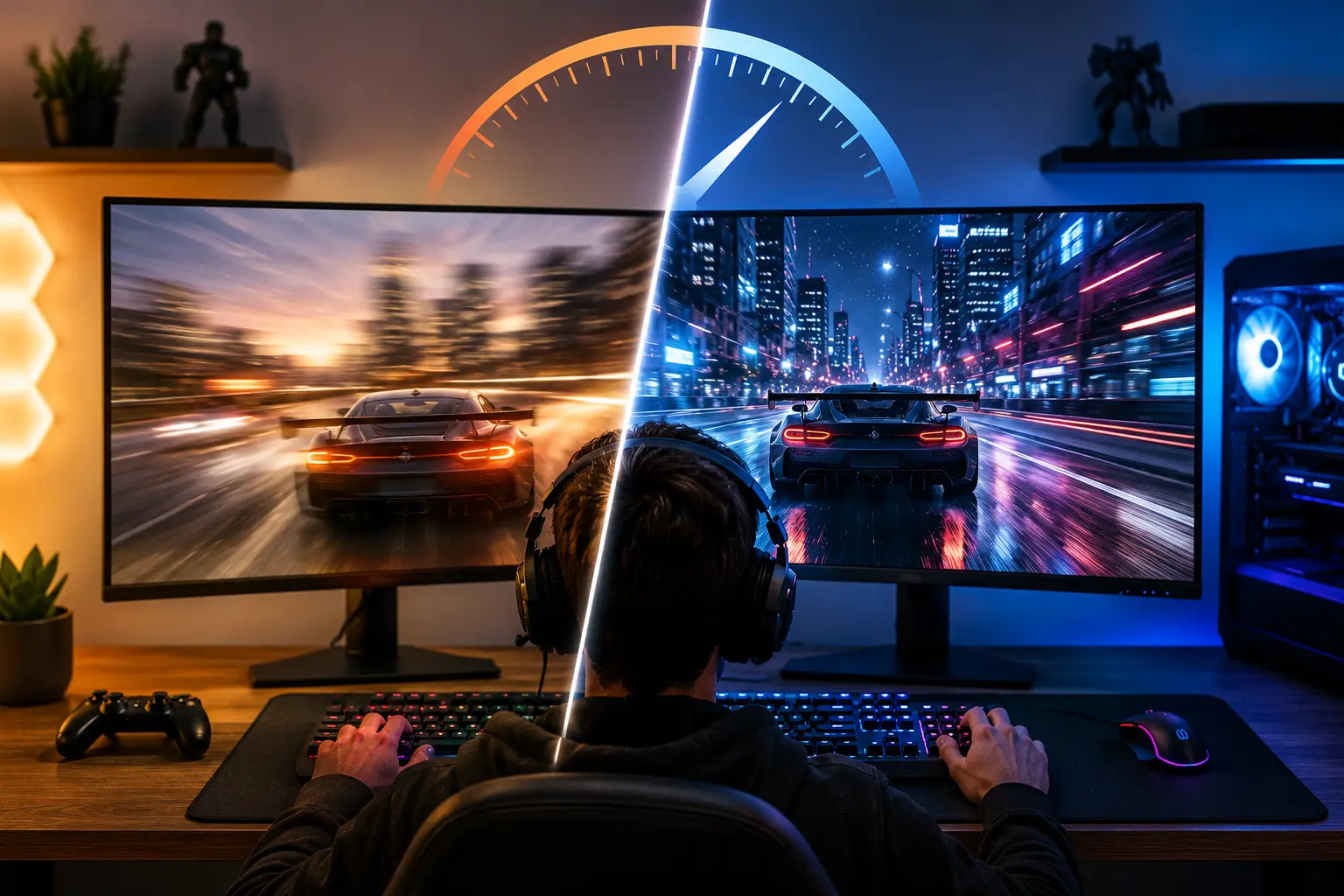
You are about to buy a gaming monitor, but everyone seems to have the same advice: skip 60Hz and get 144Hz instead. It sounds convincing, but does spending more always make you a better gamer? So is 60Hz good for gaming? The answer depends on the games you play, the hardware you own, and what kind of experience you expect.
The truth is that a 60Hz monitor is still good for gaming in many situations. If your system runs games at around 60 FPS, a 60Hz display can deliver smooth gameplay for story-driven adventures, casual multiplayer titles, and most console games. However, it can become a limitation in fast-paced competitive games where higher refresh rates provide quicker visual updates and smoother motion.
Before you upgrade, it helps to know what you actually gain from a higher refresh rate. In this guide, you’ll learn when 60Hz is enough, when it starts holding you back, and whether upgrading to 120Hz, 144Hz, or beyond is worth the extra cost.
What Does Hz Mean for Gaming?
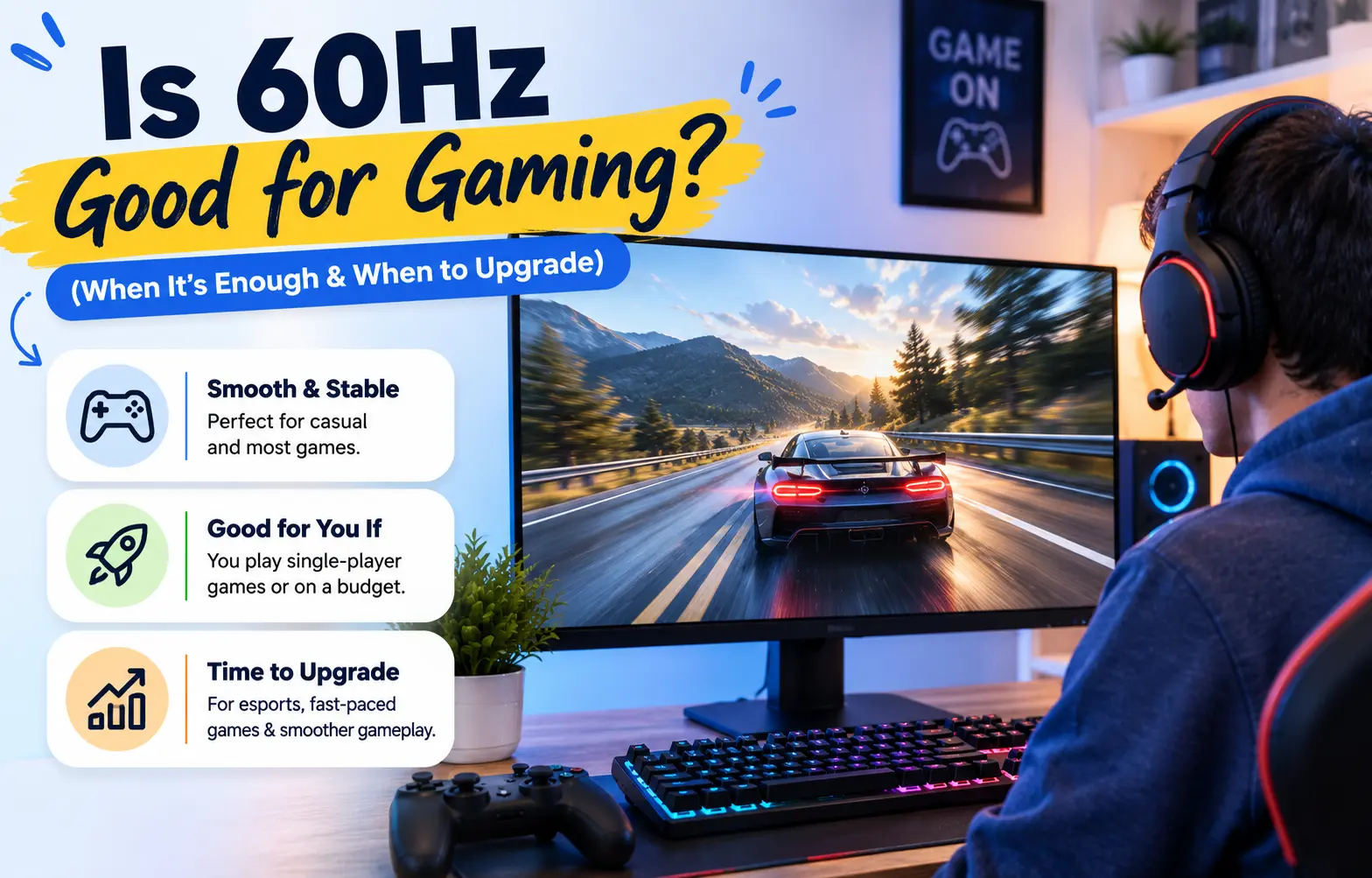
Hz stands for hertz. It measures how many times per second your monitor refreshes the image on screen. A 60Hz monitor updates 60 times per second. A 144Hz monitor updates 144 times per second.
Higher refresh rate means smoother motion, lower input lag, and faster visual feedback between your actions and what you see. But only if your GPU can actually produce enough frames to feed that refresh rate. A 144Hz monitor running at 60 FPS looks identical to a 60Hz monitor running at 60 FPS. The extra Hz only helps when frames match or exceed the refresh rate.
The other metric that matters here is input lag. At 60Hz, each frame takes 16.7 milliseconds to display. At 144Hz, each frame takes 6.9 milliseconds. That 10ms gap is invisible in slow games and very noticeable in fast ones.
Refresh Rate vs Frame Display Time
| Refresh Rate | Time Per Frame | Typical Use Case |
|---|---|---|
| 60Hz | 16.7ms | Casual gaming, consoles, budget builds |
| 120Hz | 8.3ms | Console next-gen, balanced PC gaming |
| 144Hz | 6.9ms | Competitive PC gaming |
| 165Hz | 6.1ms | Mid-range competitive |
| 240Hz | 4.2ms | Professional esports |
Is 60Hz Good for Gaming?
Yes, 60Hz is good for gaming for a large portion of players right now. Here is where it holds up and where it does not.
Where 60Hz works well:
Single-player story games, open-world RPGs, strategy games, turn-based titles, and most console ports are built around 60 FPS targets. Games like The Witcher 3, Red Dead Redemption 2, Elden Ring, and Cyberpunk 2077 are designed to look and feel complete at 60Hz. The pacing, animation, and gameplay loop do not demand anything faster.
Casual multiplayer games like Minecraft, Stardew Valley, and Among Us run fine at 60Hz. The competitive edge of higher refresh rate simply does not apply when reaction speed is not the deciding factor.
Console gaming is where 60Hz is most relevant. Until the PS5 and Xbox Series X generation, the standard console target was 30 FPS. Now most games offer a 60 FPS performance mode. A 60Hz monitor matches that output perfectly with zero wasted frames.
Where 60Hz shows its limits:
Fast-paced competitive shooters like Valorant, CS2, and Apex Legends are where 60Hz becomes a real disadvantage. NVIDIA’s own latency research shows that going from 60Hz to 144Hz reduces system latency by approximately 45 ms in some titles. An esports study on reaction time found that players on 144Hz displays identified moving targets measurably faster than those on 60Hz in controlled tests.
The reason is not just visual smoothness. It is the time between a frame being rendered and it appearing on screen. At 60Hz, your inputs wait up to 16.7ms per frame to be displayed. At 144Hz, that wait drops to 6.9ms. In a game where the average reaction time difference between winning and losing a duel is under 20ms, that frame time gap is meaningful.
Is 60Hz Good for Gaming on PS5 and Xbox Series X?
Is 60hz good for gaming ps5 and Series X? Yes, with one condition. Both consoles output up to 120Hz on supported games, but the majority of titles still target 60 FPS in their performance modes, and many smaller titles cap at 30 FPS. A 60Hz monitor works for most PS5 and Xbox gaming with no penalty.
The limitation appears if you want to use 120Hz modes available in games like Fortnite, Call of Duty, and Halo Infinite on PS5 or Xbox. Those modes run at up to 120 FPS, and a 60Hz monitor cannot display the extra frames. You see 60 FPS regardless of what the console is outputting above that.
For pure console gaming on a budget, 60Hz is fine today. If you game on current-gen consoles and want to use 120Hz modes, a 120Hz monitor is a more future-proof buy without needing to go all the way to 144Hz.
Is 4K 60Hz Good for Gaming?
Is 4k 60hz good for gaming? Yes, for the right GPU and the right games. 4K resolution at 60Hz is a legitimate and popular setup for high-fidelity single-player gaming. Cards like the RTX 4070 Super and RX 7900 GRE can push 60 FPS at 4K in most titles, and the visual quality improvement from 1080p or 1440p to 4K is far more noticeable than going from 60Hz to 144Hz in non-competitive content.
The trade-off is that 4K 60Hz asks more of your GPU than 1440p 144Hz, sometimes significantly more. If your GPU cannot hold 60 FPS steadily at 4K, the experience suffers more than it would at a lower resolution with a higher refresh rate. Frame drops below 60Hz on a 60Hz monitor are more disruptive than drops on a higher refresh rate panel because there is no buffer.
60Hz vs 144Hz: Is the Upgrade Worth It?
60hz vs 144hz comes down to three things: what games you play, whether your GPU can maintain high frame rates, and your budget.
If you play competitive shooters and your GPU can regularly hit 100 FPS or more, the jump to 144Hz is the single most impactful display upgrade available. The smoothness difference is immediately noticeable even to people who have never used a high refresh rate monitor. Most people who try 144Hz do not go back.
If you play single-player games and your GPU targets 60 FPS in demanding titles, upgrading to 144Hz gives you a smoother desktop experience and better motion clarity, but almost no in-game benefit unless you also upgrade your GPU.
60hz vs 120hz is a more relevant comparison for console gamers. 120Hz monitors are now affordable and unlock the full output of PS5 and Xbox Series X in supported games, which 60Hz cannot. For PC gamers, 120Hz is an awkward middle ground since 144Hz panels cost nearly the same and offer more headroom.
If you’re comparing 60Hz with 120Hz, 144Hz, 165Hz, or 240Hz, our Best Refresh Rate for Gaming guide breaks down which option offers the best value for different types of gamers.
60Hz vs 144Hz Gaming — What Actually Changes
| Scenario | 60Hz Result | 144Hz Result |
|---|---|---|
| Single-player story games | Full experience | Smoother, minimal gameplay gain |
| Competitive FPS (Valorant, CS2) | Playable, disadvantage | Clear advantage |
| Console gaming (60 FPS cap) | Perfect match | No difference |
| Console 120Hz modes | Cannot display | Unlocks full output |
| GPU struggling below 60 FPS | Noticeable drops | No improvement |
Is a 60Hz Gaming Monitor Worth It?
A 60Hz gaming monitor is worth it in specific situations. If your budget limits you and you must choose between a 60Hz monitor with better panel quality (IPS, OLED) versus a cheaper 144Hz TN panel, the 60Hz IPS monitor often delivers a better overall experience for non-competitive gaming. Color accuracy, viewing angles, and contrast matter for how games look, not just how smooth they feel.
60hz gaming monitor worth it also makes sense if you game on a GPU that cannot reach 60 FPS consistently in your target games. Buying 144Hz for a GPU that runs Cyberpunk at 45 FPS wastes the display’s potential entirely.
The one scenario where a 60Hz monitor is not worth buying today: if you play competitive FPS games seriously and your GPU can push above 100 FPS in those titles. In that case, a 144Hz or higher display is not a luxury, it is a tool.
Screen shape is another factor worth considering. Read our Curved vs Flat Gaming Monitor guide to see which design best suits your gaming style.
Which Refresh Rate Is Right for You
| Player Type | Recommended Refresh Rate |
|---|---|
| Console gamer (60 FPS games) | 60Hz |
| Console gamer (120Hz modes) | 120Hz |
| PC casual / single-player | 60Hz to 144Hz |
| PC competitive FPS | 144Hz minimum |
| Professional / esports | 240Hz |
| 4K single-player PC | 60Hz at 4K |
Frequently Asked Questions
Conclusion
Is 60Hz good for gaming? Yes, for casual players, console gamers, single-player focused setups, and budget builds. No, for serious competitive FPS players whose GPU can sustain high frame rates. The refresh rate for gaming that matters is the one your GPU can actually feed. A 60Hz monitor running a stable 60 FPS is a clean, complete experience. A 144Hz monitor running 55 FPS in a demanding game is a waste of the panel.
Know what you play, check what your GPU outputs, then decide. For most people asking is 60hz good for gaming, the answer lands somewhere between “perfectly fine” and “time to upgrade” — and this guide gives you exactly where you fall.
A 60hz gaming monitor worth it verdict: buy it for console, single-player, and budget builds. Skip it if competitive FPS is your main game and your GPU can push triple-digit frames.