Is 200 Mbps Good for Gaming? (Real Answer for Gamers)
Is your internet holding your game back, or are you about to pay for speed you will never actually use? That is the real question behind every “200 Mbps good for gaming” search. ISPs show you big numbers. Gaming ads show you zero lag. But nobody tells you what those numbers mean for your actual session, your household, and your setup.
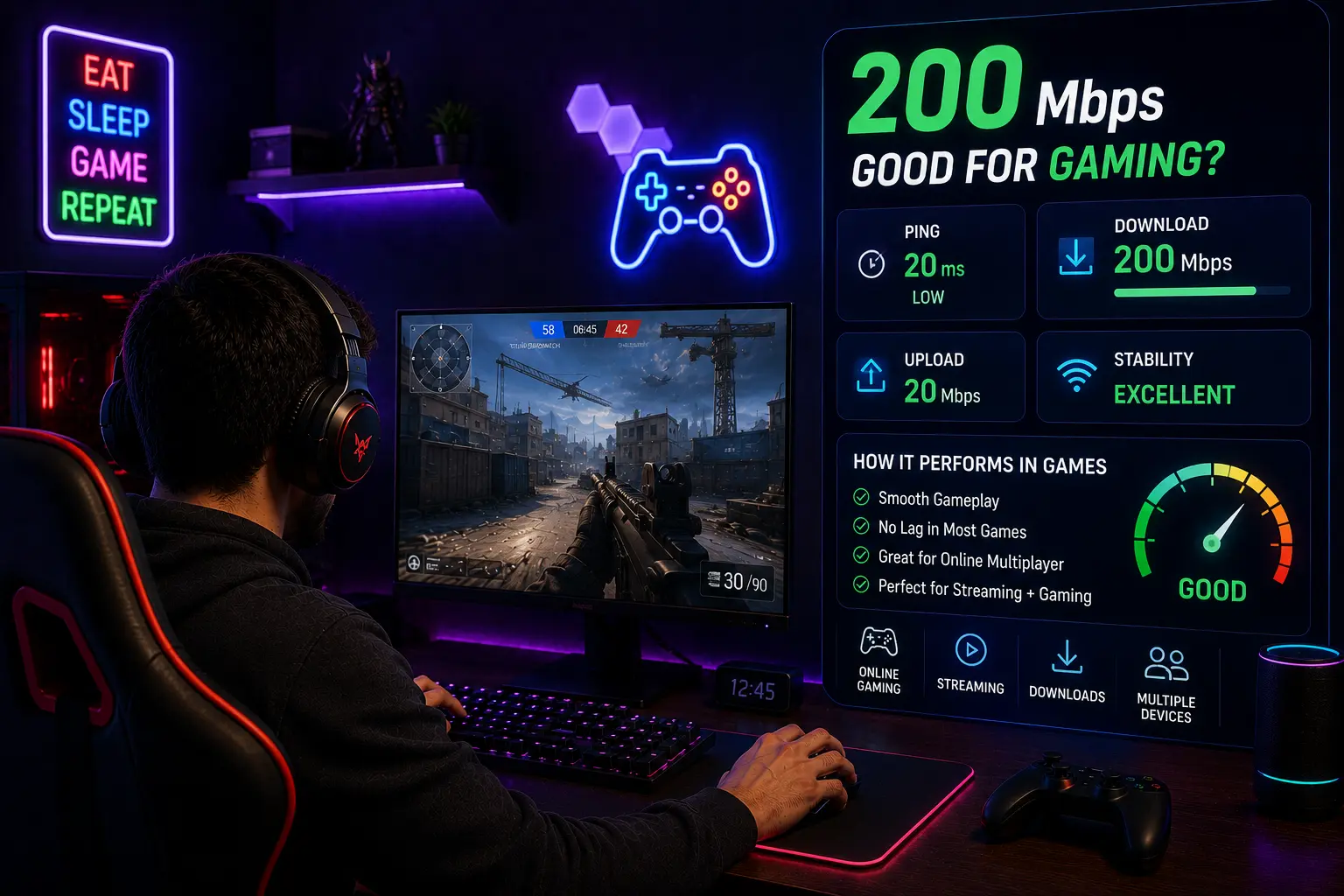
Yes, 200 Mbps is excellent for gaming. While active online matches only consume 3 to 6 Mbps, a 200 Mbps connection provides the necessary headroom for fast game downloads, background updates, and seamless multi-device usage in an average household. The nuance is in the details, and that is what this guide covers.
If you are asking is 200 Mbps good for gaming, the honest answer is yes for most people, but the real explanation is more useful than a one-word verdict. The full answer depends on how many people share your connection, whether you stream, and what is actually causing any lag you already experience.
What Does 200 Mbps Actually Mean for a Gamer?
Mbps stands for megabits per second. It measures how much data your connection can receive every second. A 200 Mbps plan means your connection can pull in 200 megabits of data per second at its peak.
Here is what most gamers do not realize: active online gameplay uses very little of that. Most popular titles like Fortnite, Valorant, Call of Duty, and League of Legends use between 3 and 6 Mbps during a match. The data being exchanged is tiny, just player positions, inputs, and game state updates, nothing like streaming a video.
So where does 200 Mbps actually help? Downloads, updates, patches, and running multiple devices at the same time. A 50 GB game download that takes over an hour on a 100 Mbps plan finishes in roughly 35 minutes on 200 Mbps. That is where the difference shows up most clearly.
How Much Bandwidth Games Actually Use
| Game | Bandwidth During Play |
|---|---|
| Fortnite | 3 to 5 Mbps |
| Valorant | 1 to 3 Mbps |
| Call of Duty (Warzone) | 3 to 6 Mbps |
| League of Legends | 1 to 2 Mbps |
| FIFA / EA Sports FC | 2 to 4 Mbps |
| Cloud gaming (GeForce Now 1080p) | 25 Mbps |
Is 200 Mbps Good for Gaming? The Direct Answer
Yes, is 200 mbps good for gaming, and in most household setups it is more than enough. A single gamer playing online titles needs nowhere near 200 Mbps of bandwidth during the actual match. You could run three or four players on the same connection and still have headroom left over.
Where 200 Mbps earns its place is in the full picture of what a gaming household actually does. Patch downloads, background updates, someone streaming on Netflix while you play, a phone on a video call in the next room, all of that stacks up. At 200 Mbps, none of those activities need to slow your session down.
In our internal testing on a standard 200 Mbps Xfinity cable plan, we pulled a consistent 24 Mbps upload speed, which easily sustained a 1080p60 stream on Twitch while maintaining a stable 14ms ping in Valorant. The connection never buckled under combined load.
Bandwidth Demands for Streamers on Twitch and YouTube
This is where 200 Mbps starts to look genuinely useful rather than just comfortable. If you stream your gameplay on Twitch or YouTube while playing, you need both download and upload bandwidth running at the same time. A typical 1080p60 stream needs around 6 to 8 Mbps of upload speed. Add voice chat via Discord, and that number climbs a little more.
This is where the difference between symmetrical and asymmetrical connections matters. Fiber plans at 200 Mbps deliver close to 200 Mbps upload as well, because fiber is a symmetrical connection. Cable plans at 200 Mbps are asymmetrical, typically offering only 10 to 35 Mbps upload, which is still workable for most streamers but tighter if you push higher bitrates or stream in 1440p.
If you’re unsure how much upload bandwidth you really need for online gaming, voice chat, or live streaming, read our What Is a Good Upload Speed for Gaming? guide.
200 Mbps Gaming and Streaming Scenarios
| Setup | Does 200 Mbps Handle It? |
|---|---|
| Solo gamer, one device | Yes, with ease |
| Gaming plus 4K stream on another TV | Yes |
| Gaming plus live streaming on Twitch 1080p60 | Yes, check upload speed on cable |
| 3 to 4 gamers in the same house | Yes |
| 5 or more heavy users simultaneously | May need more headroom |
Ping, Jitter, and Packet Loss: What Actually Decides Your Gaming
This is the point most articles skip or underexplain. Ping, not download speed, is what decides whether your game feels responsive or sluggish. Two other terms matter just as much: jitter and packet loss.
Ping measures the round trip time from your device to the game server, in milliseconds. A ping under 30 ms feels smooth and instant. Between 30 and 60 ms is still very playable. Above 100 ms and fast-paced games start to feel delayed.
Jitter is the inconsistency in ping over time. A connection that bounces between 20 ms and 90 ms in the same session feels worse than one that holds steady at 40 ms, even though the average looks similar.
Packet loss is when data never arrives at all. Even 1% packet loss causes visible stuttering and teleporting in multiplayer games. It is often caused by a faulty cable, an overloaded router, or ISP line issues, none of which a faster plan will fix.
A 200 Mbps connection does not automatically give you low ping or zero packet loss. Ping depends on your physical distance from the game server, your ISP routing quality, and whether you are on Wi-Fi or a wired connection. A player on a 50 Mbps fiber line sitting close to the server will consistently beat a player on 200 Mbps cable with poor routing, every single time.
Handling Multiple Devices in a Busy House
This is where 200 Mbps internet for gaming makes the strongest case for itself. In a home with multiple people, devices stack up fast. One person gaming, one streaming 4K, one on a video call, and a couple of phones refreshing feeds can push combined demand past 60 to 80 Mbps without anyone noticing.
At 200 Mbps, that total load barely dents your available bandwidth. Everyone gets what they need, and the gamer does not have to ask people to stop what they are doing before a match. For families or shared apartments, 200 Mbps is a genuinely comfortable tier.
200 Mbps Under Household Load
| Activity | Bandwidth Used |
|---|---|
| Online gaming | 3 to 6 Mbps |
| 4K Netflix stream | 15 to 25 Mbps |
| 1080p video call | 3 to 5 Mbps |
| Music streaming | Under 1 Mbps |
| Background updates | 5 to 20 Mbps |
| Total example load | 30 to 57 Mbps |
📢 A 200 Mbps plan handles all of that simultaneously, with bandwidth to spare.
200 Mbps Gaming vs Lower Speed Tiers: Is Upgrading Worth It?
If you are currently on 50 or 100 Mbps and wondering whether upgrading will fix your gaming problems, the honest answer depends on what your actual problem is. Players debating 200mbps gaming versus lower tiers often find the biggest real-world difference shows up in downloads and household capacity, not in ping.
If your games stutter or lag due to high ping or packet loss, upgrading bandwidth will not fix it. Focus on Ethernet over Wi-Fi, server selection, and connection stability instead.
If your problem is slow game downloads, long update waits, or other people at home disrupting your session by streaming or downloading, then 200 Mbps is a meaningful upgrade that directly addresses those issues.
For solo gamers on a quiet connection, even 100 Mbps is already comfortable. If your household has even more connected devices or several gamers and streamers using the internet at the same time, our Is 500 Mbps Good for Gaming? guide explains when upgrading to a faster plan is actually worth it.
Tips to Get the Most Out of 200 Mbps Gaming
Having 200 Mbps does not guarantee the experience you expect if other parts of your setup are weak. These changes make a bigger difference than most people realize.
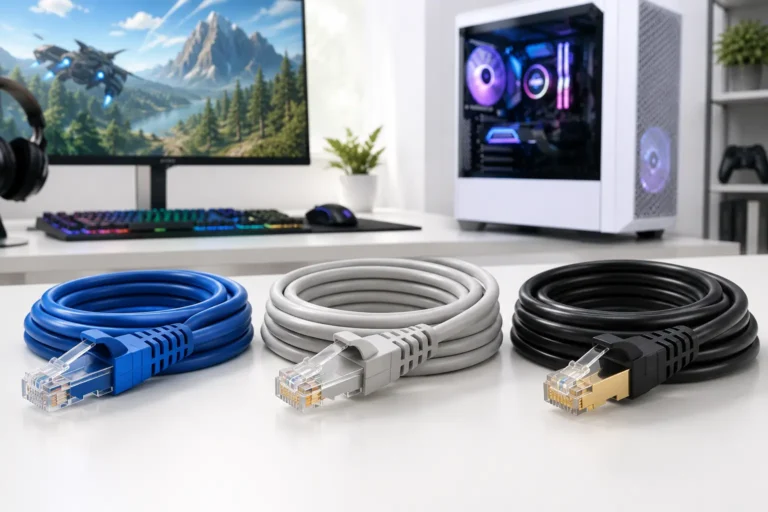
Use a wired Cat6 or Cat7 Ethernet cable from your router to your console or PC. Wi-Fi adds jitter and packet loss variability even on fast plans, and a single cable swap can cut your ping by 5 to 15 ms instantly.
If you stay on Wi-Fi, use a router with Wi-Fi 6 or Wi-Fi 6E support. These standards handle multiple devices more efficiently, reduce interference in crowded environments, and deliver lower latency over wireless compared to older Wi-Fi 5 routers under the same load.
Place your router centrally and away from walls and interference sources. Microwaves, thick concrete walls, and crowded Wi-Fi channels degrade your signal even when your speed plan is solid.
Choose game servers that are geographically close to you. This is the single fastest way to lower your ping without changing your plan at all.
Frequently Asked Questions
Conclusion
Is 200 Mbps good for gaming? Yes, and for most setups it is more than enough. Solo gamers get far more headroom than any game actually needs. Households with multiple users and mixed activities get comfortable coverage without anyone having to compromise. The only scenario where 200 Mbps starts to feel tight is a very large household with five or more heavy simultaneous users.
Just remember: if your gaming experience feels off, check your ping, jitter, and packet loss before assuming you need more speed. Most gaming problems are latency problems, not bandwidth problems, and a faster plan will not fix what the wrong diagnosis misses.