Is 500 Mbps Good for Gaming? (Honest Answer + Speed Guide)
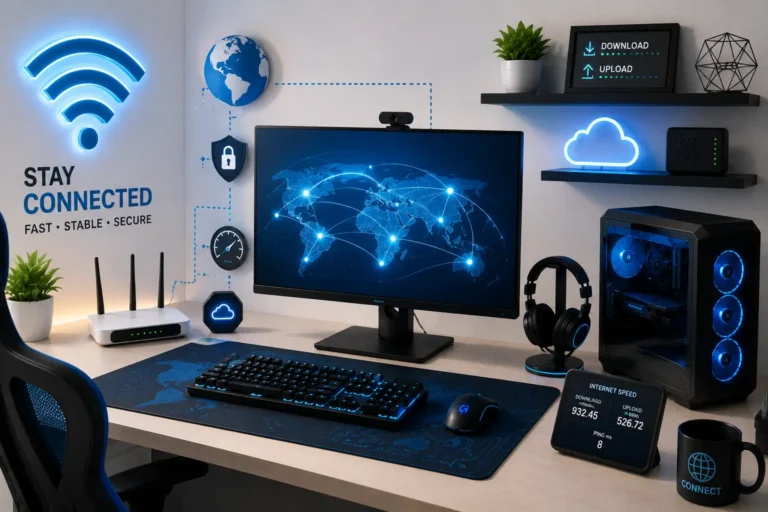
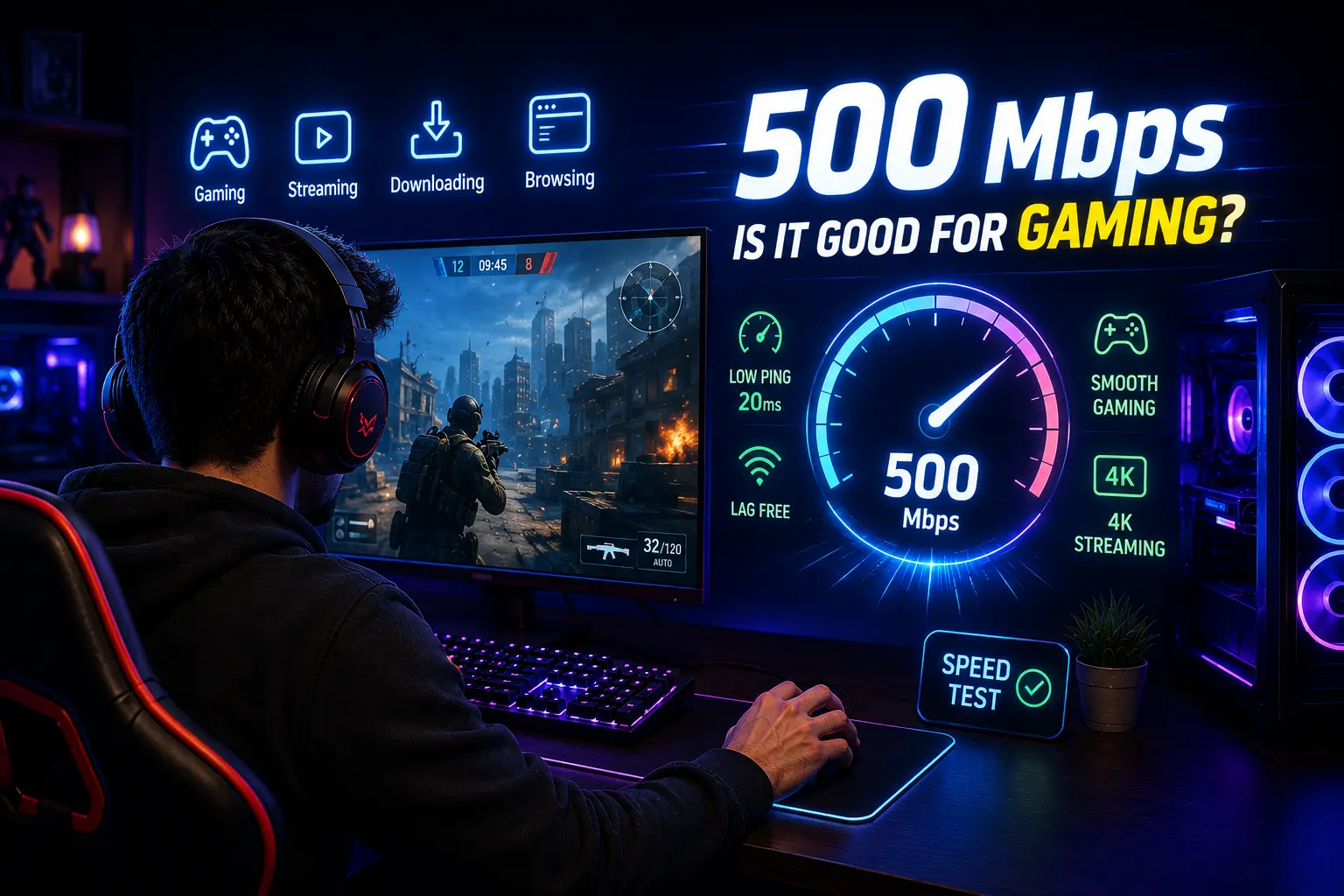
Is 500 Mbps good for gaming? Yes, 500 Mbps is good for gaming. It gives you far more bandwidth than any single game needs, and it comfortably supports several devices streaming, downloading, and gaming at once.
The real factor that decides whether your matches feel smooth is not your download speed, it’s your ping and connection stability.
Most people ask this question after a plan upgrade, or right before one. Usually a game feels laggy and they assume more speed is the fix. In reality, gameplay itself uses a tiny fraction of what 500 Mbps offers.
The bigger question isn’t whether 500 Mbps is enough. It’s whether your setup is actually letting you use it properly.
This guide covers how much speed games really use, and the difference between bandwidth and ping. It also covers how 500 Mbps performs across PC, console, and cloud gaming, which connection type matters most, and what to fix if your games still lag despite a fast plan.
Is 500 Mbps Good for Gaming?
Mbps stands for megabits per second. It measures how much data your connection can pull down or push out every second, not how fast that data travels.
Most online games only need 3 to 6 Mbps to run smoothly during actual gameplay. That number covers the constant back-and-forth of player positions, actions, and game state between your device and the game server.
A 500 Mbps plan gives you roughly 80 to 150 times more bandwidth than a single game session actually uses.
That gap is why speed test numbers can be misleading. A high number on a speed test doesn’t tell you how your game will feel once you’re in a match. It tells you how much data your connection can move, not how responsive that connection is.
What Speed Does Gaming Actually Need?
Your 500mbps gaming speed is far more than any single title requires, bandwidth needs change only slightly depending on what you’re playing and how competitive the match is.
Here’s a realistic breakdown:
| 🎮 Game Type | 📶 Typical Bandwidth Use | 📝 Notes |
|---|---|---|
| Competitive FPS (Valorant, CS2, Apex) | 3–6 Mbps | Sensitive to ping more than bandwidth. |
| Battle Royale (Fortnite, PUBG) | 4–8 Mbps | More players sending data means slightly higher use. |
| MOBA (League of Legends, Dota 2) | 1–3 Mbps | Very light bandwidth, but ping-sensitive. |
| MMO (WoW, FFXIV) | 3–5 Mbps | Steady, low usage even in busy zones. |
| Single-player with online features | 1–3 Mbps | Mostly used for save syncing and updates. |
| Cloud Gaming (GeForce Now, Xbox Cloud) | 15–35 Mbps | Video streaming replaces local rendering, so steady bandwidth is important. |
| Game Downloads and Updates | Uses full available bandwidth | Where a 500 Mbps connection actually shows its value. |
Across every genre, the pattern holds. Gameplay itself barely touches your total bandwidth.
The heavy lifting happens during downloads, updates, and background tasks, not during a match.
Why 500 Mbps Feels Like Overkill for One Gamer
If you live alone, or you’re the only one using the internet while gaming, 500 Mbps is well past what you need for gameplay itself.
Here’s where that bandwidth actually gets used:
- Downloading or updating a modern game (50 to 150 GB) in minutes instead of hours
- Streaming your own gameplay in 1080p or 4K without eating into your gaming bandwidth
- Running cloud gaming services like Xbox Cloud Gaming or GeForce Now, which lean more on stable speed than raw bandwidth
- Multiple people on the same network gaming, streaming video, and video calling at once
If none of that applies to your household, a 300 Mbps or even 200 Mbps plan would handle your gaming just as well. You’d pay less each month.
When 500 Mbps Actually Makes a Difference
500 Mbps earns its value once more than one person or device is competing for bandwidth.
A few real scenarios:
Shared households. If someone else is streaming Netflix in 4K, downloading files, or in a video call while you’re gaming, 500 Mbps keeps your connection from getting squeezed. Lower-tier plans can start to choke under that kind of simultaneous load.
Large game downloads and updates. Big titles now ship 100+ GB updates. At 500 Mbps, a download that takes an hour on a 100 Mbps connection can finish in a fraction of the time.
Streaming while gaming. Content creators who game and stream at the same time need extra overhead. 500 Mbps gives enough headroom that your upload for streaming doesn’t compete with your gaming traffic.
Multiple gaming devices at once. A household running a PC, a console, and a phone playing mobile games simultaneously benefits from the extra capacity. This matters most during peak evening hours when neighborhood traffic is high.
When 500 Mbps Actually Makes a Difference
PC gaming. A wired PC connection makes the best use of 500 Mbps. You get fast downloads for large game libraries and quick patch installs.
There’s also enough headroom to run Discord, a browser, and a game at once without slowdown.
Console gaming. PS5 and Xbox Series X/S both perform identically on 500 Mbps compared to lower speeds during actual play, since console games use the same small bandwidth footprint as PC games.
Where 500 Mbps helps is background downloads, since consoles often update while you sleep or play something else.
Cloud gaming. This is the one category where higher bandwidth genuinely changes the experience. Services like GeForce Now, Xbox Cloud Gaming, and PS Remote Play stream a live video feed, so they need a steady 15 to 35 Mbps depending on resolution.
A 500 Mbps connection makes it easy to run cloud gaming on one device while someone else streams or games locally.
Which Matters More: Bandwidth, Ping, Jitter, or Packet Loss?
| 📊 Factor | 📖 What It Means | 🎮 Gaming Impact | ✅ Good Range |
|---|---|---|---|
| Bandwidth | How much data your connection can handle | Low impact once you have enough | 25+ Mbps |
| Ping | Time for data to travel to the game server and back | Very high | Under 50 ms |
| Jitter | Variation in ping over time | High | As low as possible |
| Packet Loss | Data that fails to reach the server | Very high | 0% preferred |
Best takeaway: For gaming, low ping, stable jitter, and zero packet loss matter more than having extremely high bandwidth.
Does Connection Type Change How 500 Mbps Performs?
Not every 500 Mbps plan behaves the same way. The underlying technology affects latency and stability.
Fiber. Generally the best option for gaming at any speed. Fiber offers low, consistent latency and often comes with symmetrical upload and download speeds.
Cable. Common for 500 Mbps plans and usually solid for gaming, though upload speeds are often much lower than download speeds. Cable can also see more congestion during peak hours since bandwidth is shared with neighbors on the same line.
DSL. Rarely offers 500 Mbps in the first place. Where it does, latency tends to be higher and less consistent than fiber or cable.
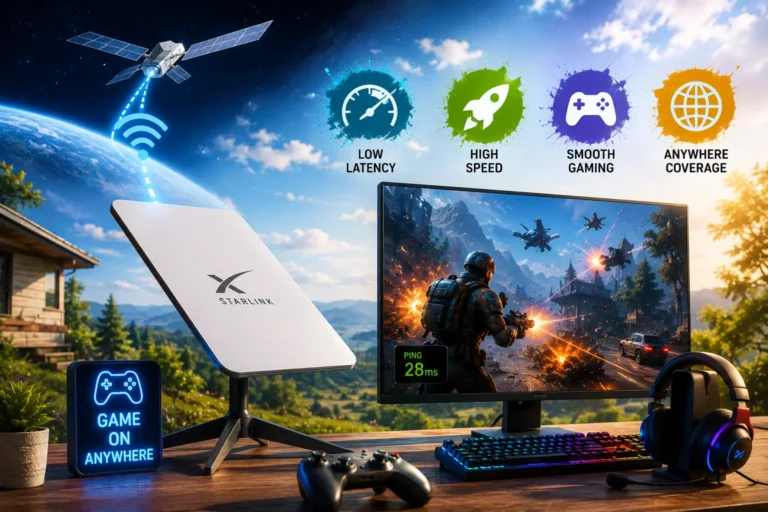
Fixed wireless and satellite. Even at advertised speeds of 500 Mbps, these connections usually carry higher and less predictable ping. Satellite in particular struggles with competitive gaming due to the physical distance signals travel.
If you’re choosing between providers at the same 500 Mbps price point, fiber is the better pick for gaming specifically. This holds even if cable looks identical on paper.
Why Is Your Game Lagging Even With 500 Mbps?
A fast internet plan does not always mean a smooth gaming connection. You can have 500 Mbps download speed and still experience stuttering, high ping, or timeouts.
The problem is usually one of these:
1. Your Router Is the Bottleneck
Older routers may only support 100 or 300 Mbps, even if your ISP provides 500 Mbps. If you recently upgraded your plan, check whether your router can handle the new speed.
2. You’re Using Wi-Fi Instead of Ethernet
Wi-Fi performance can drop because of distance, walls, and wireless interference. A device far from the router may have a much less stable connection than one connected directly through Ethernet.
3. Another Device Is Using Your Upload
Video calls, cloud backups, and live streams can consume upload bandwidth. Heavy upload activity can increase latency and make games feel laggy.
4. Bufferbloat Is Causing Ping Spikes
Bufferbloat is one of the most common hidden causes of lag on fast connections. When your network is handling a large download or upload, the router may build up a queue of data. This can suddenly increase your ping even though your internet speed remains high.
A router with SQM (Smart Queue Management) or properly configured QoS can prioritize gaming traffic and keep latency more stable while the network is busy.
5. The Game Server Is Having Problems
Not every lag problem comes from your connection. Server-side issues can cause high ping, disconnects, or stuttering for multiple players at the same time.
6. Your VPN Is Adding Extra Distance
A VPN can route your traffic through an additional server before it reaches the game server. Depending on the route, this can add several milliseconds or even 50+ ms of latency.
📢 Quick Takeaways 500 Mbps does not guarantee low ping. If your speed is high but your game still lags, check your router, Wi-Fi connection, network usage, bufferbloat, VPN, and game server before upgrading your internet plan again.
Is Wi-Fi or Ethernet Better for a 500 Mbps Plan?
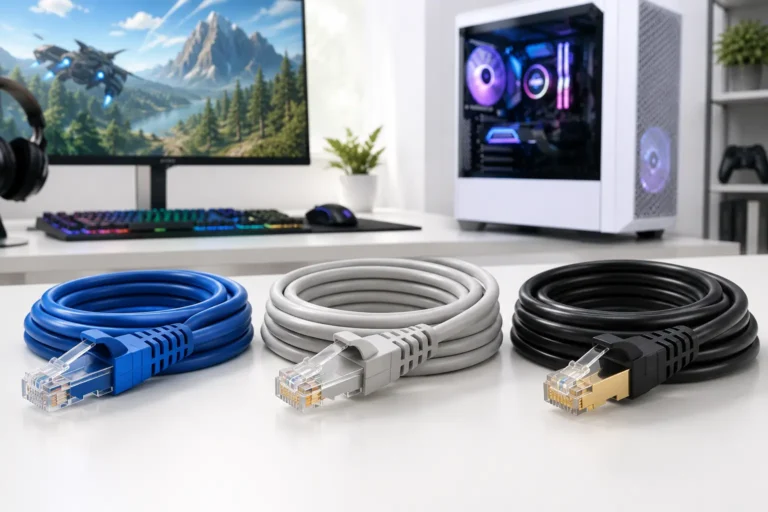
A wired ethernet connection will always outperform WiFi for gaming, even on the same 500 Mbps plan. Ethernet delivers a direct, stable path with minimal latency added.
WiFi, even a strong signal, adds latency and is more prone to interference from other networks and thick walls.
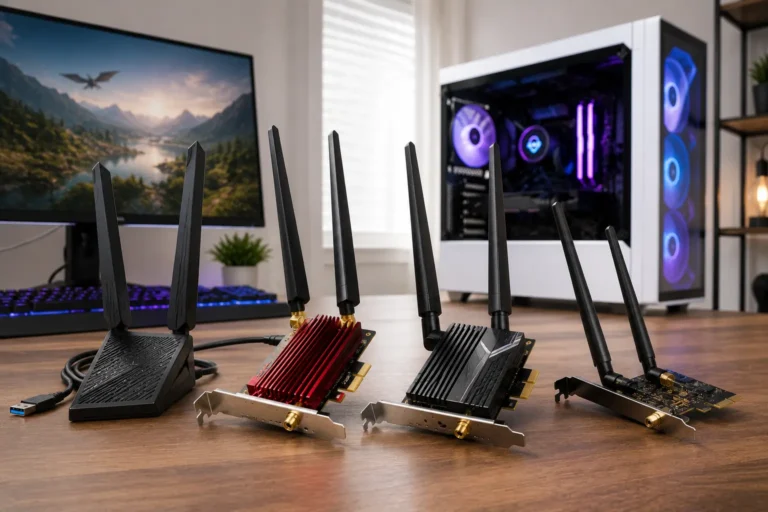
If ethernet isn’t possible, WiFi 6 or WiFi 6E routers handle multiple devices and reduce latency far better than older WiFi 5 hardware. A powerline adapter, which sends data through your home’s electrical wiring, is a reasonable middle ground when running a cable isn’t practical.
Is 500 Mbps Worth the Extra Cost Over a Cheaper Plan?
This depends entirely on how the connection gets used, not on gaming alone.
Worth it if:
- Multiple people share the connection for gaming, streaming, and work at the same time
- You download large games and updates often and don’t want to wait
- You stream your gameplay or run cloud gaming alongside other activity
- Your household runs a large number of connected devices
Not worth it if:
- You’re the only person using the internet
- You mostly play single-player or light multiplayer games
- You rarely download large files or stream in high resolution
- A 100 to 200 Mbps plan already handles your usage without slowdown
Paying for 500 Mbps purely to fix gaming lag is usually the wrong move. If lag is the actual problem, a cheaper plan combined with a wired connection and a decent router will solve it for less money.
Does Upload Speed Matter for Gaming?
Gameplay itself sends very little data upstream, usually under 1 Mbps even in fast-paced multiplayer games. A large upload speed doesn’t make your character move faster or your shots register quicker.
Where upload speed actually helps is everything happening alongside your game. Streaming your gameplay in 1080p can use 5 to 10 Mbps of upload on its own.
Video calls, cloud saves, and file syncing all draw from the same upload pool.
A 500 Mbps plan with strong upload capacity, common on fiber connections, means those background tasks won’t compete with your game traffic. On connections with weak upload speed, heavy background uploads can cause your ping to spike even when download speed looks fine.
If you only game without streaming, upload speed won’t make a noticeable difference.
How to Properly Test Your Connection for Gaming
A standard speed test only tells part of the story.
To actually understand how your connection performs for gaming, check these together:
- Run a speed test (like Speedtest.net) to confirm your download and upload numbers match your plan.
- Check your ping to a server close to your region. Most speed test tools display this alongside your speed results.
- Look at jitter, usually shown as a smaller number next to ping on detailed speed tests. Anything under 5 ms is solid.
- Watch for packet loss using a tool like PingPlotter or your router’s built-in diagnostics, especially if games feel randomly stuttery.
- Test on the actual device you game on, wired if possible, since a phone speed test doesn’t reflect what your console or gaming PC experiences.
If speed looks fine but ping, jitter, or packet loss look poor, the problem sits somewhere between your router and the game server. It’s not in your plan’s bandwidth.
What Actually Improves Gaming at 500 Mbps?
If you already have 500 Mbps and still notice lag, the fix usually isn’t more speed.
It’s one of these:
- Use a wired ethernet connection instead of WiFi. WiFi introduces extra latency and is more prone to interference, even on a fast plan.
- Choose the closest game server region. Distance to the server has a direct effect on ping, no amount of bandwidth changes that.
- Reduce network congestion during peak hours. If your ping spikes in the evening, other devices or neighborhood traffic may be the cause.
- Check for packet loss, not just speed. A speed test can look fine while packet loss is still causing stutter and rubber-banding in game.
- Restart your router and modem regularly. Older firmware or an overloaded router can cap your real-world performance well below what you’re paying for.
- Update your router if it’s several years old. Aging hardware often can’t handle the full bandwidth of a modern plan.
Pros and Cons of 500 Mbps for Gaming
| ✅ Pros | ❌ Cons |
|---|---|
| Handles gaming, streaming, and large downloads at the same time without slowdown. | More bandwidth than a solo gamer actually needs for gameplay. |
| Downloads and updates finish in minutes instead of hours. | Costs more each month than a 100 to 300 Mbps plan that performs the same for gaming. |
| Supports several devices on one network during peak hours. | Does not fix lag caused by high ping, packet loss, or WiFi interference. |
| Gives streamers enough upload headroom to game and broadcast together. | Real-world speed can still fall short of 500 Mbps due to router limits or WiFi congestion. |
| Removes bandwidth as a possible excuse when troubleshooting lag. | Not worth paying for if you’re not sharing the connection or downloading large files often. |
500 Mbps vs Other Common Speeds for Gaming
Seeing your 500mbps gaming speed next to other common tiers makes the diminishing returns obvious.
| 📶 Speed | 🎮 Good for Gaming? | 📱 Devices Supported | 🏠 Best Fit |
|---|---|---|---|
| 25 to 50 Mbps | Yes, for solo gaming | 1 to 2 | Single player, one device online |
| 100 Mbps | Yes | 2 to 4 | Small household, light multitasking |
| 300 Mbps | Yes, with room to spare | 4 to 6 | Multiple devices, some streaming |
| 500 Mbps | Yes, more than enough | 6 to 10 | Shared households, streamers, heavy downloads |
| 1 Gbps | Yes, but rarely necessary | 10+ | Large households, multiple 4K streams and downloads at once |
Once you cross roughly 100 to 300 Mbps, extra speed mostly benefits downloads and multi-device households, not the game itself.
Frequently Asked Questions
Conclusion
This speed tier is good for gaming. It is actually very good. Downloads finish fast, updates run in the background, and multiple devices share the connection without anyone feeling it.
But if you are lagging despite your speed, look at your ping, not your Mbps. A fast connection with poor latency still produces a bad gaming experience. Fix the lag first. The speed is already there.