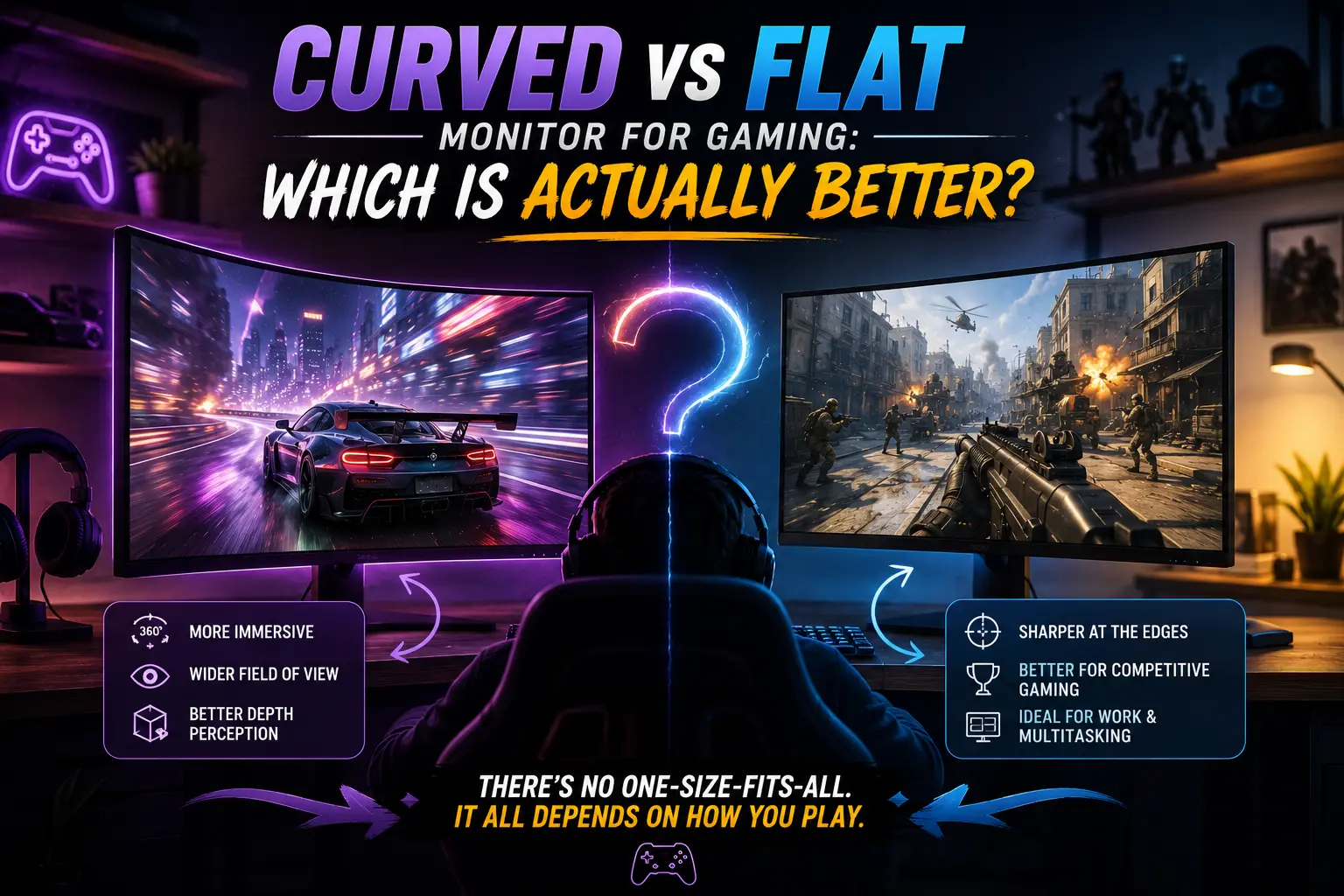
Curved vs Flat Monitor for Gaming: Which Is Actually Better?
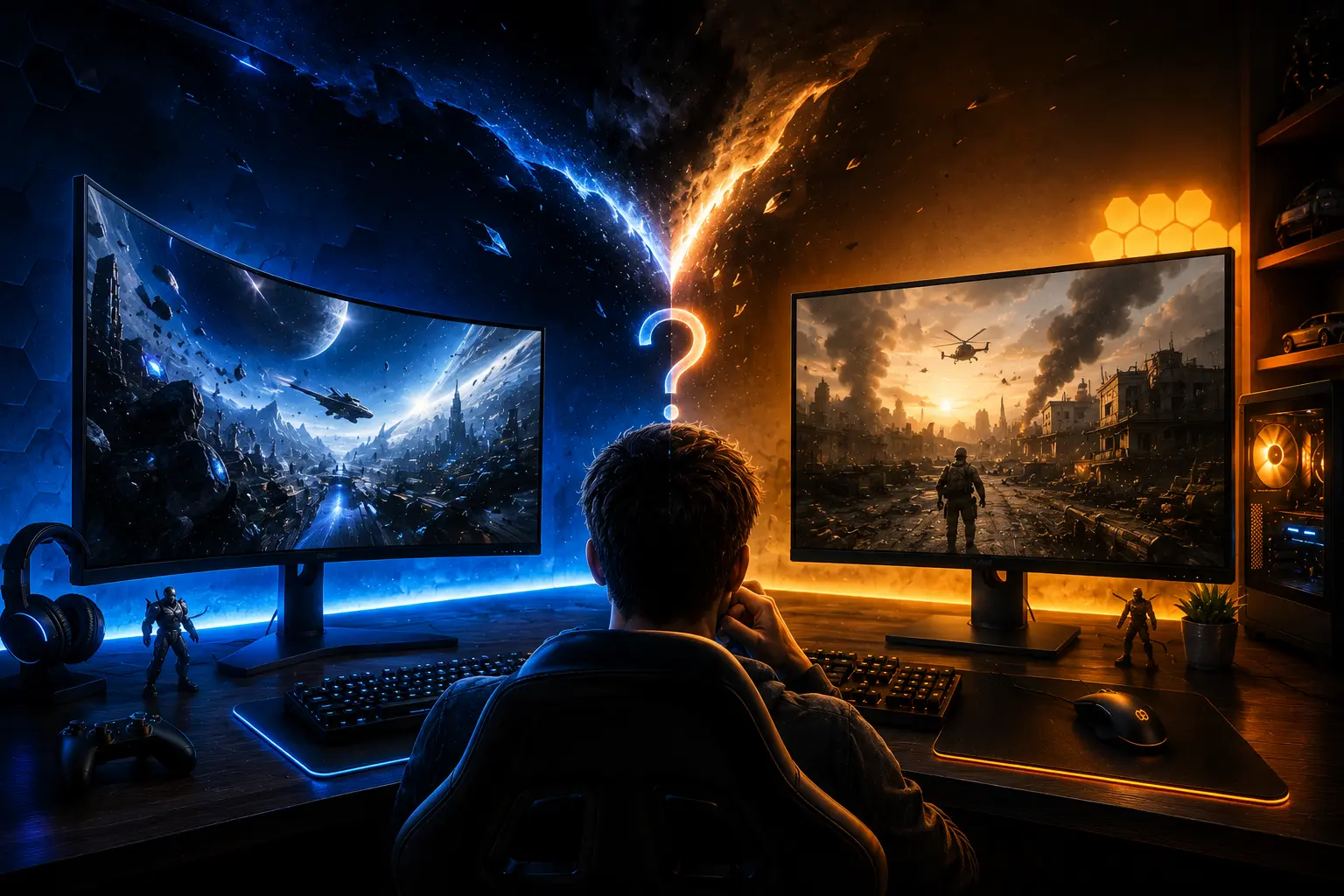
You have $400 to spend on a monitor. You open the product page and see two options sitting at the same price and the same specs. One is flat. One is curved. You stare at both for ten minutes and still have no idea which one to pick. That is the exact moment this article is built for.
The short version: the shape of your monitor does not just affect how things look. It affects how long you can play without your eyes hurting, how well you aim in a competitive shooter, and how absorbed you feel in an open world. Getting this wrong means paying for something that works against your specific style of play.
When it comes to curved vs flat monitor for gaming, the right answer depends on three things: what you play, how large your screen is, and how many hours you sit in front of it each day. This article tells you exactly which one wins in each scenario, with no filler and no hype.
Are Curved Monitors Better Than Flat Monitors for Gaming?
Before anything else, here is the straight answer. If you play competitive shooters like Valorant or Counter-Strike 2, buy flat. If you spend most of your time in open-world games, racing sims, or RPGs on a screen 27 inches or larger, a curved monitor deserves serious consideration.
Whether to choose a curved or flat monitor for gaming comes down to how you play and how large your screen is. Neither is universally better. They serve different players with different priorities. The rest of this article explains exactly why, so you can pick the right one for your setup.
What Is the Actual Difference Between Curved and Flat?
A flat monitor is the traditional display. What you see is what you get. A perfectly even surface from edge to edge.
A curved monitor bends the panel inward toward you. That bend is measured in R values, which represent the radius of a circle in millimeters. The lower the number, the more aggressive the curve.
| Curvature Rating | Curve Intensity | Best For |
|---|---|---|
| 1000R | Most aggressive | Ultrawide immersive setups |
| 1500R | Sweet spot | 27 to 32 inch gaming monitors |
| 1800R | Gentle curve | Casual and entry-level curved |
| 3800R | Very subtle | Wide ultrawide format only |
The goal of the curve is to place every point on the screen at roughly the same distance from your eyes. On a flat 32-inch display, the center of the screen sits 30 to 40cm closer to your eyes than the corners do. A curved panel corrects that gap.
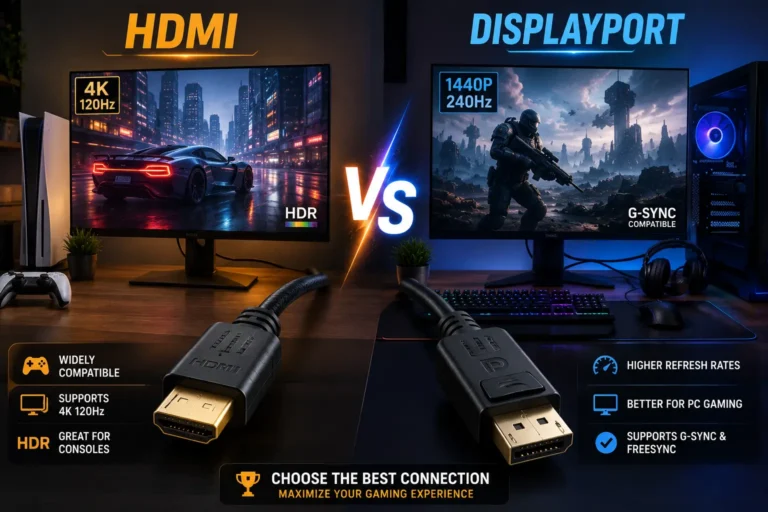
One thing the curvature does not affect: performance. Response time, refresh rate, and sync technology are all determined by the panel type inside, not the shape of the screen. Your cable choice matters here too read our guide on HDMI vs DisplayPort for gaming to get the best signal out of whichever monitor you pick. A curved monitor and a flat monitor with the same specs perform identically in terms of raw speed.
Where Curved Monitors Win
Immersion in Single-Player and Open-World Games
This is the strongest argument for going curved.
A curved display pulls the edges of the screen into your natural field of view. In open-world games, racing sims, flight simulators, and story-driven RPGs, this creates a genuinely enveloping experience. Games like Cyberpunk 2077, Elden Ring, Forza Horizon, and Microsoft Flight Simulator feel noticeably different on a large curved screen. The world wraps around you rather than sitting flat in front of you.
The effect is most pronounced at 32 inches and above, and it becomes transformative on ultrawide curved panels at 34 to 49 inches. Below 27 inches, the immersion benefit is marginal and most gamers will not notice a meaningful difference.
Eye Strain During Long Sessions
A flat 32-inch display forces your eyes to continuously adjust focus and convergence angle as they scan from the center to the corners. Over a two-hour session, this compounds into real, measurable fatigue.
A curved display reduces that variance by keeping the screen surface at a more consistent distance. Research published through Harvard Medical School found that participants using curved monitors reported significantly fewer symptoms of eye strain, difficulty focusing, and blurred vision compared to flat screen users during intensive tasks.
This benefit only kicks in at larger screen sizes. On a 24-inch monitor, your eyes can comfortably see the entire screen without much movement regardless of whether it is curved or flat.
Ultrawide Setups
If you are looking at a curved PC monitor for gaming in an ultrawide format, the case for curved becomes much stronger. A flat 34-inch or 49-inch ultrawide forces the edges so far into your peripheral vision that distortion and off-axis color shift become genuinely visible. The curve corrects for this by directing the edge pixels toward your eye instead of away from it.
Curved OLED ultrawides are the flagship of gaming monitor design in 2026. At 34 to 49 inches with 21:9 or 32:9 aspect ratios, they represent the current peak of immersive gaming display technology.
Where Flat Monitors Win
Competitive and Esports Gaming
Approximately 98% of professional esports players use flat monitors. This is not tradition. It reflects concrete competitive reasons.
Competitive shooters like Counter-Strike 2 and Valorant run on muscle memory. Players calibrate their aim to exact pixel positions. A curved screen places the center of the display physically closer to the eyes than the edges, introducing a subtle geometric shift. The perceptual difference measures under 2% in controlled experiments, which is below most detection thresholds, but competitive players eliminate that variable entirely.
A flat display offers an uncompromised, one-to-one representation of the game world, which is the foundation for consistent aim. Tournament PCs use flat monitors, so pros practice on the same setup they compete on.
For competitive FPS gaming, a flat 24 to 25-inch panel keeps the entire screen within central vision. No edge scanning. No head movement. Just fast, direct targeting.
Multi-Monitor Setups
This one is practical and clear. Flat monitors sit together cleanly at an angle. The seams line up. You get a continuous work surface across two or three displays.
Curved monitors create awkward gaps and outward-facing curves at the seams. The curves face away from each other rather than toward you, which breaks the visual flow and makes the gap between screens much more obvious. If a multi-monitor setup is part of your plan, flat is significantly more practical.
Color-Critical Work
If you use your gaming monitor for photo editing, video grading, or graphic design, flat panels offer more consistent color accuracy across the full screen surface. Curved panels can introduce subtle luminance variation at steep viewing angles, which can misrepresent colors when you are checking gradients or color accuracy near the edges.
IPS flat panels cover 95 to 100% of the DCI-P3 color space and dominate the color-accurate end of the monitor market. If your work demands geometric precision alongside your gaming, flat is the safer choice.
Budget
Flat monitors at equivalent specs almost always cost less than curved counterparts. If you are on a tight budget and deciding between a curved and flat monitor for gaming with the same panel type and refresh rate, the flat version will typically come in cheaper. That money can go toward a faster refresh rate, a better panel, or extra VRAM for your GPU.
Not sure which refresh rate is worth paying for? Our Best Refresh Rate for Gaming guide compares 60Hz, 120Hz, 144Hz, 240Hz, and higher options for different types of gamers.
How Do Curved and Flat Monitors Compare Side by Side?
| Category | Curve | Flat |
|---|---|---|
| Immersion | Excellent above 27 inches | Standard |
| Competitive gaming | Slight disadvantage | Preferred by pros |
| Eye strain | Reduced on large screens | Can fatigue at 32 inches and above |
| Multi-monitor use | Awkward at the seams | Clean and flexible |
| Ultrawide format | Highly recommended | More distortion at edges |
| Color accuracy | Slight edge variation | Consistent across screen |
| Price | Higher for same specs | More budget-friendly |
| Desk footprint | Slightly larger depth | More compact |
How Does Screen Size Affect the Benefits of a Curved Monitor?
Size is the deciding factor that most comparison guides skip too quickly.
On a 24-inch screen, curved provides almost no real benefit. Your natural field of view covers the entire display without much eye movement. The curve does nothing for immersion at that size and adds cost for no meaningful return.
At 27 inches, a 1500R or 1000R curve starts to provide a noticeable improvement in comfort during longer sessions. This is the sweet spot where curved begins to justify the price premium for players who game for multiple hours at a time.
At 32 inches and above, curved becomes the better choice for most gaming use cases. The flat alternative at this size genuinely requires more eye movement and refocusing, and the edge distortion on wide flat panels becomes visible.
At 34 to 49 inches in ultrawide format, curved is strongly recommended over flat. A flat ultrawide at these sizes produces noticeable edge distortion that the curve directly corrects.
| Screen Size | Recommendation |
|---|---|
| Under 27 inches | Flat. Curve adds no real benefit at this size. |
| 27 inches | Curved if you game 2+ hours daily |
| 32 inches | Curved for immersive, flat for competitive |
| 34+ inches ultrawide | Curved strongly recommended |
| 49 inches superwide | Curved is the only practical option |
Which Games Benefit Most From a Curved Monitor?
Not all games benefit equally. Genre matters.
Games where curved monitors add genuine value include open-world RPGs, racing simulations, flight simulators, horror games, and story-driven single-player titles. Elden Ring, Red Dead Redemption 2, Forza Horizon 5, Star Citizen, and Cyberpunk 2077 are prime examples. The wrap-around effect is most impactful in games built around atmosphere, distance, and depth.
Games where flat monitors are preferred include Counter-Strike 2, Valorant, Apex Legends, Overwatch 2, and other competitive shooters. Speed and geometric accuracy matter more than immersion in these titles. Most players in these games use 24 to 25-inch flat panels with the highest possible refresh rate.
What Matters More for Gaming: Panel Type or a Curved Monitor?
One thing buyers often miss: the panel inside the monitor matters more than whether the screen is curved or flat. TN panels are the fastest option for competitive gaming at true 1ms response times but offer poor colors and narrow viewing angles. They are almost exclusively flat.
IPS panels offer wide viewing angles, accurate color reproduction, and the highest refresh rates on the market, now reaching up to 390Hz for competitive play. They are available in both flat and curved form.
VA panels offer the highest contrast ratios, often above 3000:1, which makes dark scenes in immersive games look dramatically better. Most curved monitors in the 27 to 32 inch range use VA panels. This means buying curved for immersive gaming almost always means choosing VA contrast over IPS color accuracy.
OLED panels, available in both flat and curved configurations in 2026, deliver the best of all worlds: perfect blacks, sub-millisecond response times, and exceptional HDR performance. If budget is not a limit, a curved OLED ultrawide is the current peak of gaming display technology.
Should I Get a Curved Monitor for Gaming? Final Checklist
Go curved if you:
- Play open-world games, RPGs, racing sims, or flight simulators
- Game on a 27-inch screen or larger
- Game for two or more hours in a single session
- Want an ultrawide setup without managing multiple displays
- Prioritize immersion over competitive precision
Go flat if you:
- Play competitive FPS games like Valorant, CS2, or Apex
- Use a 24 to 25-inch screen
- Plan to run two or more monitors side by side
- Need color accuracy for creative work alongside gaming
- Are on a tight budget and want the best specs for the money
Frequently Asked Questions
Conclusion
Curved vs flat monitor for gaming is not a question with one answer. It is a question about how you play.
Curved monitors are better for gaming when you care about immersion, long sessions, and large screens. Flat monitors are better for gaming when you care about competitive precision, multi-monitor flexibility, and consistent color.
Pick the screen that matches your actual habits. That is the one that will feel right every time you sit down.