Best Surge Protector for Gaming PC in 2026 (Top 5 Picks)
The best surge protector for gaming PC in 2026 is the Belkin 12-Outlet Surge Protector. It delivers 3,940 joules of protection, a low 340V clamping voltage, and a $300,000 connected equipment guarantee, enough headroom for a full gaming setup with a PC, monitor, and peripherals.
A surge protector shields your gaming PC from voltage spikes caused by lightning strikes, power outages, or faulty home wiring. Without one, a single surge can fry your GPU, CPU, or motherboard in an instant.
Gaming PCs need this protection more than most devices. High-end graphics cards and CPUs alone can cost hundreds of dollars, and a single spike can wipe out that investment in a fraction of a second.
This guide is for anyone building or upgrading a gaming setup who wants real protection, not just a basic power strip. It covers the top 5 surge protectors for gaming PCs in 2026, what specs actually matter, and whether a UPS might serve you better than a surge protector alone.
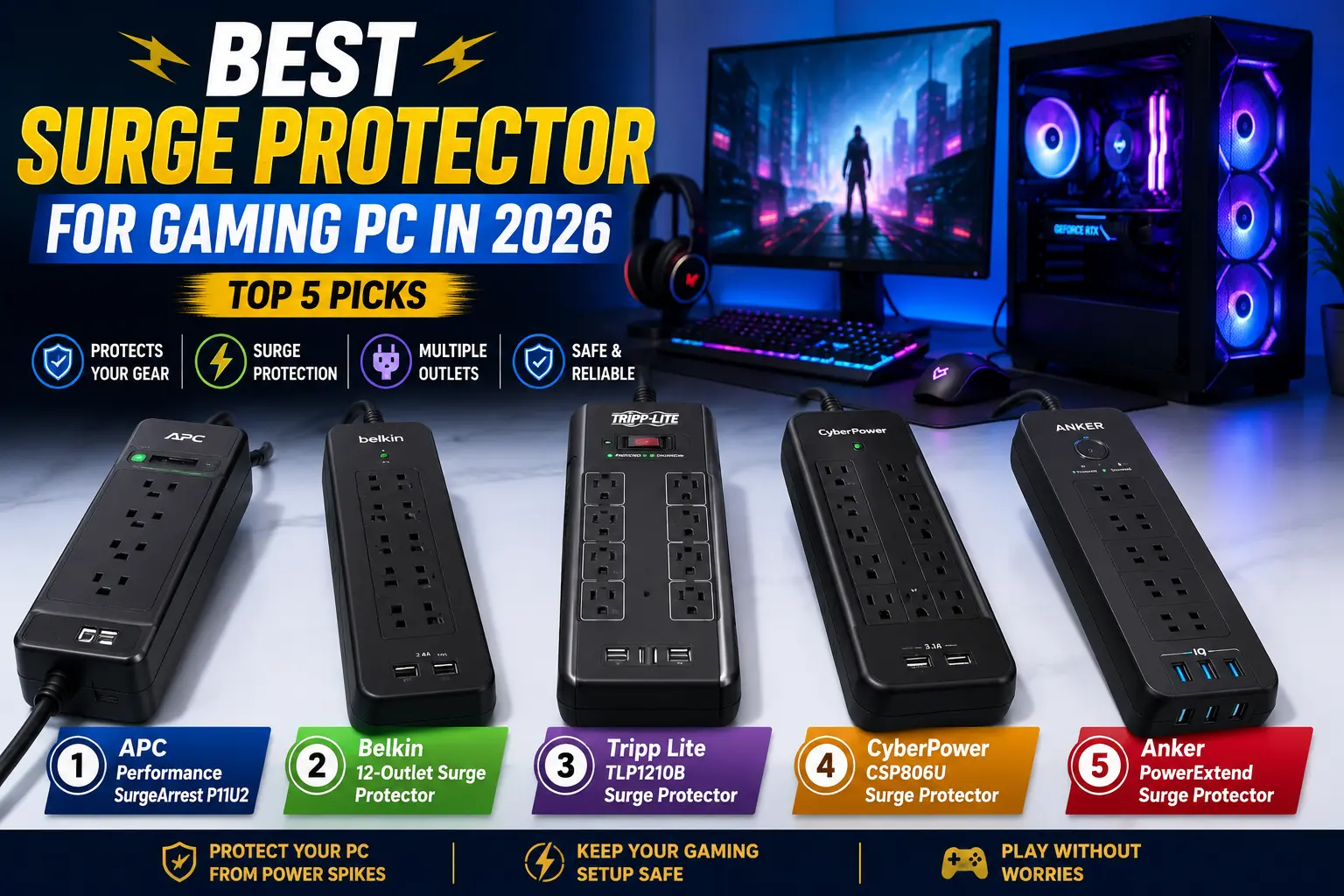
Best Surge Protector for Gaming PC at a Glance
| Pick | Joule Rating | Outlets | Clamping Voltage | USB | Best For |
| Belkin 12-Outlet | 3,940J | 12 | 340V | No | Best overall |
| Amazon Basics 6-Outlet | ~1,000J | 6 | 400V | No | Best budget |
| Superdanny 22-Outlet | 4,000J+ | 22 | 330V | Yes | Best high-outlet |
| ECHOGEAR ShockBlocker | 2,000J | 8 | 400V | No | Best compact |
| Anker 521 Power Strip | 1,200J | 6 | 400V | Yes (USB-C) | Best with USB-C |
What Are the 5 Best Surge Protectors for Gaming PCs?
1. Best Overall: Belkin 12-Outlet Surge Protector
This is the pick most gamers should buy. It offers 3,940 joules of surge suppression with a low 340V clamping voltage, meaning it reacts fast to spikes before they reach your components.
Specs: 12 AC outlets, 8-foot flat plug, UL-listed, $300,000 connected equipment guarantee.
Who it’s for: Anyone running a full setup, PC, monitor, speakers, and accessories, off one strip.
Pros:
- High joule rating covers even demanding gaming rigs
- Flat plug design fits behind desks and in tight spaces
- Strong connected equipment guarantee backs up the protection claim
Cons:
- No USB ports, so you’ll need separate chargers for phones and controllers
- Bulkier than compact strips, needs more desk or floor space
2. Best Budget: Amazon Basics 6-Outlet Surge Protector
If you want solid protection without spending much, this covers the basics. It won’t match premium joule ratings, but it’s reliable for a single PC and monitor setup.
Specs: 6 outlets, roughly 1,000 joules, standard clamping response.
Who it’s for: Budget builders or a secondary gaming station that doesn’t need maximum protection.
Pros:
- Low cost while still offering real surge protection
- Compact size fits smaller desks
Cons:
- Lower joule rating limits protection for high-end multi-device setups
- No USB charging ports
3. Best High-Outlet: Superdanny 22-Outlet Power Strip
Built for gamers with a crowded desk. Twenty-two grounded outlets plus USB ports cover a PC, multiple monitors, lighting, speakers, and every charger you own.
Specs: 22 outlets, 4,000+ joules, USB charging ports included.
Who it’s for: Full battlestation setups with RGB lighting, multiple monitors, and several peripherals.
Pros:
- Rarely run out of outlets, even with a large setup
- High joule rating matches the outlet count
Cons:
- Takes up significant desk or floor space
- Overkill for a simple single-monitor setup
4. Best Compact: ECHOGEAR ShockBlocker 8-Outlet
A slim design that still delivers solid protection. Good middle ground between the budget and high-outlet options above.
Specs: 8 outlets, 2,000 joules, slim housing.
Who it’s for: Gamers who want more than 6 outlets without the bulk of a 12 or 22-outlet strip.
Pros:
- Balances outlet count and protection level well
- Slim design fits in tighter spaces than bulkier strips
Cons:
- No USB ports
- Mid-range joule rating, not the highest available
5. Best with USB-C: Anker 521 Power Strip
If fast USB-C charging matters as much as surge protection, this is the pick. It powers up to six devices and includes USB-C output for quick charging controllers or phones.
Specs: 6 outlets, roughly 1,200 joules, built-in USB-C port.
Who it’s for: Gamers who want charging convenience alongside basic surge protection.
Pros:
- USB-C port means no separate charger needed for compatible devices
- Compact, versatile design from a reliable brand
Cons:
- Joule rating is lower than dedicated high-protection strips
- Fewer outlets than higher-capacity options
What to Look for in a Gaming PC Surge Protector
Joule Rating
This measures how much energy the surge protector can absorb before it fails. For a gaming PC, look for at least 2,000-3,000 joules. Higher-end setups with multiple monitors and peripherals benefit from 4,000 joules or more.
Even if you’re building a budget system, protecting your hardware is worth the investment. If you’re still planning your build, see our Gaming PC Under $500 guide for the best affordable gaming PCs to pair with reliable surge protection.
Clamping Voltage
This is the voltage level at which the protector kicks in. Lower clamping voltage means faster response to a spike. Look for 330-400V; anything higher reacts too slowly to protect sensitive components.
Outlet Count and Spacing
Gaming setups often include bulky adapters for headsets, GPUs, or docking stations. Widely spaced outlets matter as much as the total count, since a cramped strip can block adjacent plugs even with enough outlets on paper.
Certifications and Connected Equipment Warranty
Look for UL or ETL certification, which confirms the unit passed independent safety testing. A connected equipment warranty, some offering up to $300,000, backs up the manufacturer’s protection claims if a surge still causes damage.
Should You Buy a Surge Protector or a UPS?
This is the question most surge protector guides skip. A surge protector only guards against voltage spikes. It does nothing during a power outage or a brownout, both of which can also damage components or corrupt data mid-game.
A UPS (uninterruptible power supply) covers more ground. It includes surge protection, but also keeps your PC running briefly during an outage, giving you time to save your game and shut down safely. Many UPS units also include automatic voltage regulation, which smooths out both spikes and dips.
Not sure which UPS to buy? Check out our Best UPS for Gaming guide for the top battery backup options to protect your gaming PC from outages, brownouts, and voltage fluctuations.
Choose a surge protector if: you mainly want spike protection and outages are rare where you live.
Choose a UPS instead if: you experience frequent power outages, live in a storm-prone area, or want the added safety of a graceful shutdown during a blackout.
Budget-wise: a solid surge protector costs $20-50. A gaming-capable UPS typically starts around $100-150, since it needs enough capacity to handle your PC’s wattage.
Common Mistakes to Avoid
- Ignoring the joule rating entirely. A cheap strip with no real surge protection offers a false sense of security.
- Overloading outlets past the rated capacity. Check your setup’s total wattage before plugging everything into one strip.
- Assuming a surge protector replaces a UPS. It won’t keep your PC running during an outage.
- Skipping certification checks. An uncertified strip may not perform as advertised during an actual surge.
- Using a surge protector for years without replacement. Most units degrade after absorbing repeated smaller surges, even without a single major failure.
Frequently Asked Questions
Conclusion
For most gamers, the Belkin 12-Outlet Surge Protector offers the best balance of joule rating, outlet count, and warranty backing. If frequent outages are a bigger concern than spikes alone, put that budget toward a UPS instead, since it covers both problems at once.